Click through it yourself
Each tour is the real product, one step at a time. Click where the light is, or use the arrow keys.
For your congregation
What people see at your church's address.
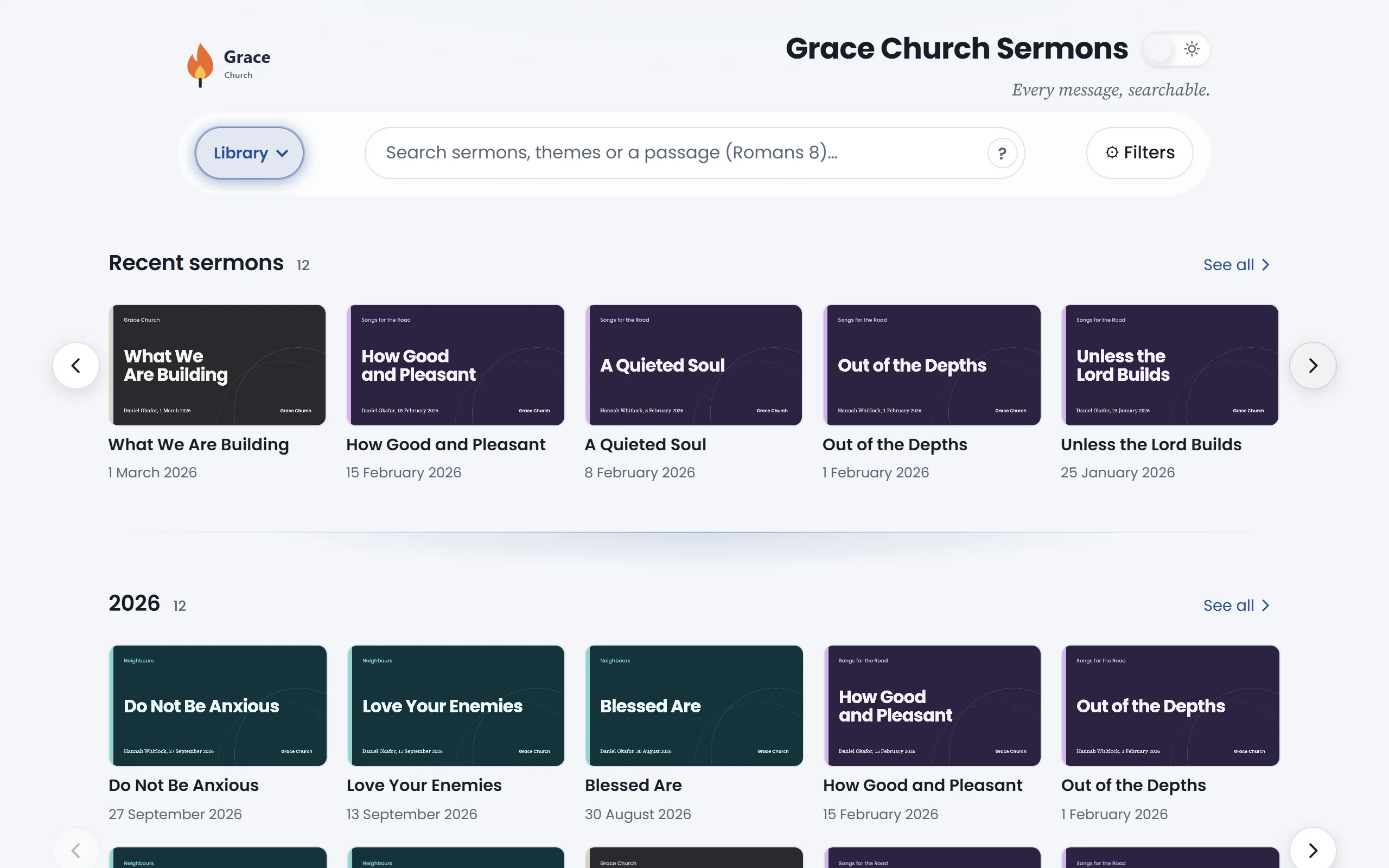
Browse the library
Rows of sermons by year, each opening to the lot, and every series a click away under Library.
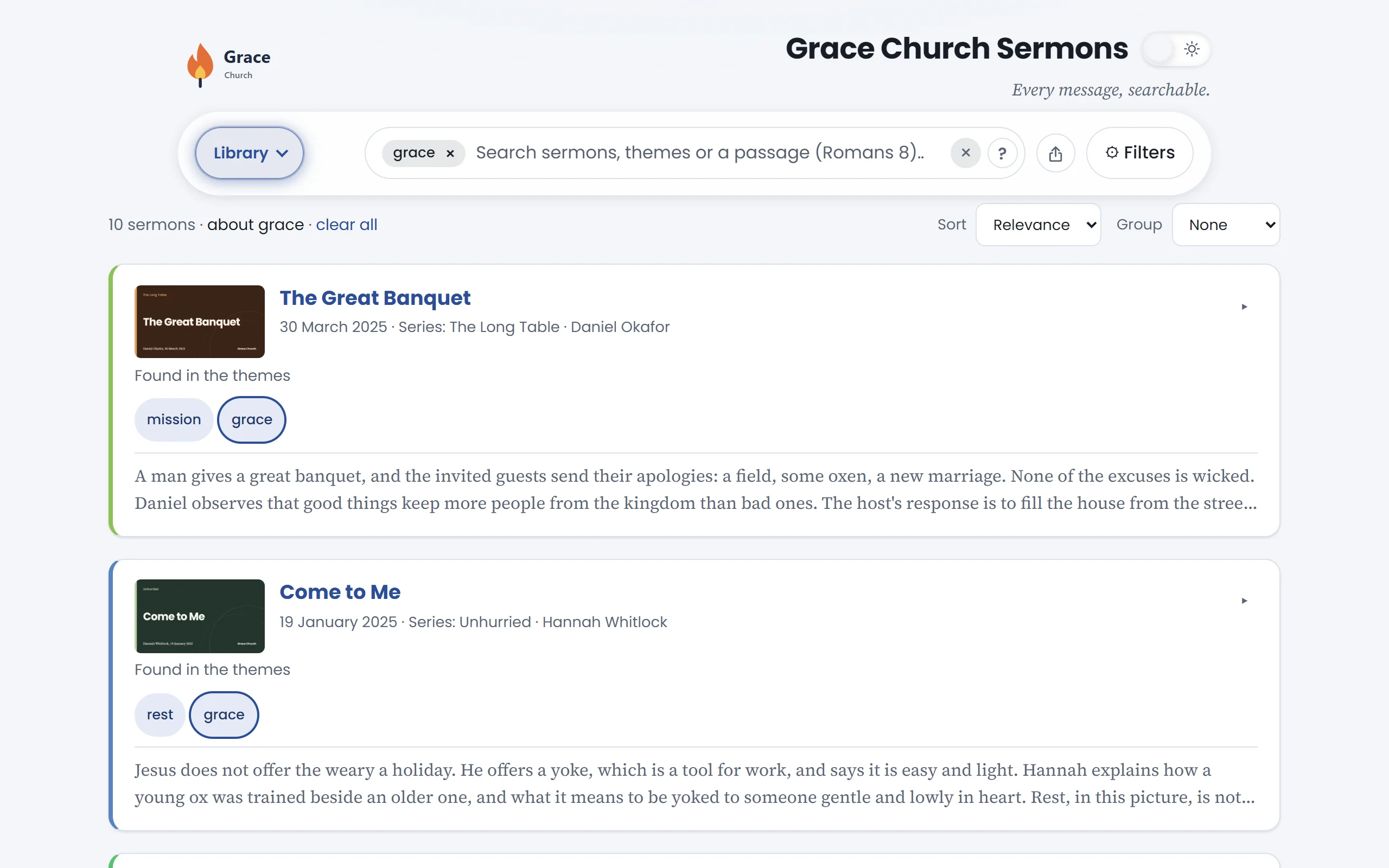
Find a sermon
Search every sermon by a word or a theme, open what you find, and share the search.
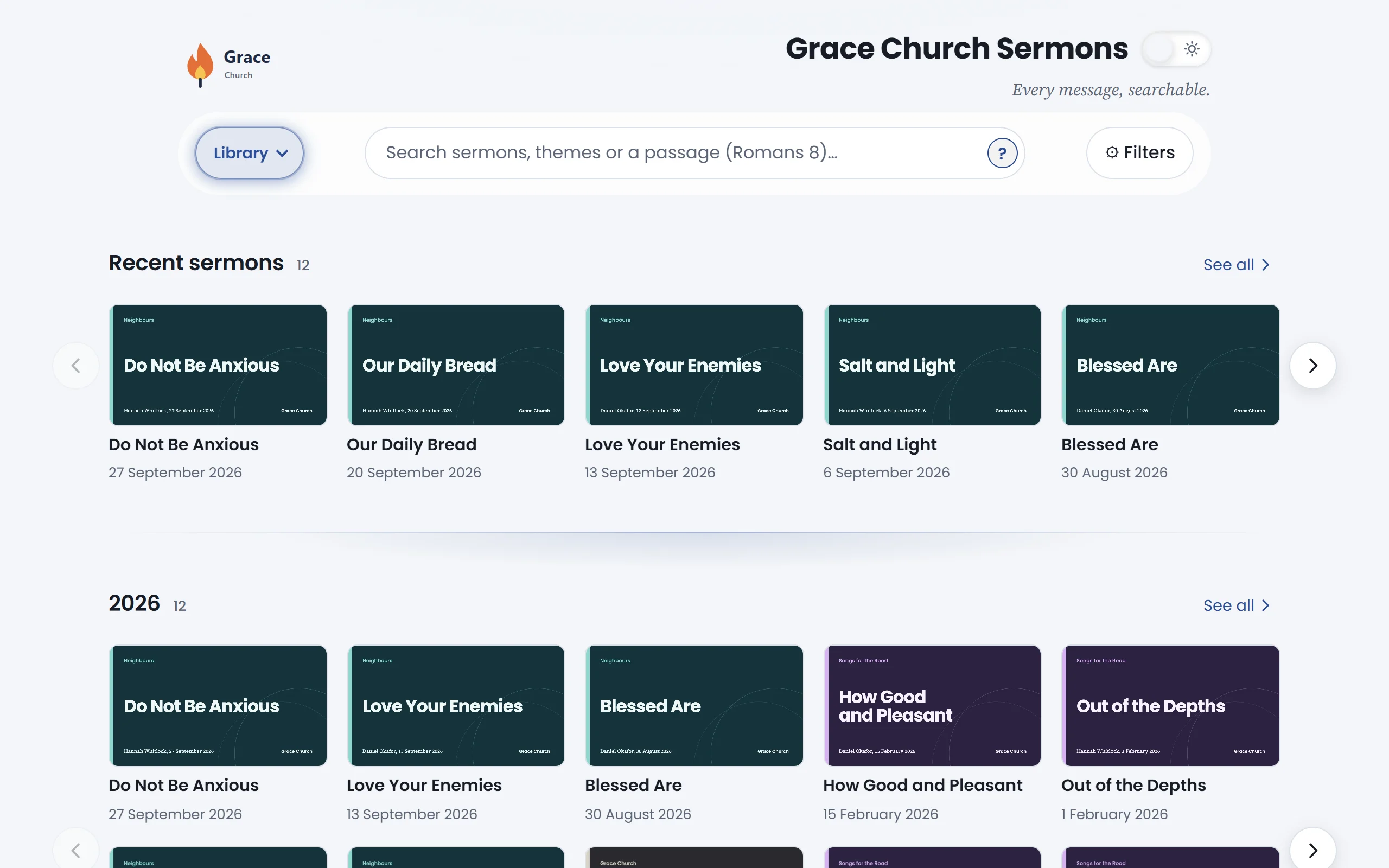
Every way to search
Passages, series, preachers, dates, exact words and what to leave out: every kind of search, typed into one box.
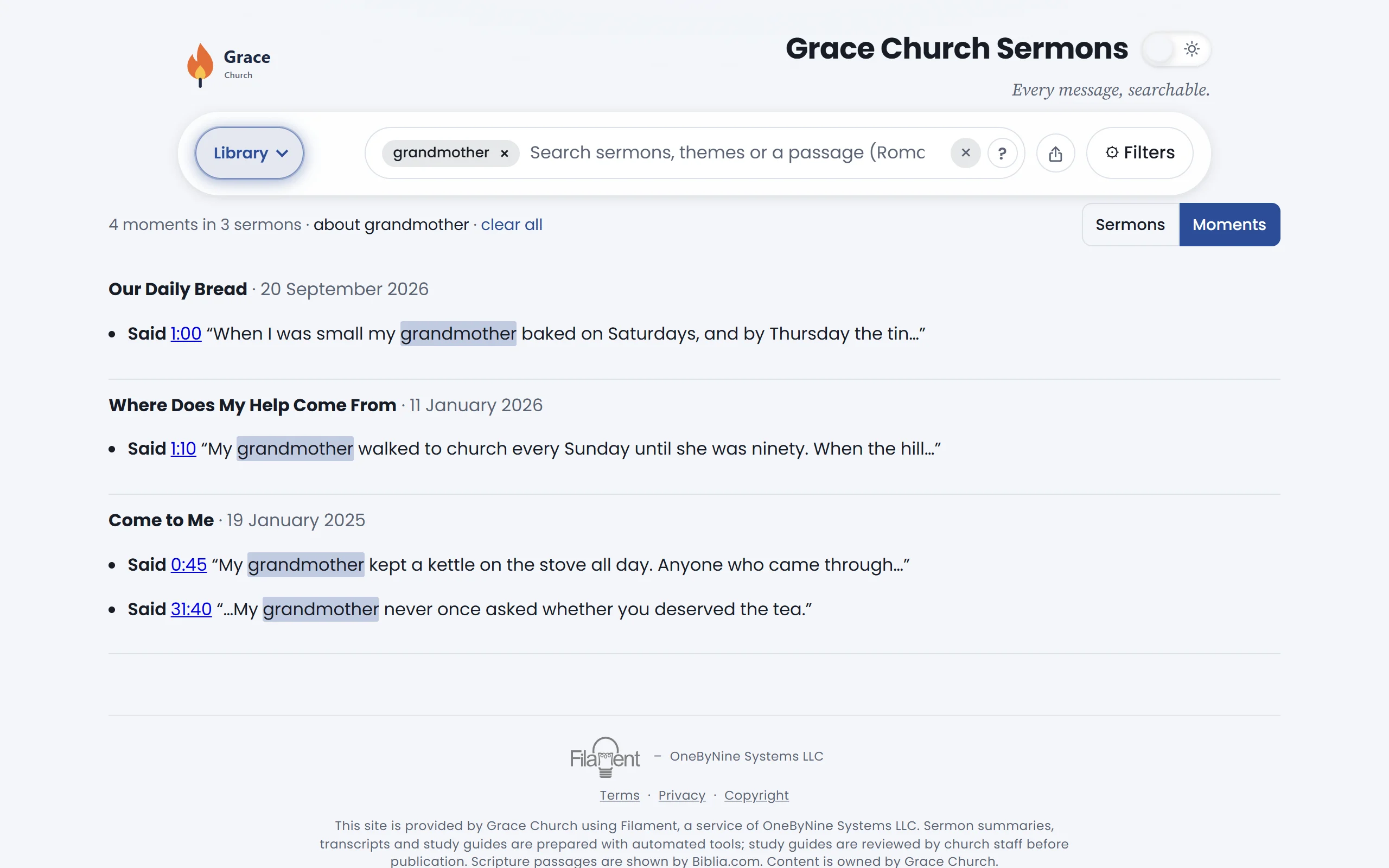
Search what was said
Find the moment a word was spoken in a sermon, not only in its summary, and play the video from there.
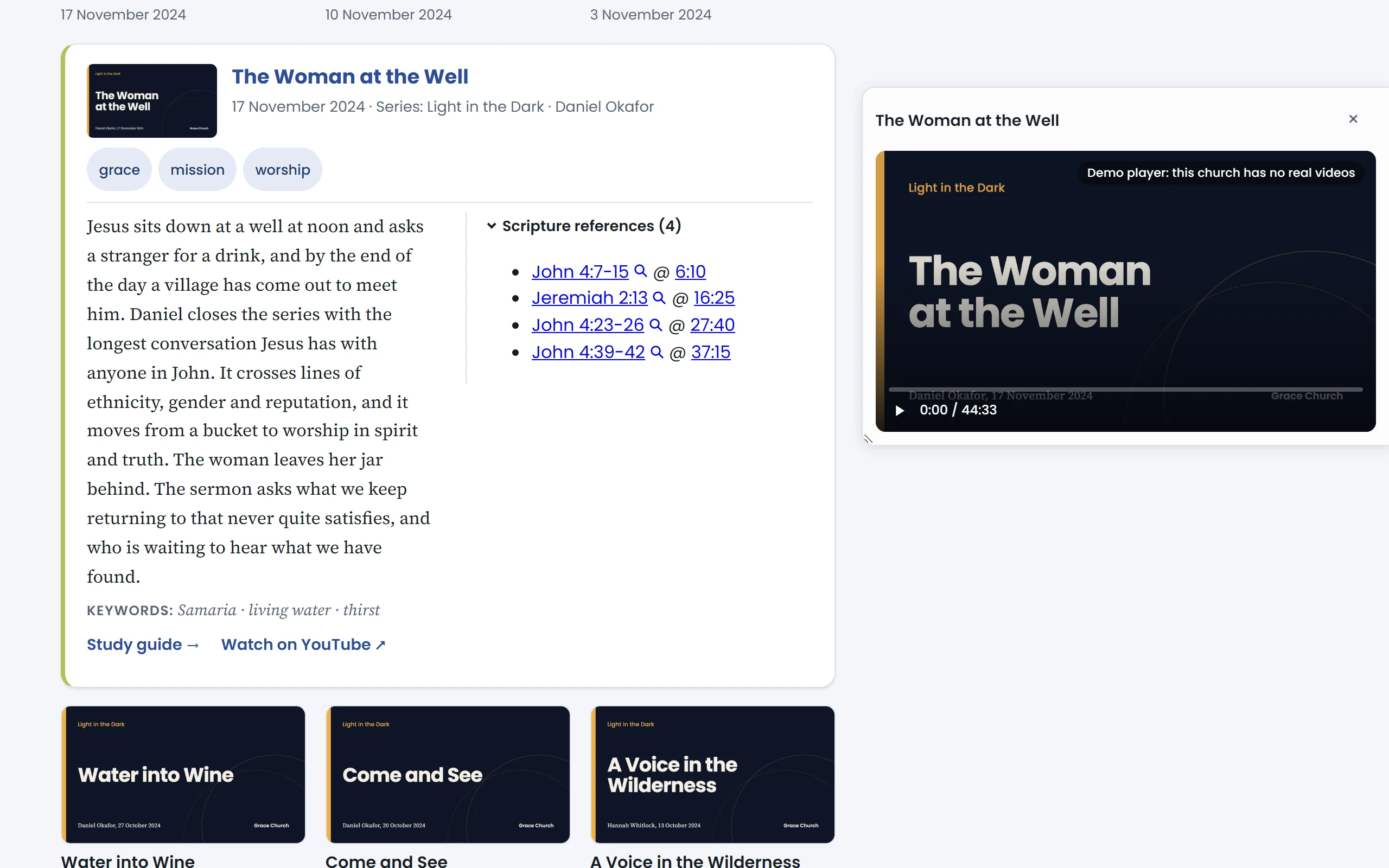
Jump to the moment
Choose a scripture reference and the video opens at the second it was read.
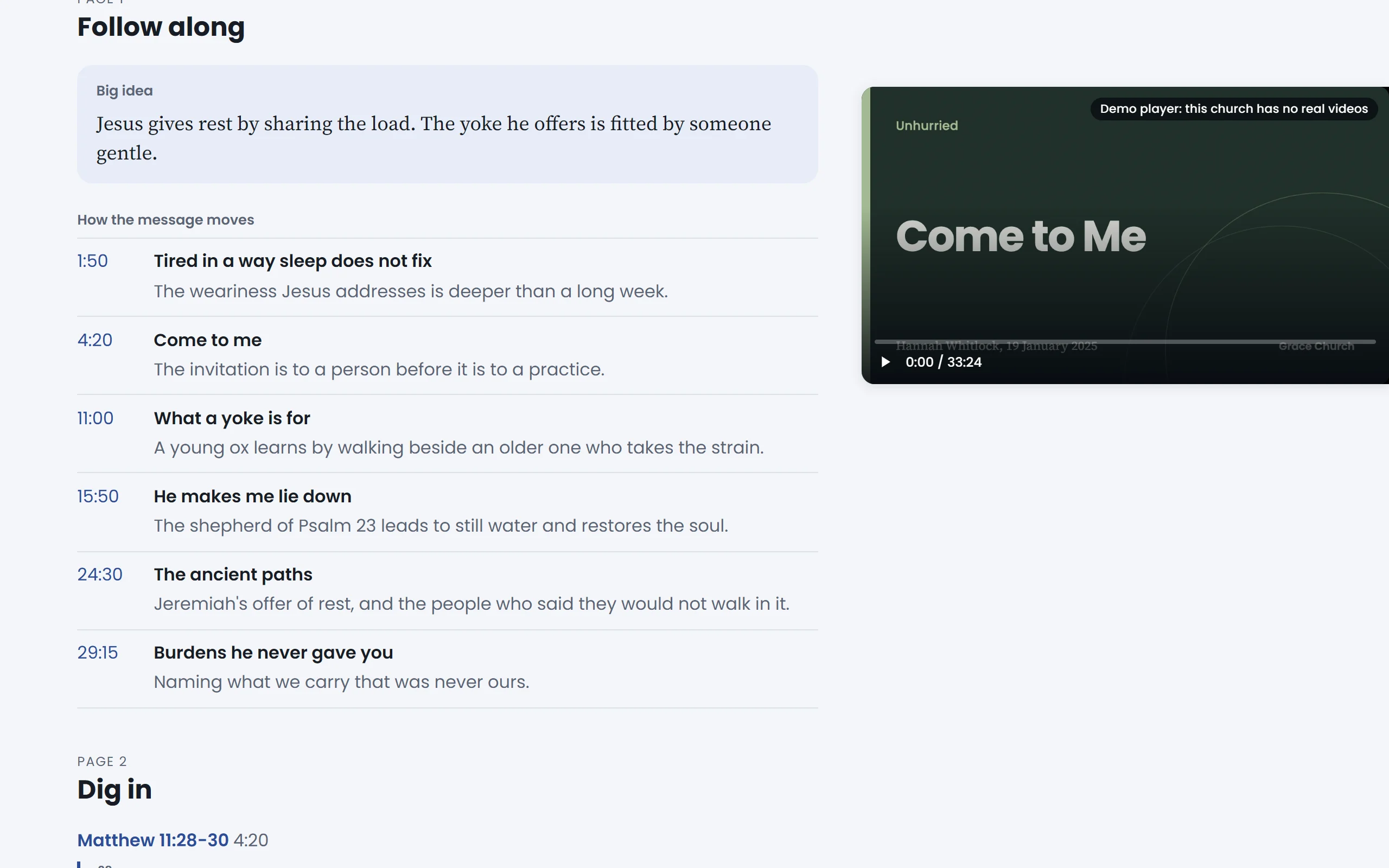
Follow a study guide
Every sermon can have a three-page guide: follow along, dig in, take it home.
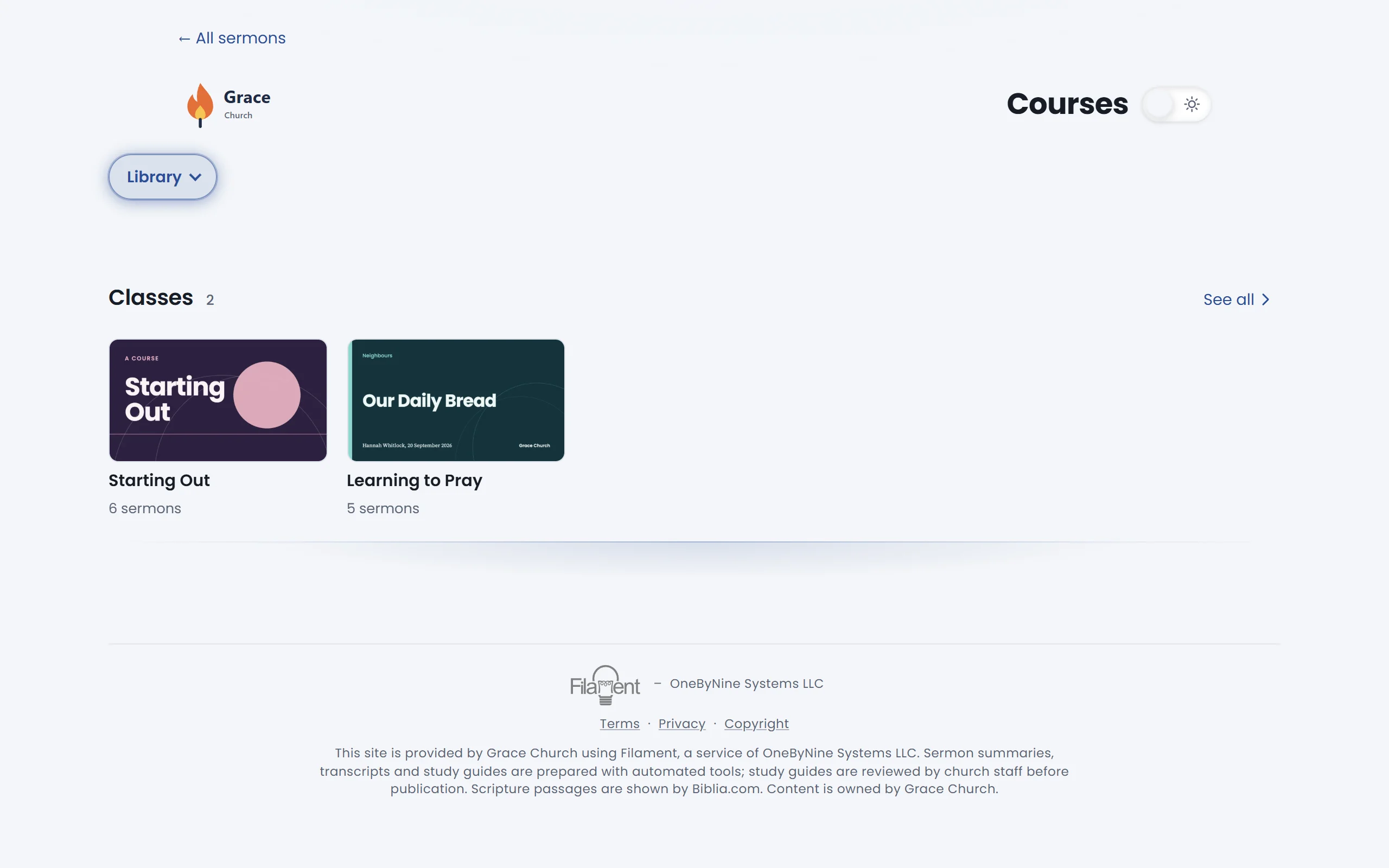
Take a course
Sermons your church has put in order, for a class or a home group: find a course, follow it, and find your way back.
Try the library
No tour, no script. The real search, running in your browser on forty sermons.
For your staff
What your team sees when they sign in.
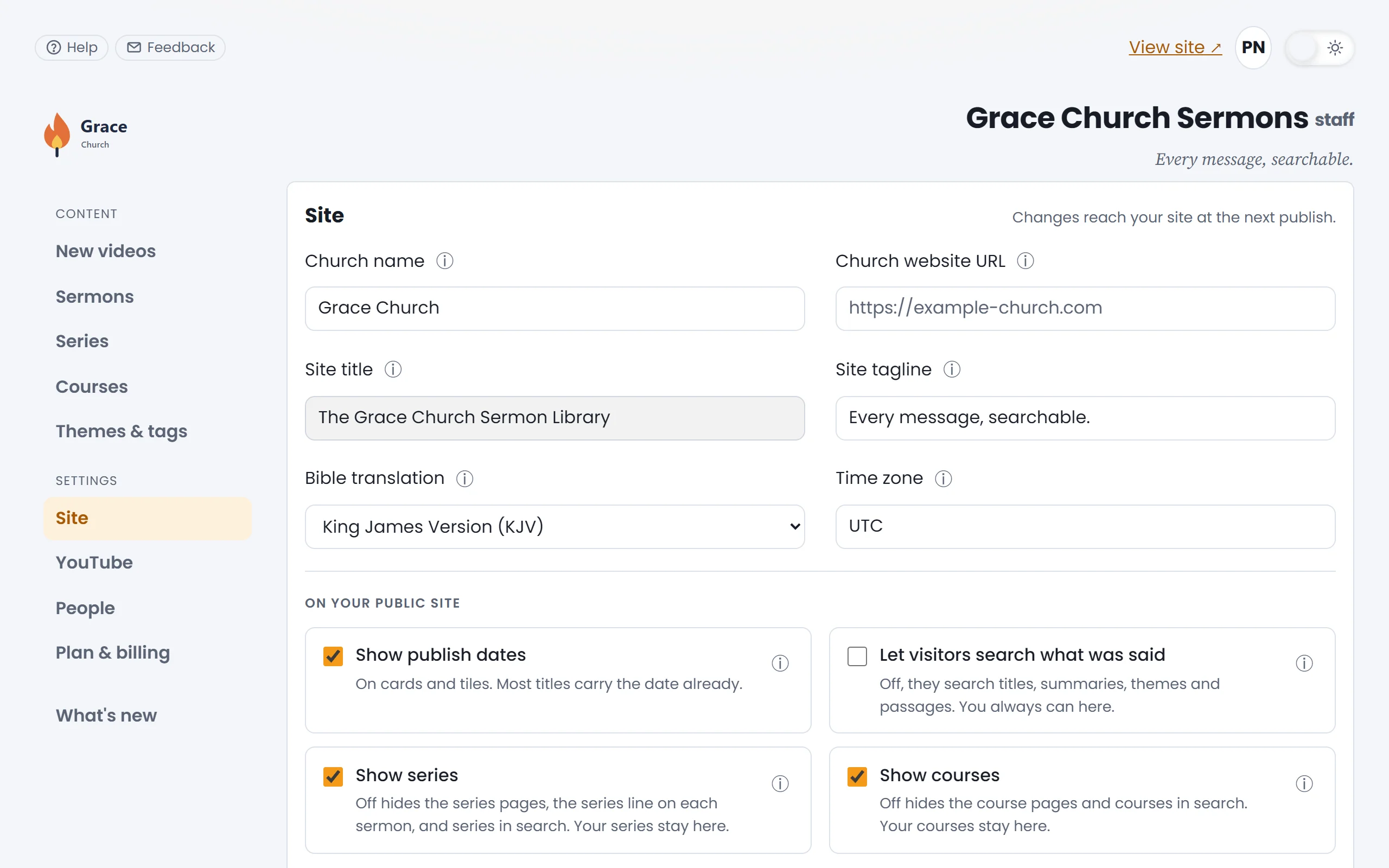
Make it yours
Give the library your church's name, tagline, translation, logo and colours.
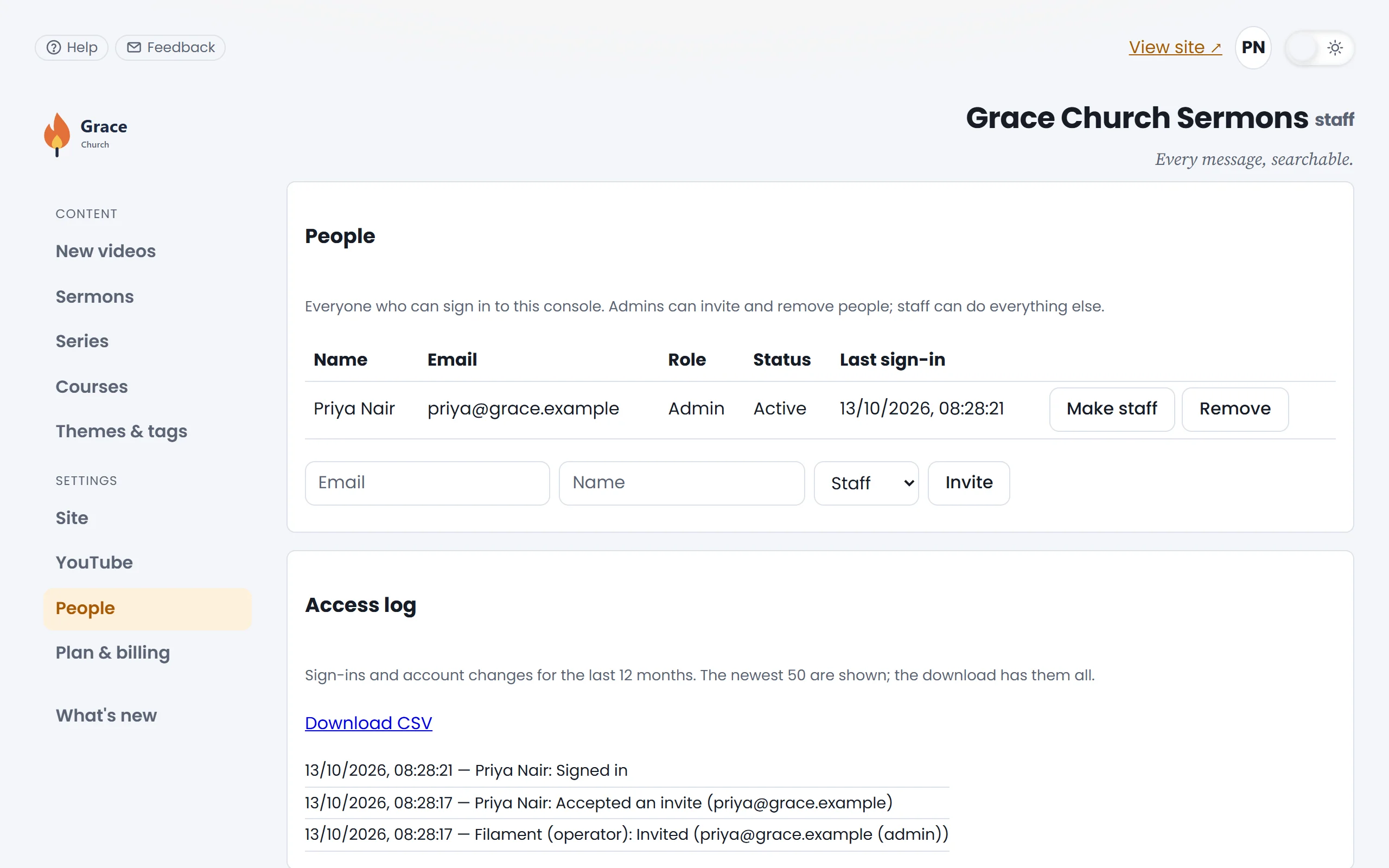
Invite your staff
Give each person their own sign-in: invite them by email as staff or an admin, and find your own name and password.
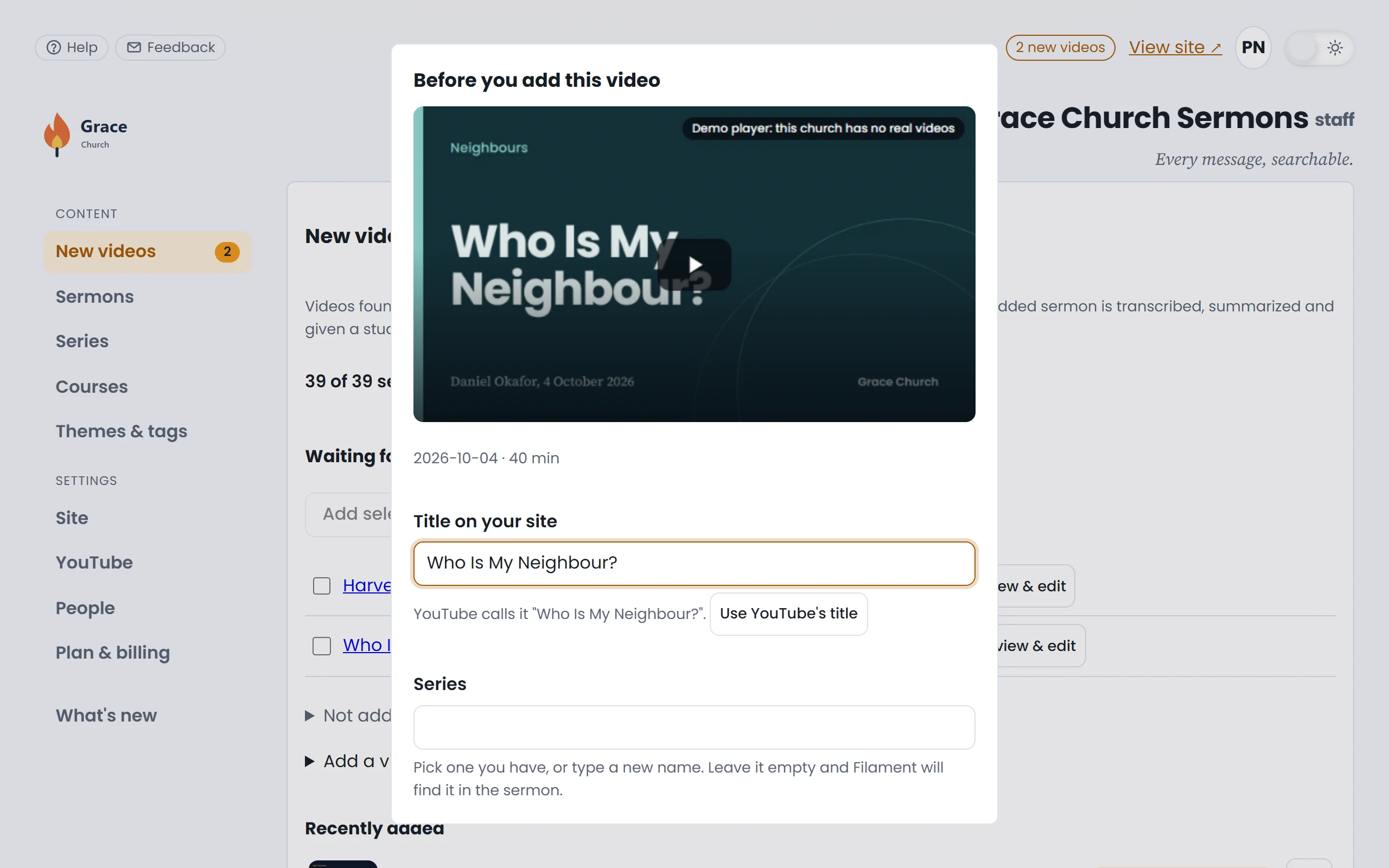
Bringing in a sermon
See what Filament found on your channel, set a sermon's details before you add it, dismiss the rest, and bring in an older one by link.
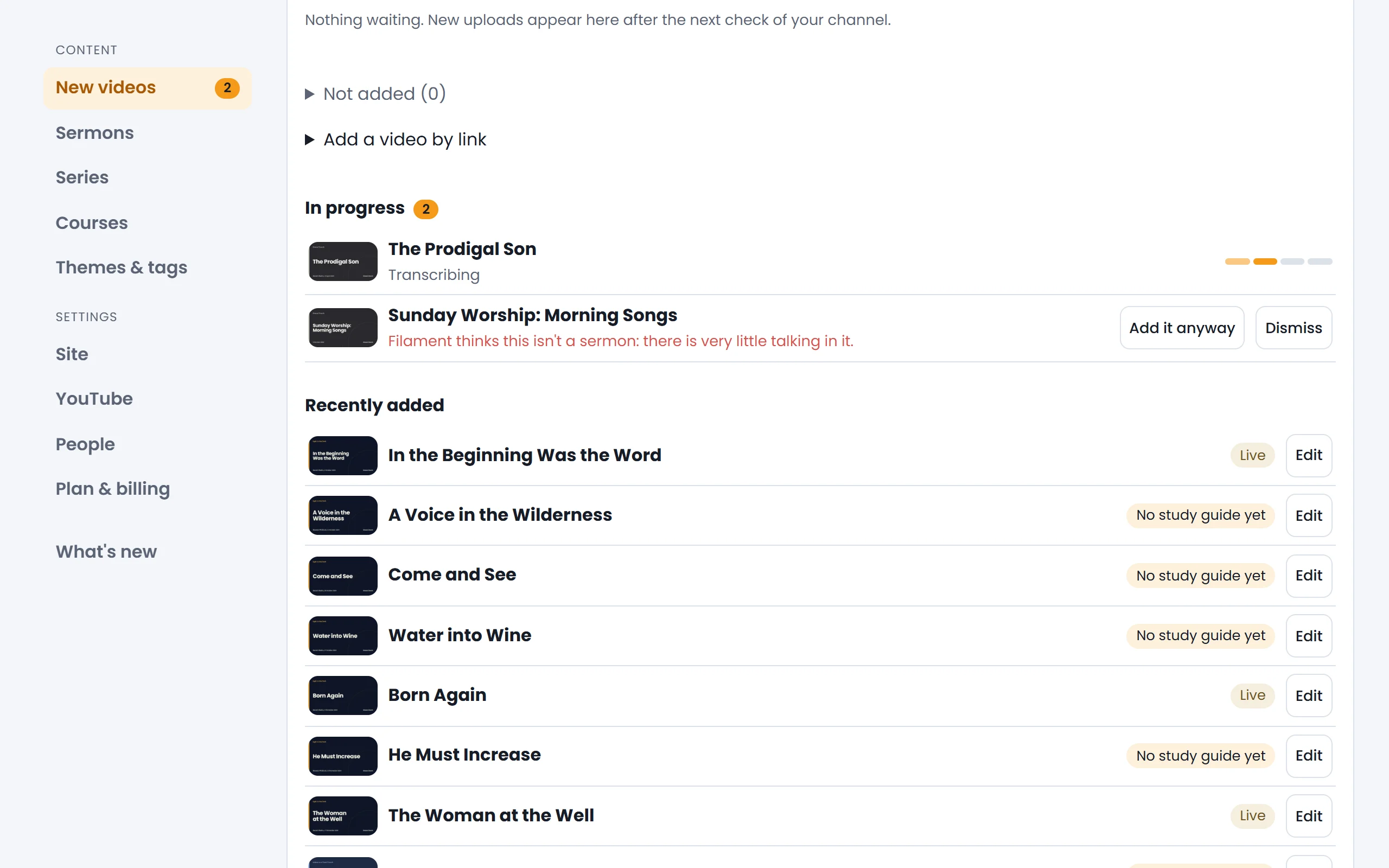
When a video needs attention
A video you added that could not go on says why, in plain words, with what you can do: retry it, or add it anyway.
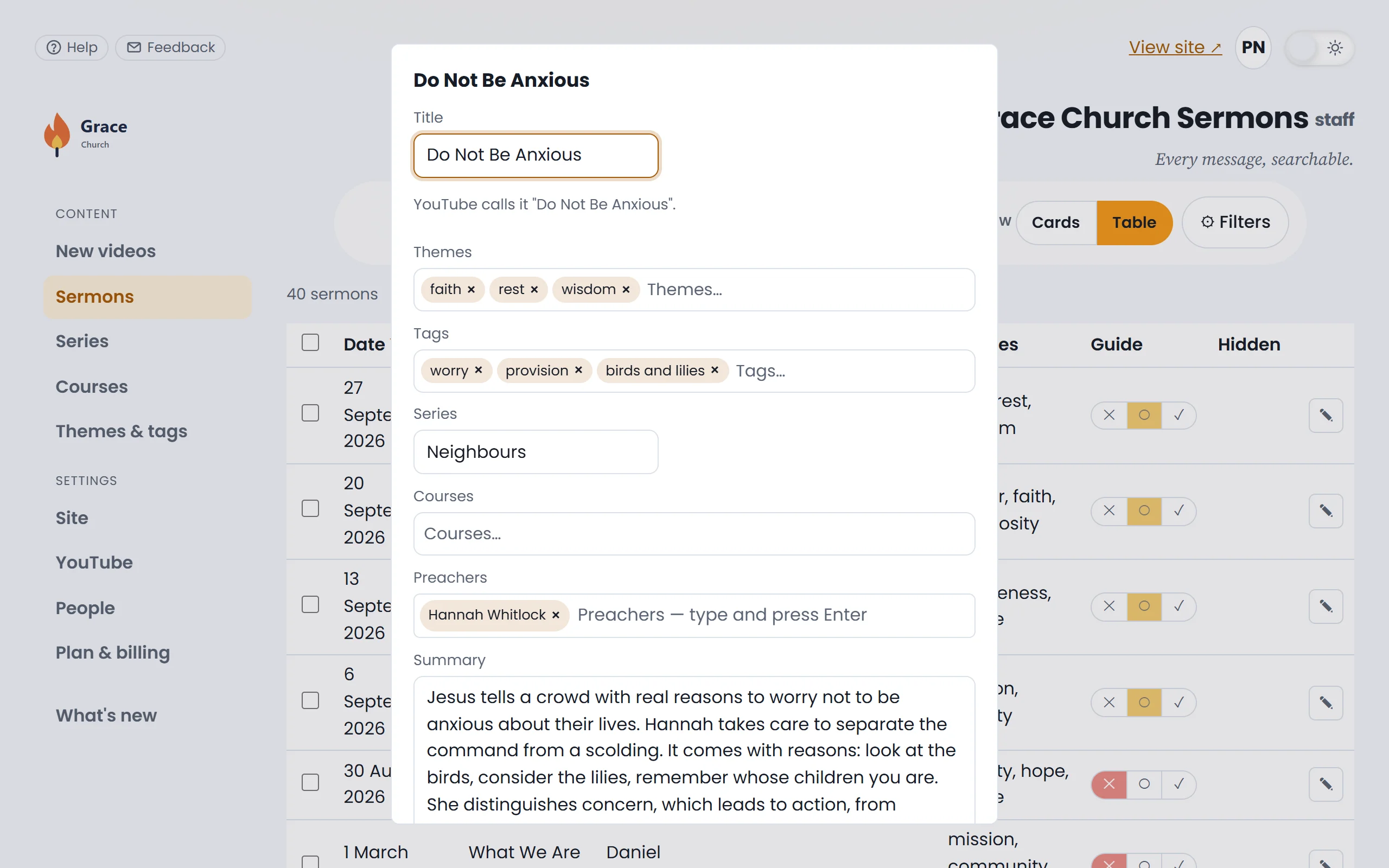
Edit a sermon and publish
Correct a summary, see what is waiting to go out, and publish when you are ready.
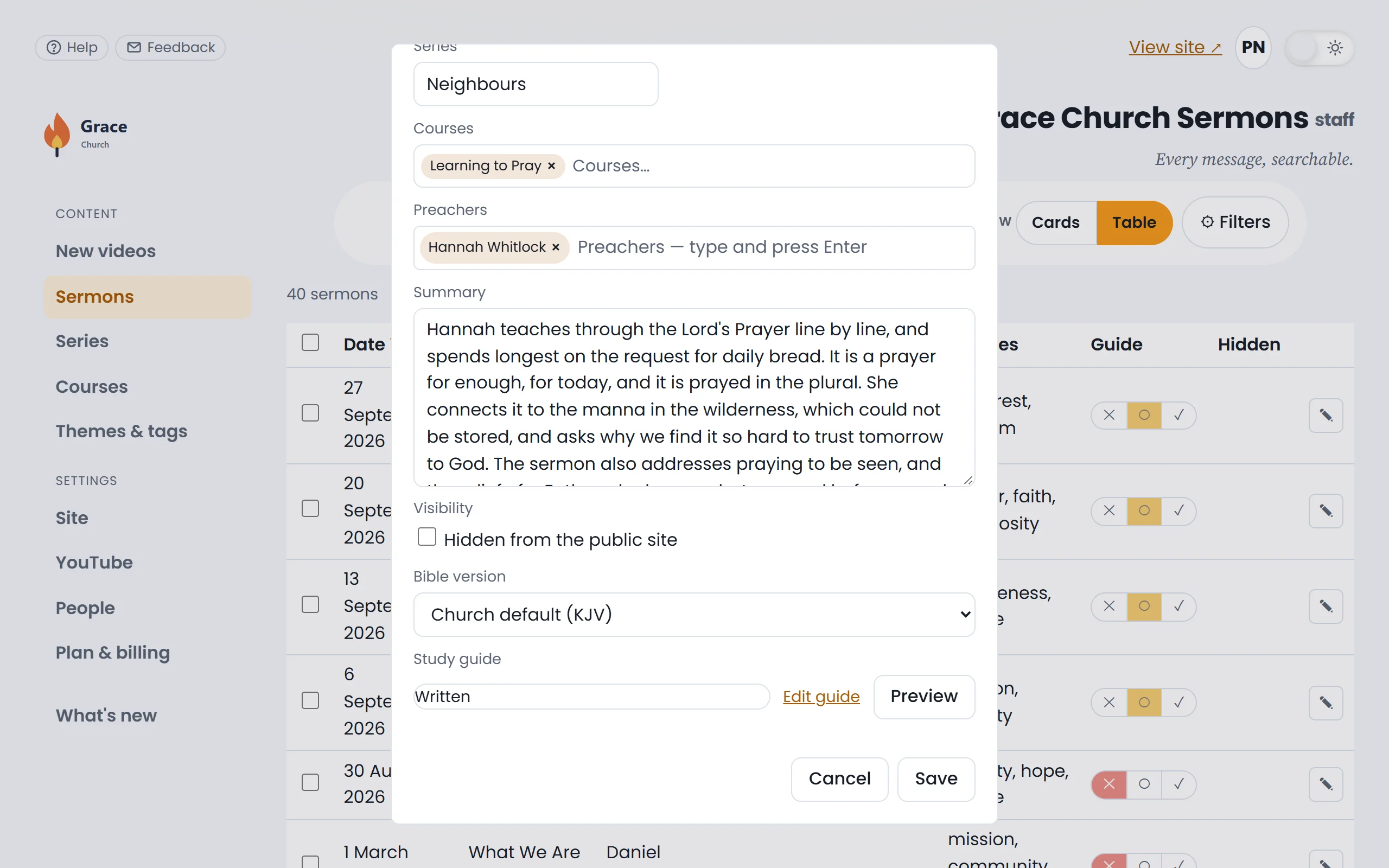
Approve a study guide
Read what Filament wrote, change what you like, and decide when it goes public.
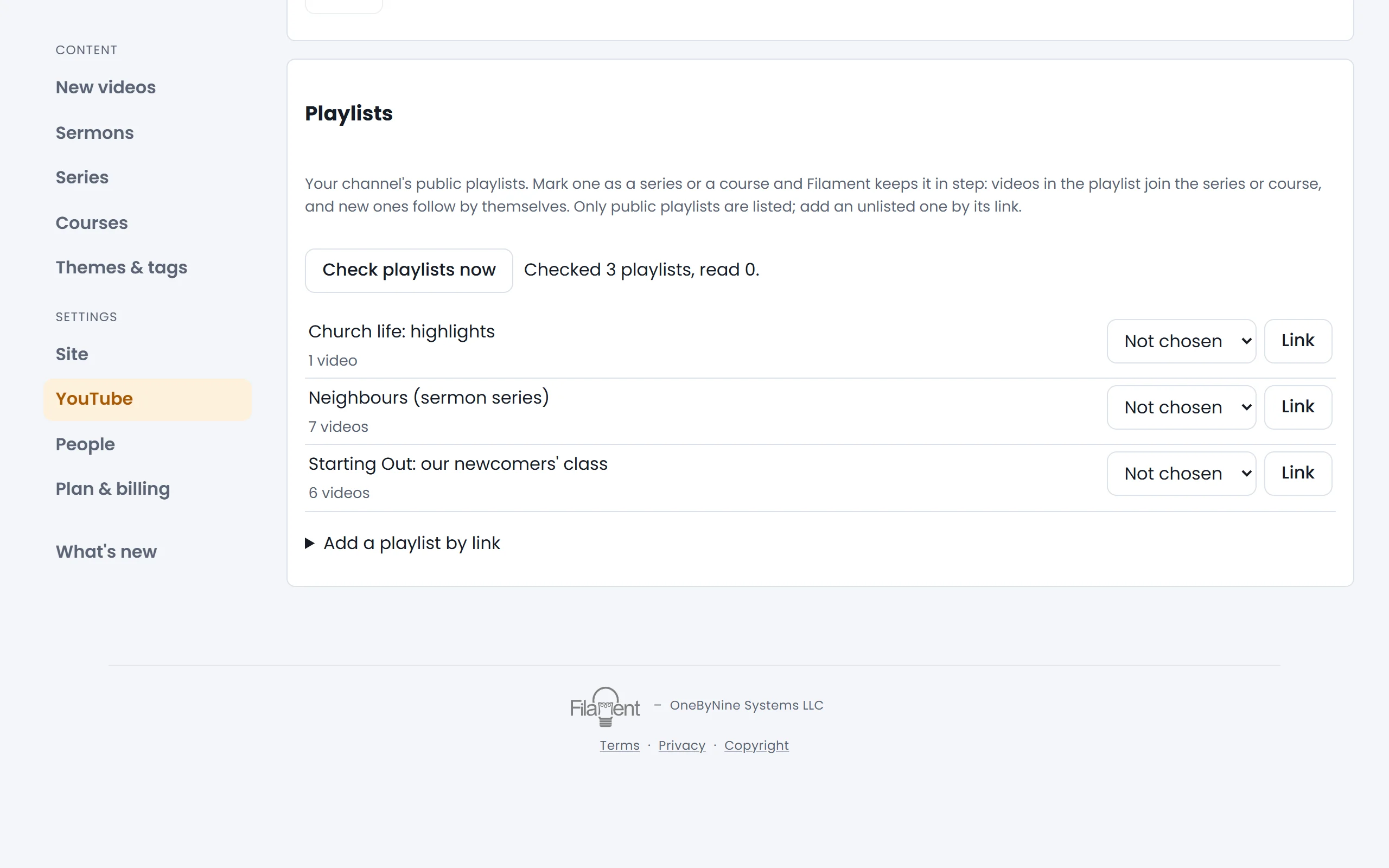
Let YouTube playlists fill your series
Link a playlist on your channel to a series, and new videos in it join the series by themselves.
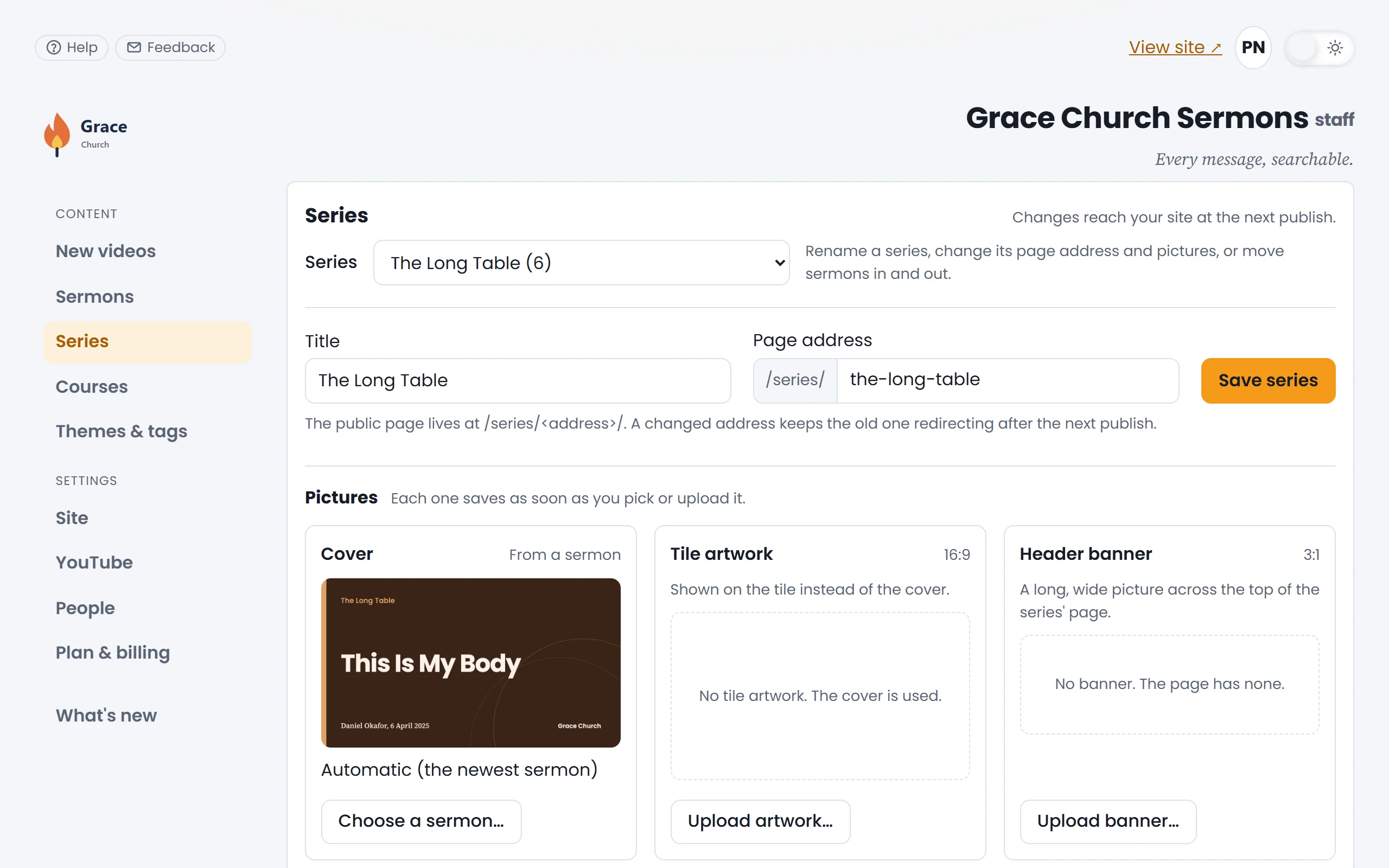
Give a series its pictures
A cover, a tile picture and a banner for a series, uploaded once and shown wherever the series appears on your site.
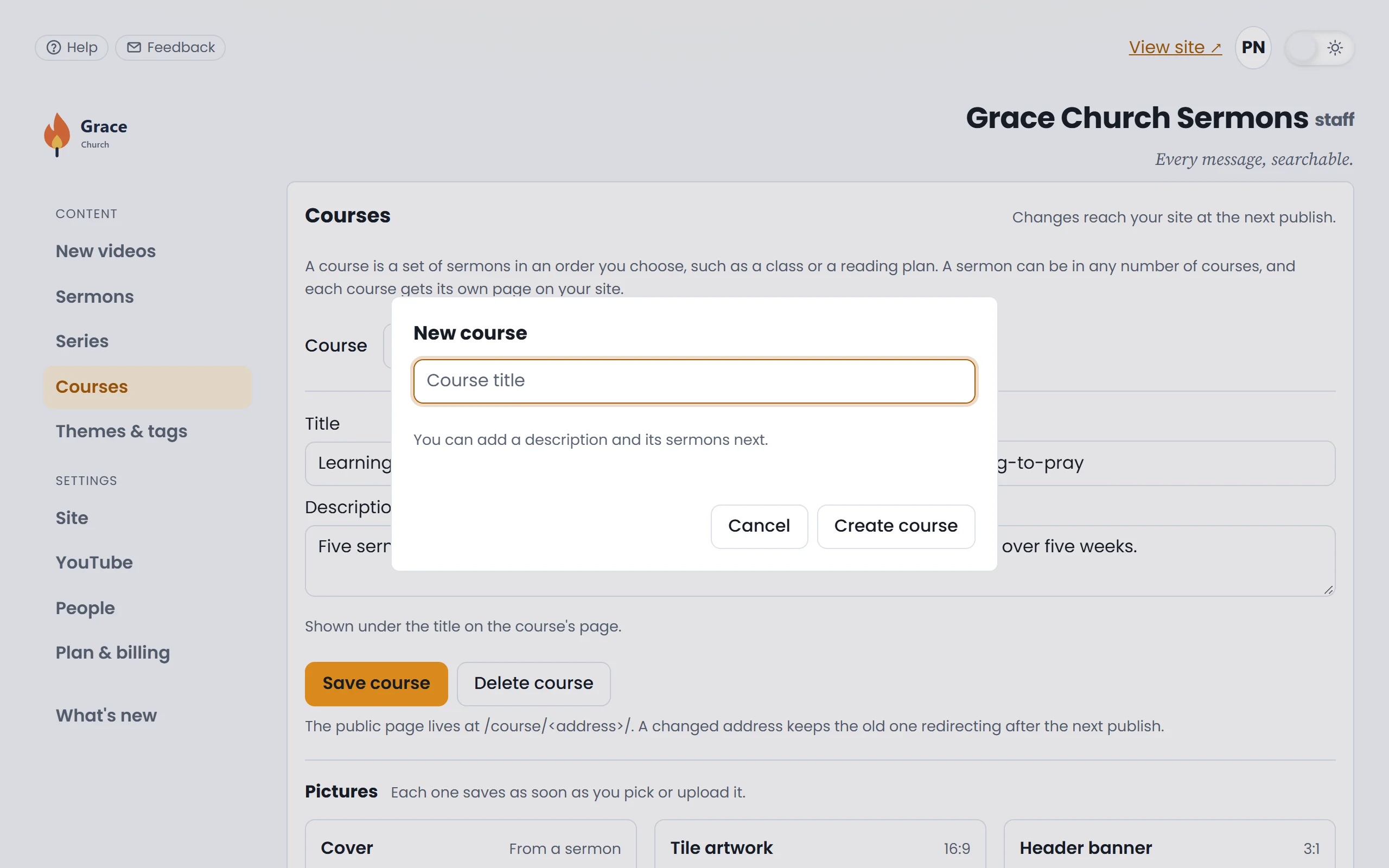
Make a course
Put sermons in an order of your own for a class or a home group, give the course a cover, and place it on your courses page.
Grace Church is fictional. Its sermons were written for this demo.