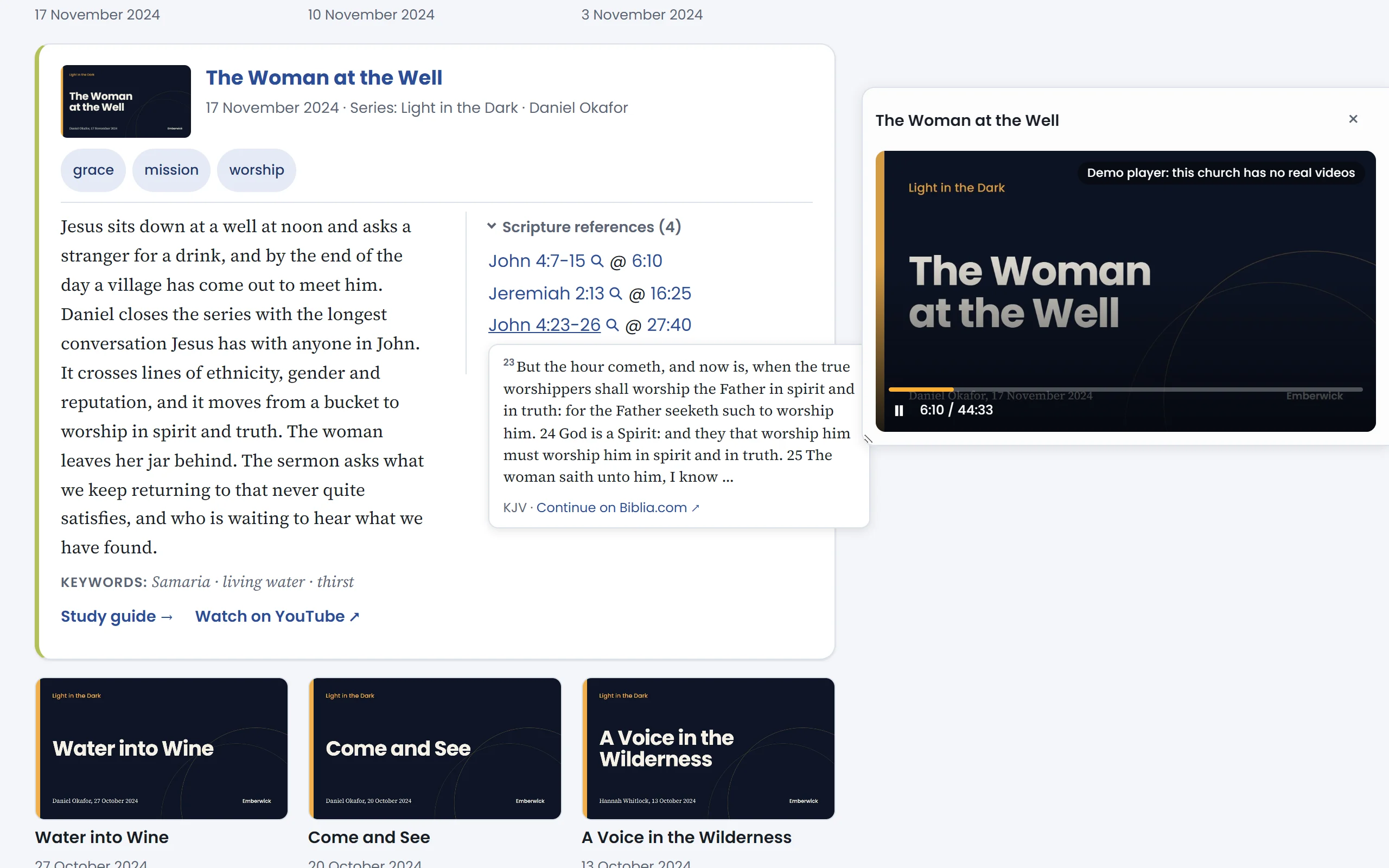
Open a sermon
Start from a series
Every series has its own page. This one walked through the opening chapters of John.
Open The Woman at the Well.
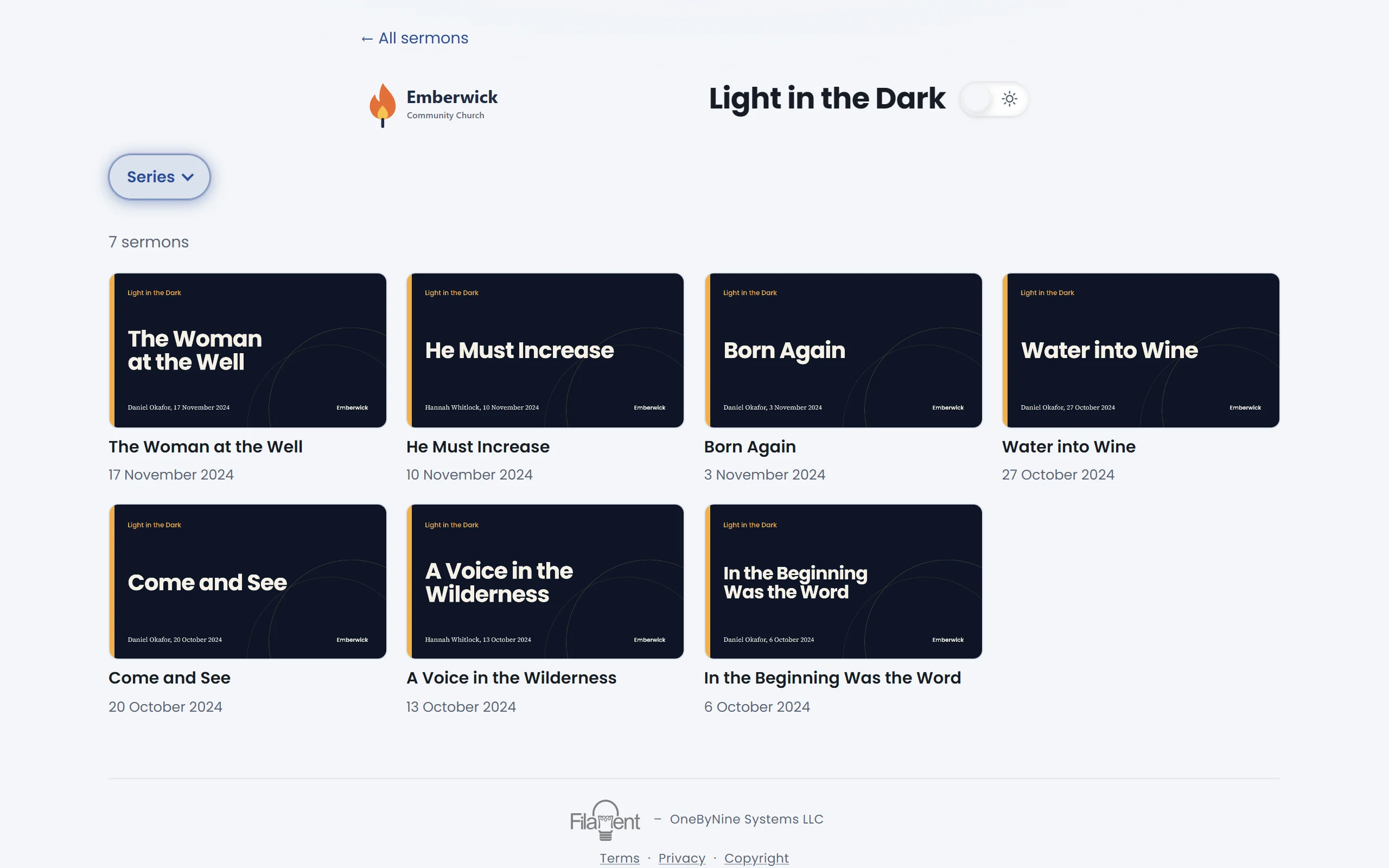
Every passage, with its moment
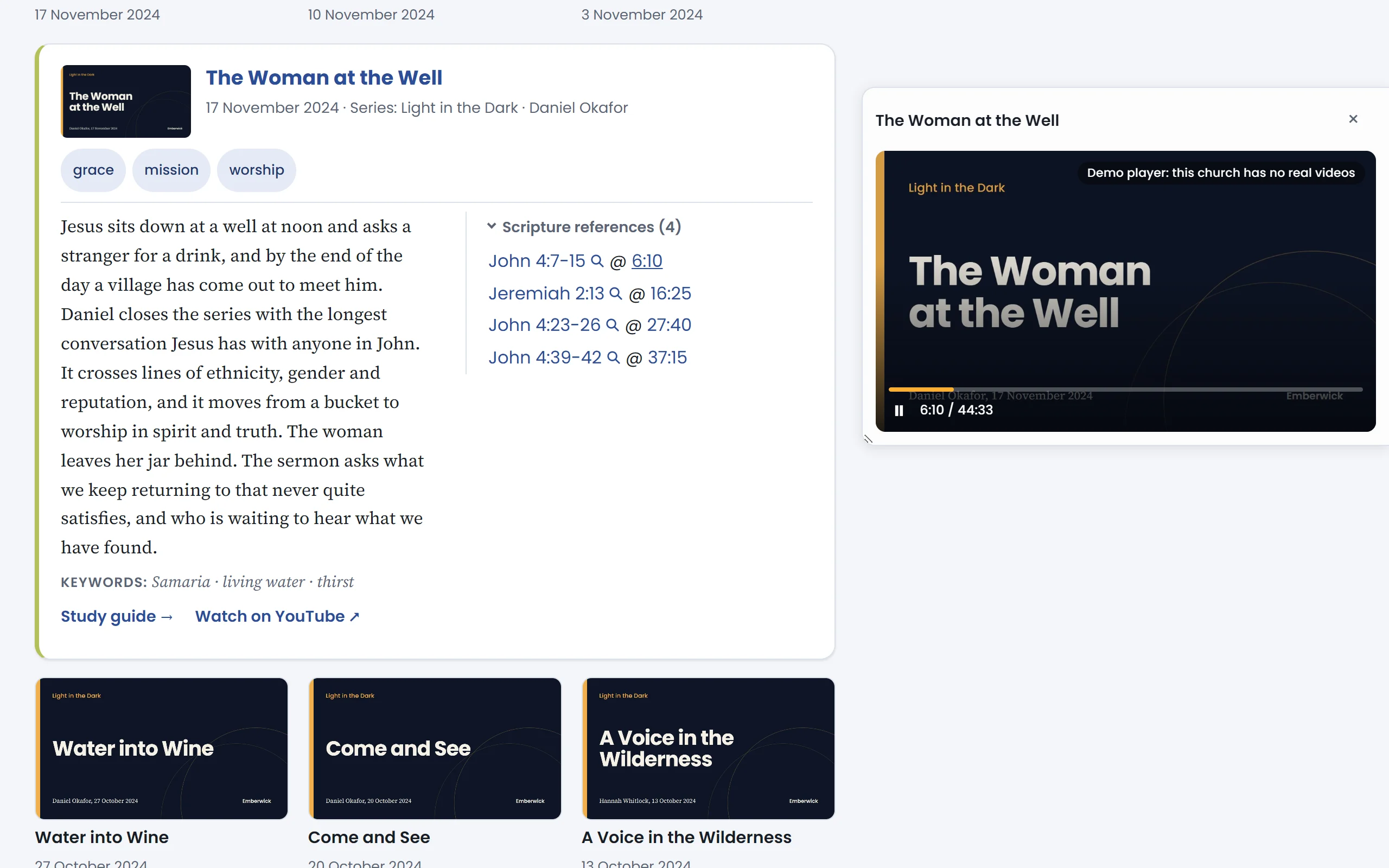
Filament listened for each scripture reference and noted when it was read. Open the list to see them.
Open the scripture references.
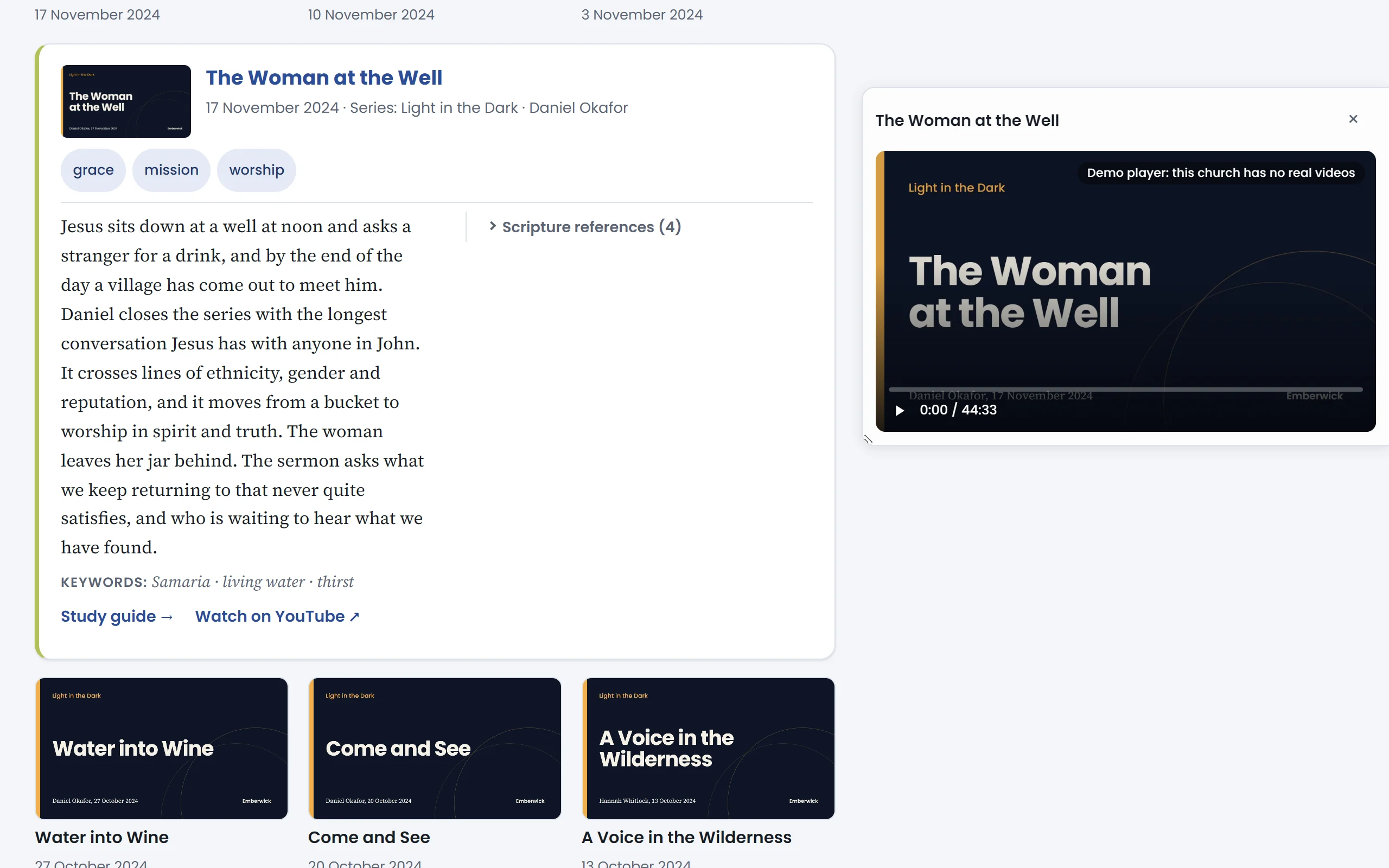
Go to the verse
Choose a time
Beside each reference is the moment in the sermon where it was read. Choose one.
Go to 6:10, where John 4:7-15 was read.
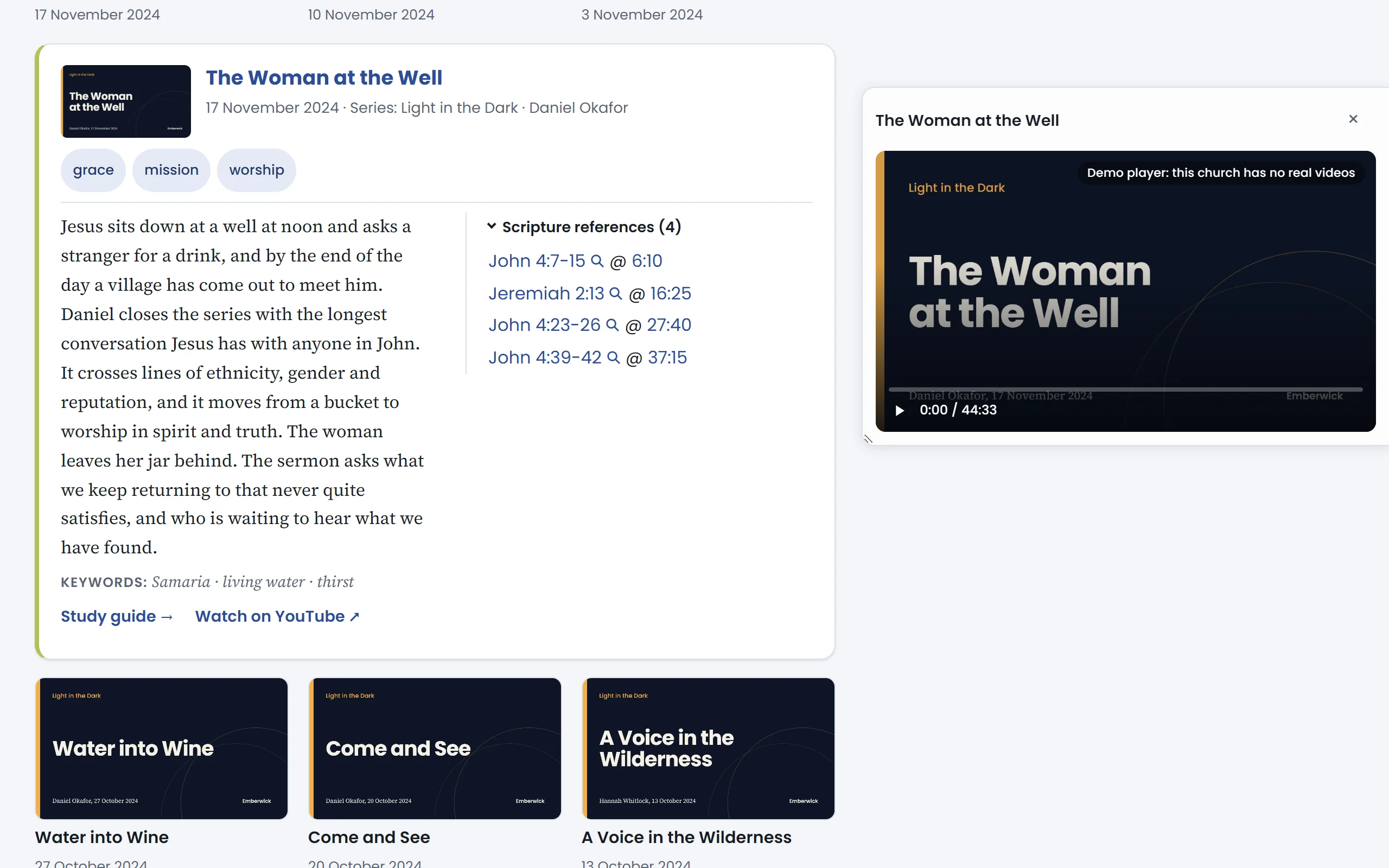
The video opens right there
No scrubbing through forty minutes. The player starts at six minutes ten, where the passage begins.
Read the passage without leaving
Choose the reference itself to read the passage. The words come in the translation your church reads from.
Read John 4:23-26.
Scripture beside the sermon
The passage opens in place, with a link to read the whole chapter.