GuidesFor your congregation

Take a course

Sermons your church has put in order, for a class or a home group: find a course, follow it, and find your way back.

2 minute read

Find a course

  1. Courses are under Library

    When a church has made courses, the Library button lists them beside its series.

    Open the Library.
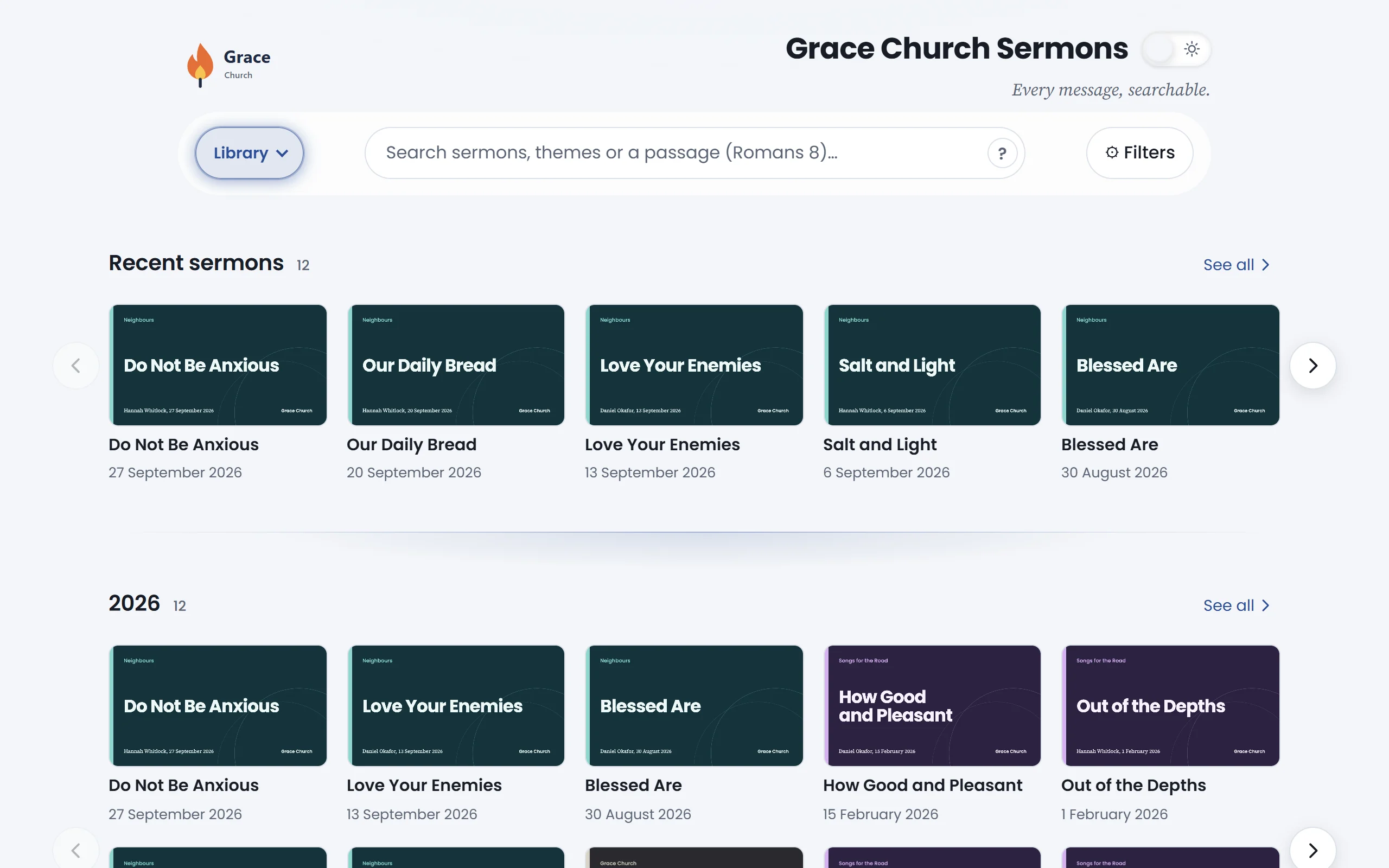
    The library's home, with the Library button at the start of the search bar outlined.
  2. Open Courses

    Courses opens a page of every course the church has made.

    Open the page of courses.
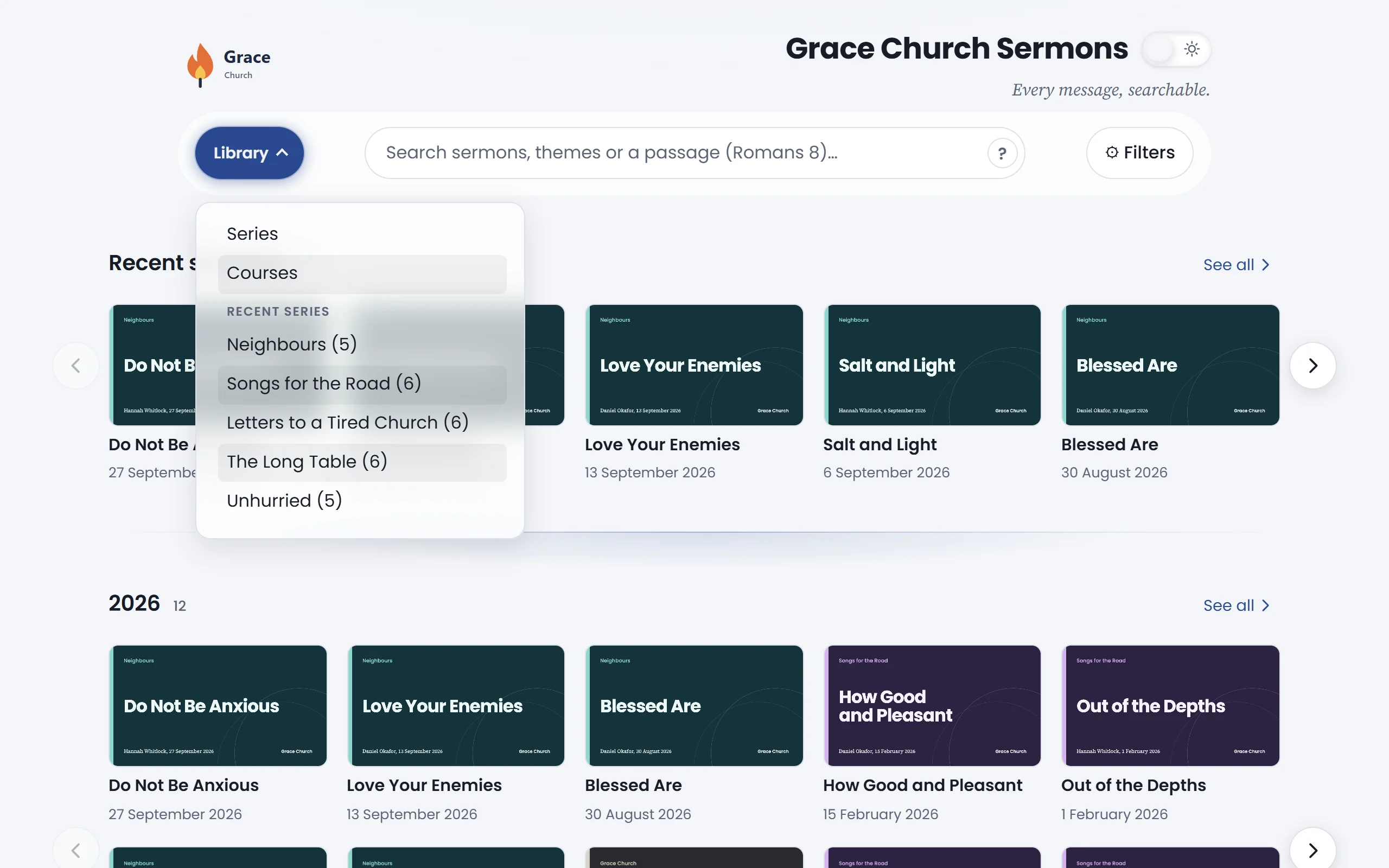
    The Library menu: Series and Courses, then the five most recent series.
  3. Courses, in the church's rows

    The church arranges its courses in named rows. Each tile shows how many sermons the course holds.

    Open Starting Out.
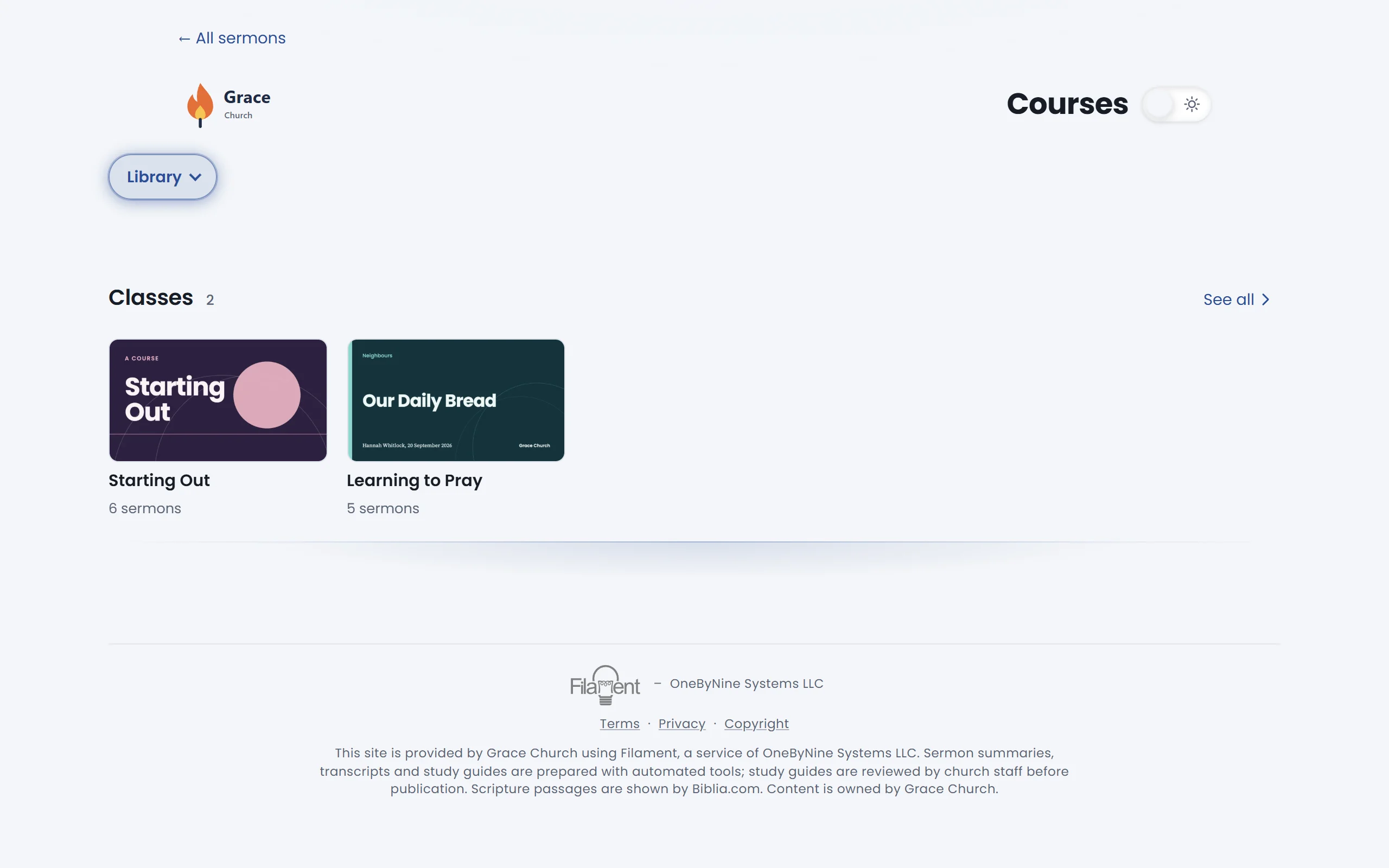
    The Courses page: a row named Classes holding Starting Out, with its picture, and Learning to Pray, each saying how many sermons it holds; Starting Out is outlined.

Follow it

  1. One course, in its order

    A course page lists its sermons in the order the church chose, under a line on what the course is for.

    Open the first sermon.
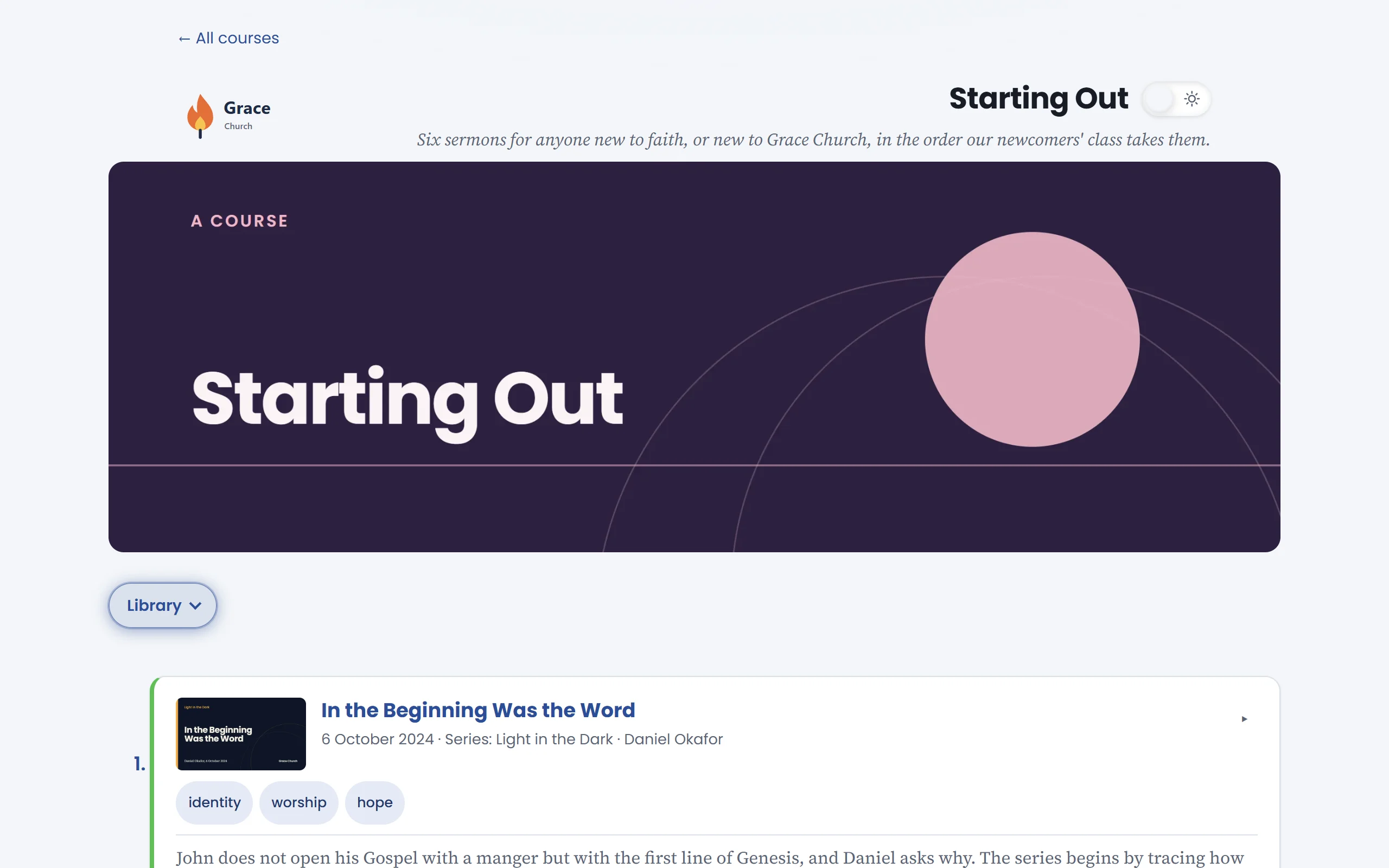
    The Starting Out page: its banner, a line on who it is for, and the start of its numbered list of sermons, with the first one outlined.
  2. And back to the course

    A sermon opened from a course links back to it at the top, so the next one is a click away.
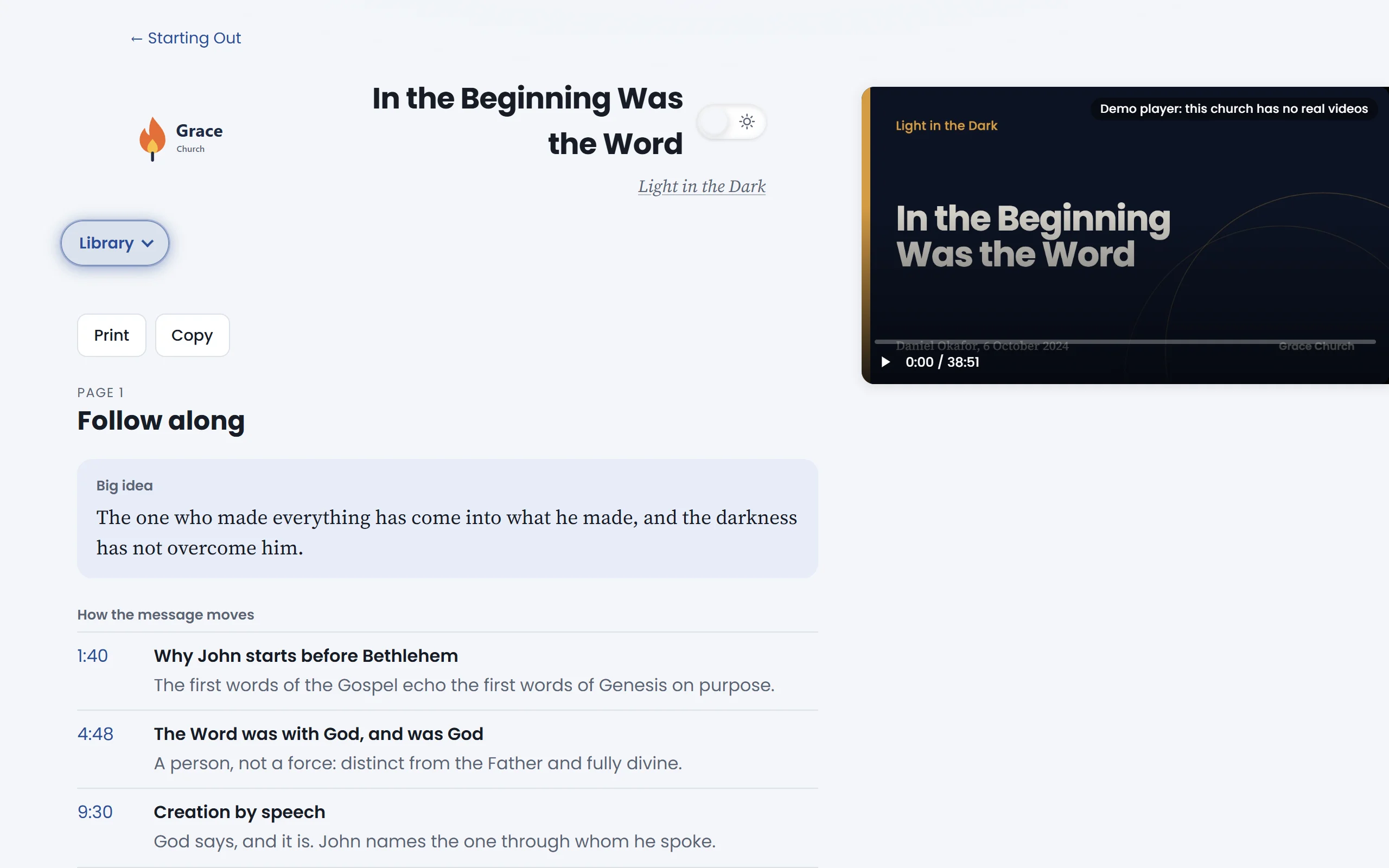
    The sermon In the Beginning Was the Word, with a link back to Starting Out at the top.

Grace Church is fictional. Its sermons were written for this demo.