Start with the tips
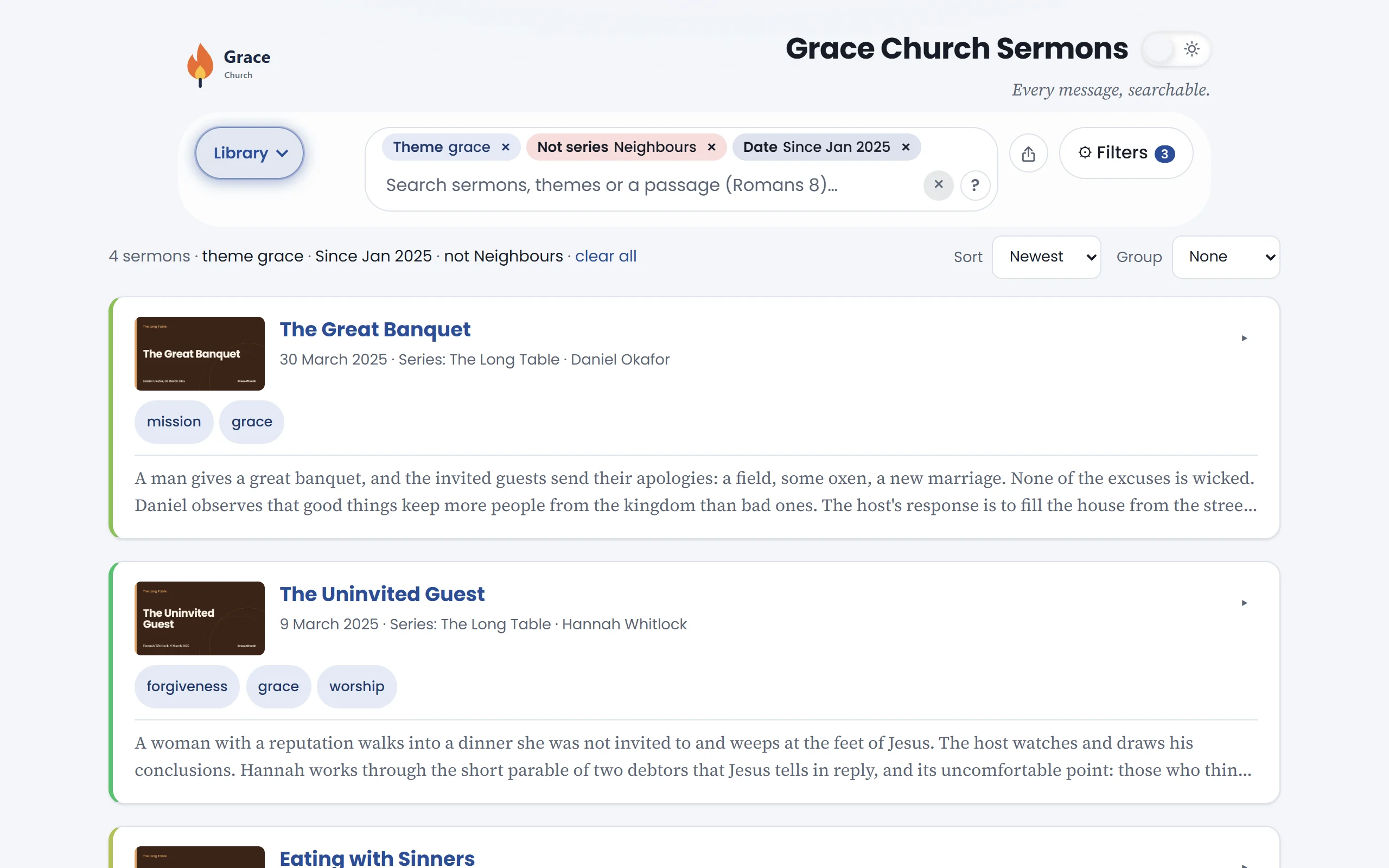
The tips are one click away
The question mark at the end of the search box opens a card of every kind of search, each with an example. This guide walks through them.
Open the search tips.
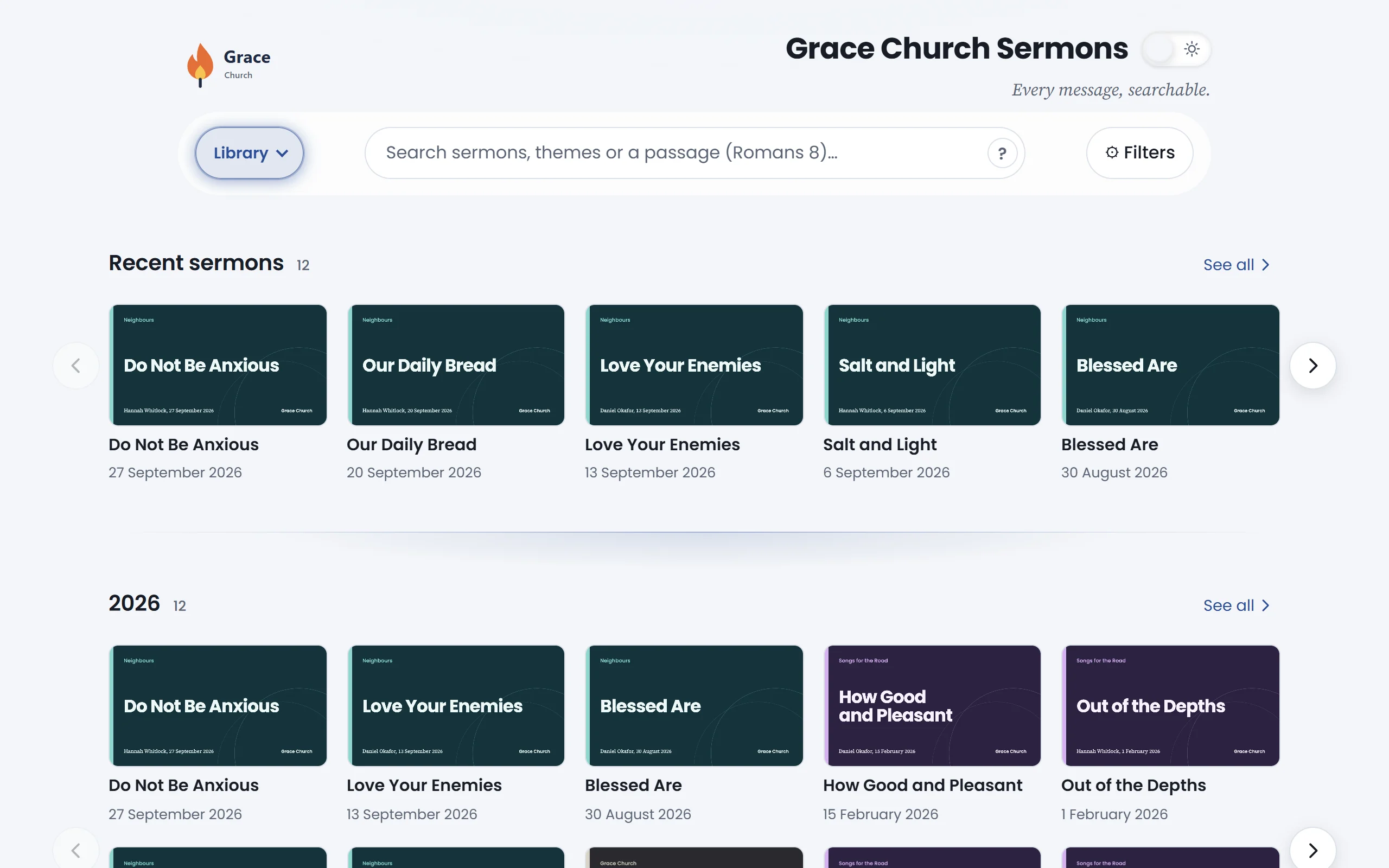
Find, narrow it down, leave out
Words and passages find sermons. Themes, series, preachers and dates narrow the list. A minus sign leaves sermons out.
Scripture
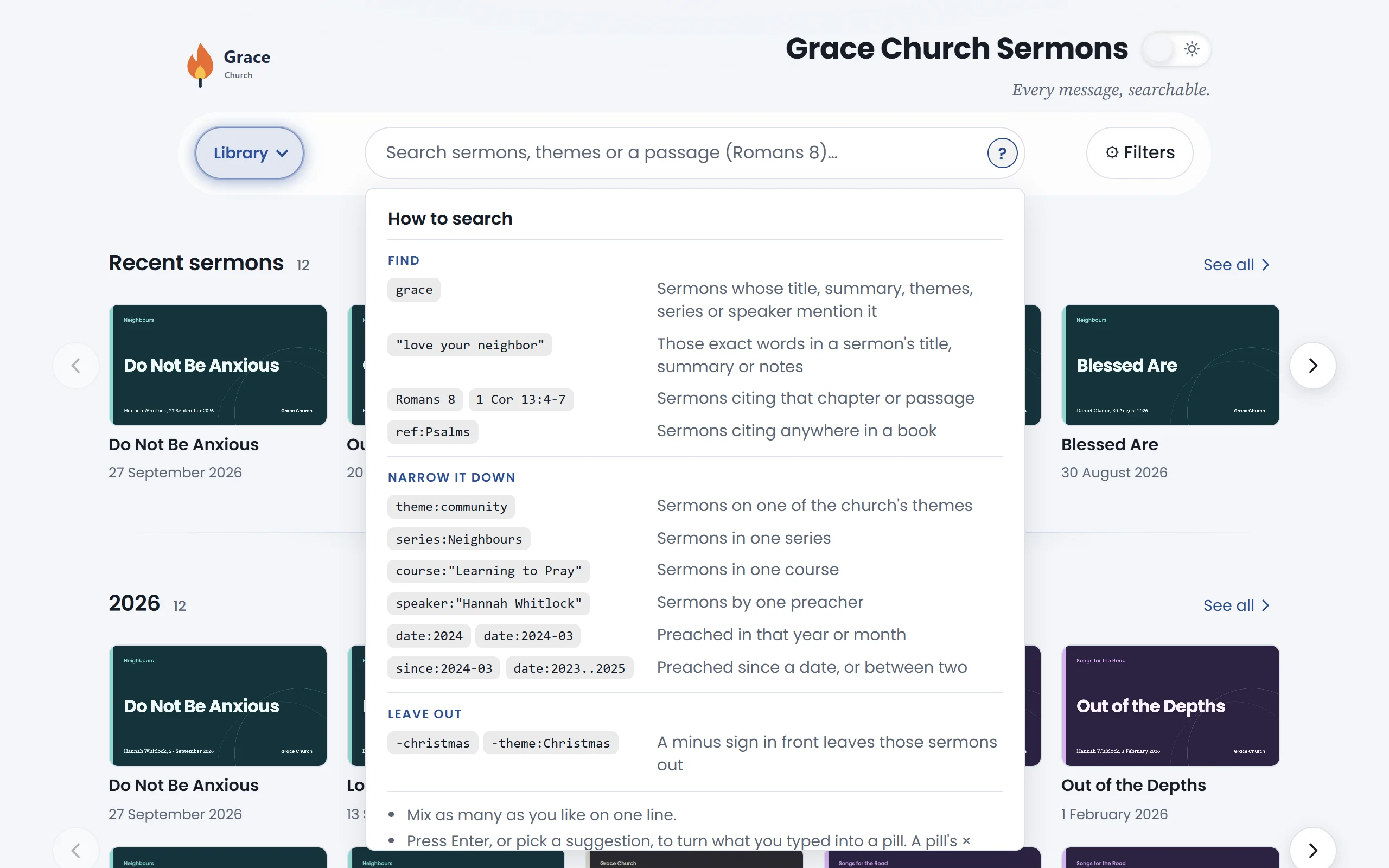
Type a passage
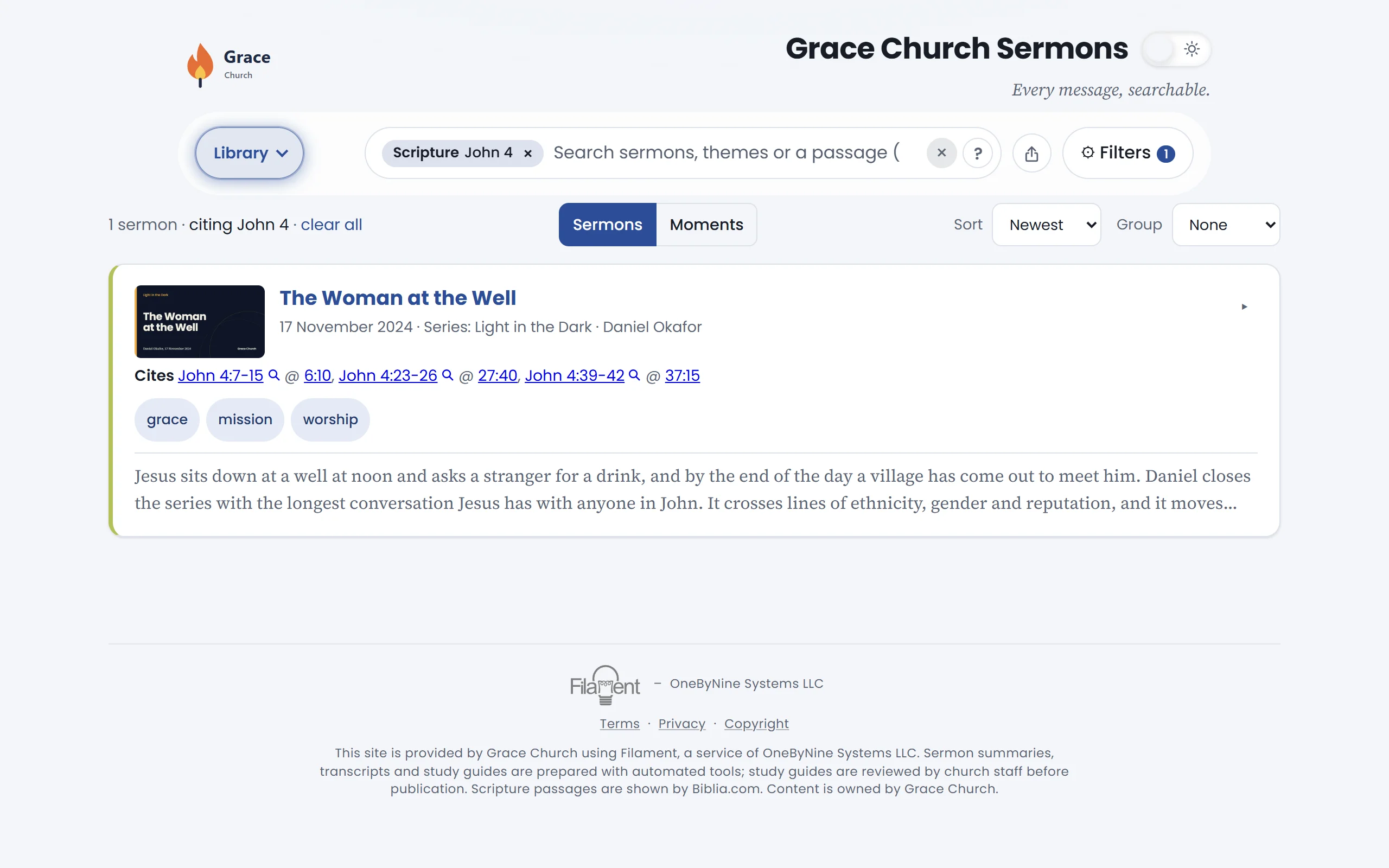
Type a book and a chapter, or a verse. It becomes a pill of its own, standing for every sermon that cites it.
Type John 4
Every sermon that cites it
One sermon cites John 4. For a whole book, put ref: in front of its name, as in ref:Psalms.
Series and preachers
Start typing a series
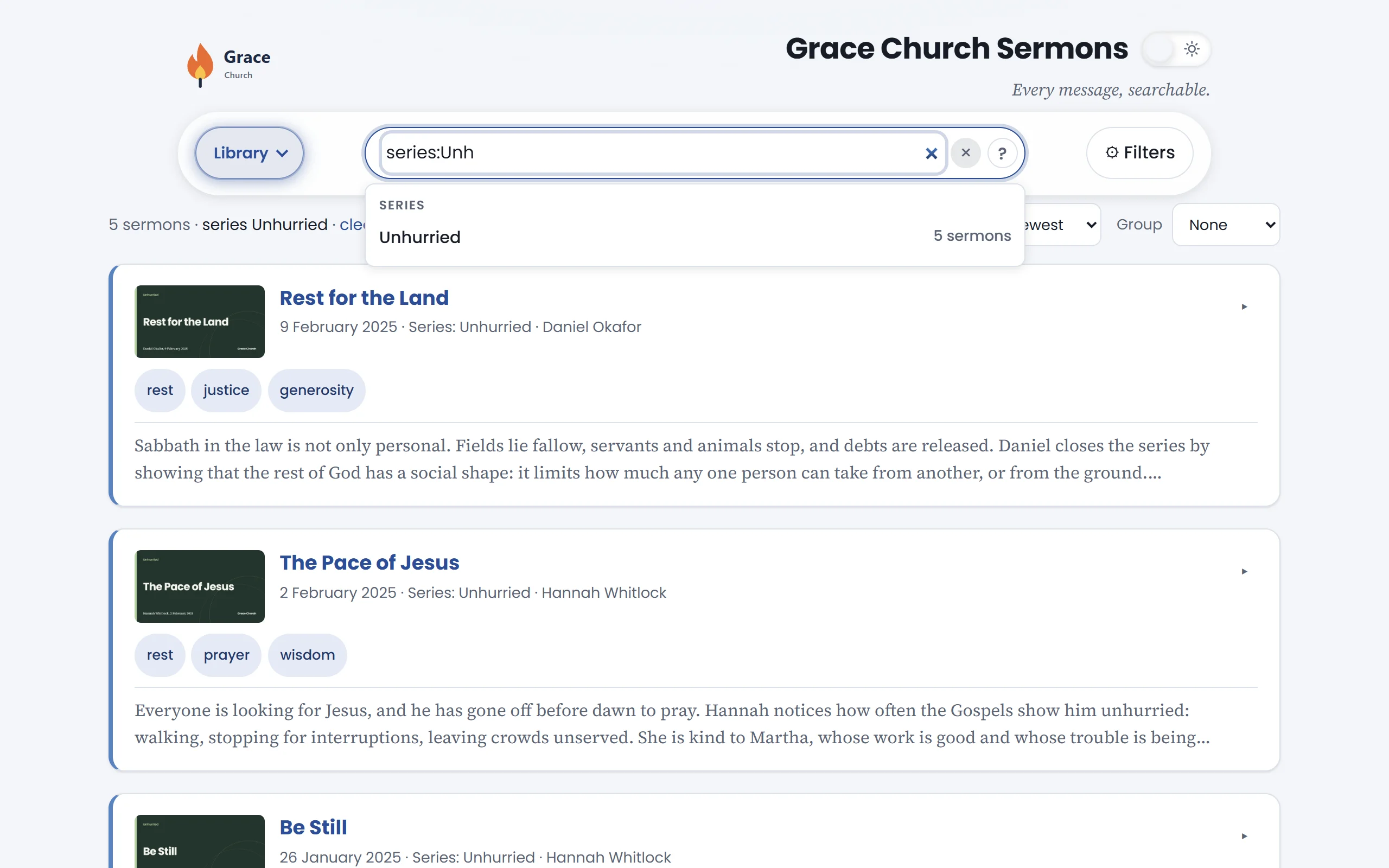
Type series: and the first letters of its name. The church's series are suggested as you type.
Type series:Unh
Pick a suggestion
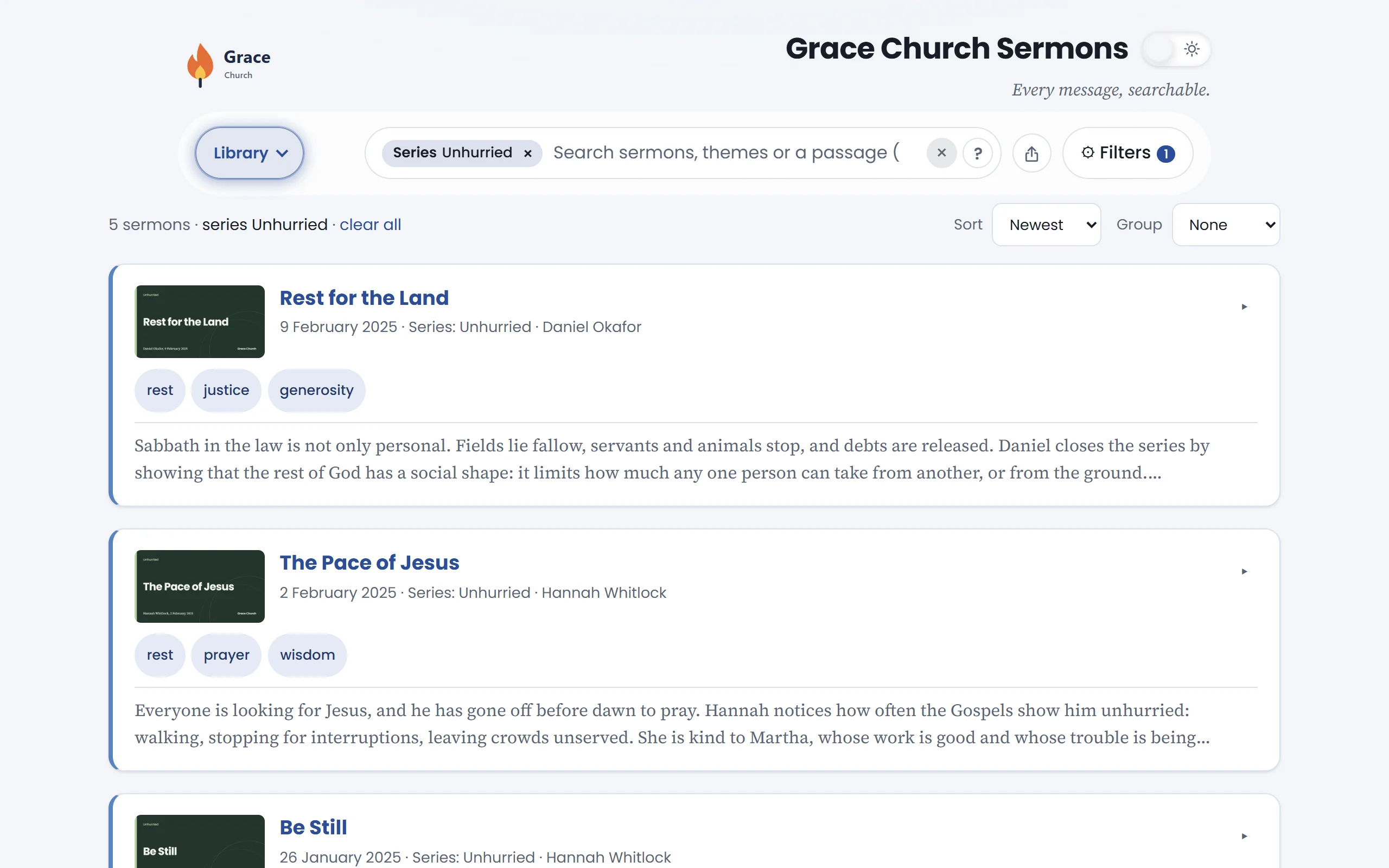
Each suggestion says how many sermons it holds. Picking one is the same as typing it in full and pressing Enter.
Choose the series Unhurried.
Then a preacher
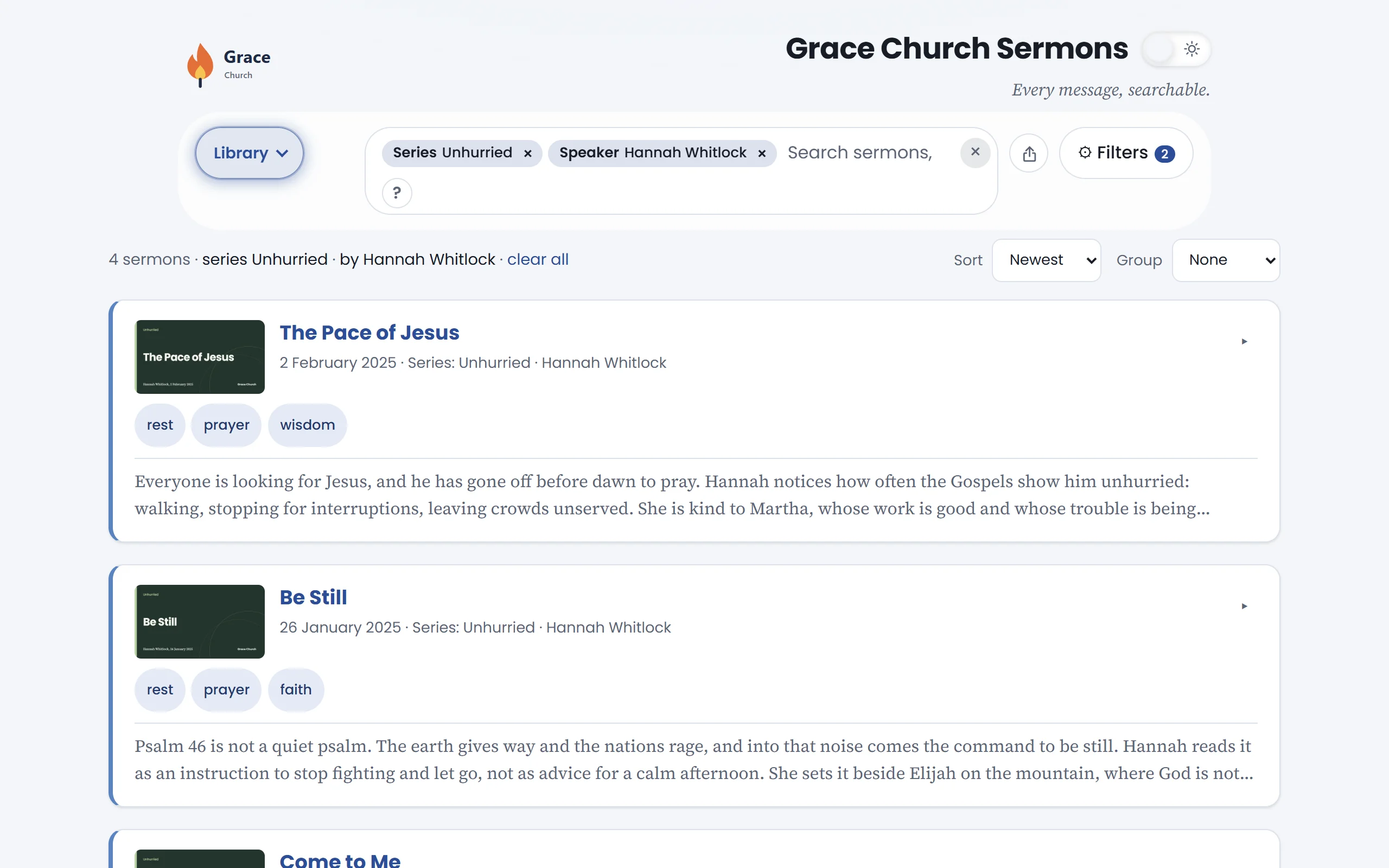
speaker: works the same way. Pick Hannah Whitlock and the pills add up: her sermons in Unhurried.
Type speaker:Han
Two pills, fewer sermons
Every pill narrows the list. Remove one with its ×, or clear them all from the line above the results.
Dates
A year, a month or a span
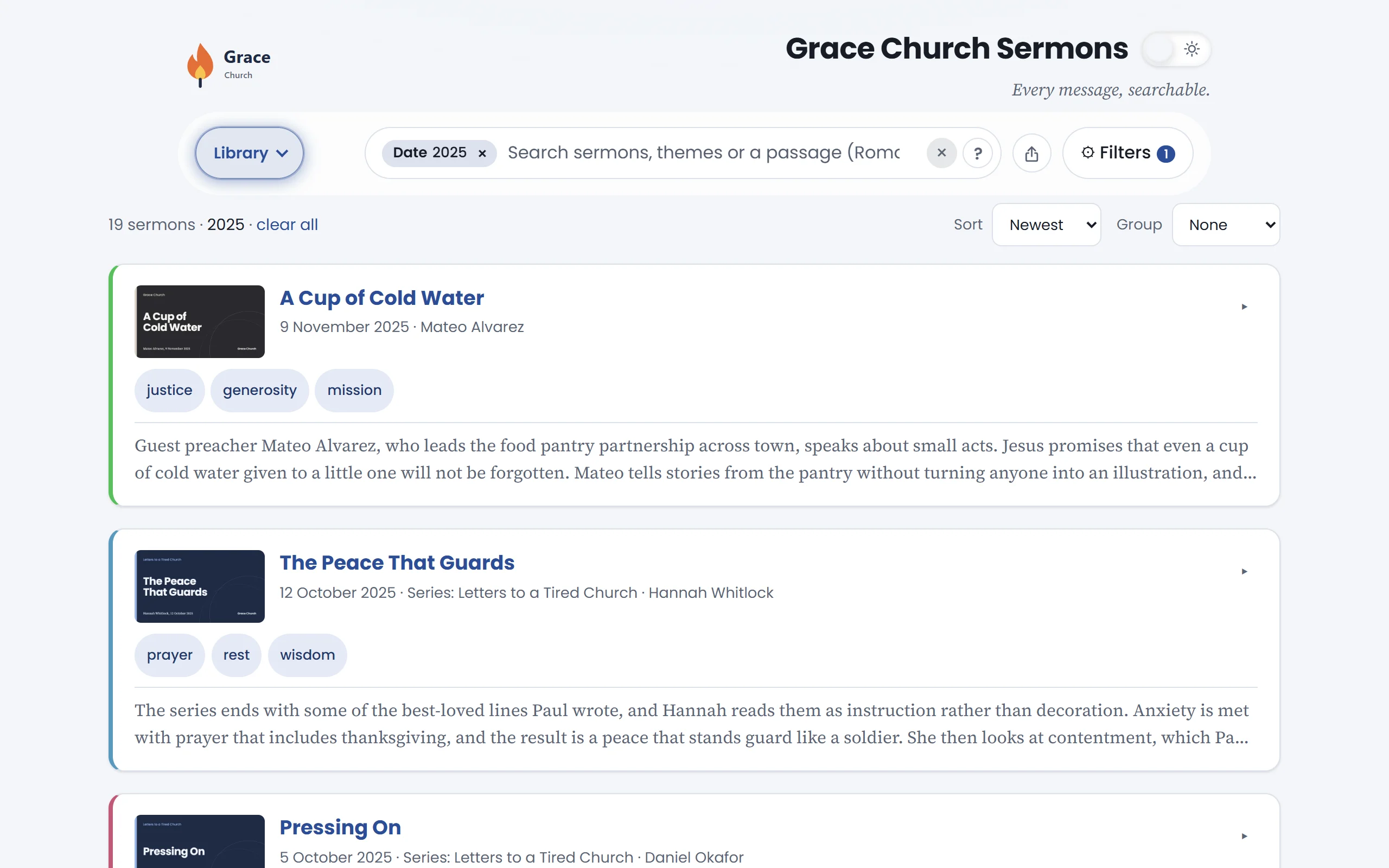
date:2025 finds a year and date:2025-03 a month. since:2025-03 finds everything from then on, and date:2024..2025 a span.
Type date:2025
A date is a pill too
It reads as the time it stands for. The When panel under Filters does the same with a slider, for those who would rather drag.
Exact words, and leaving out
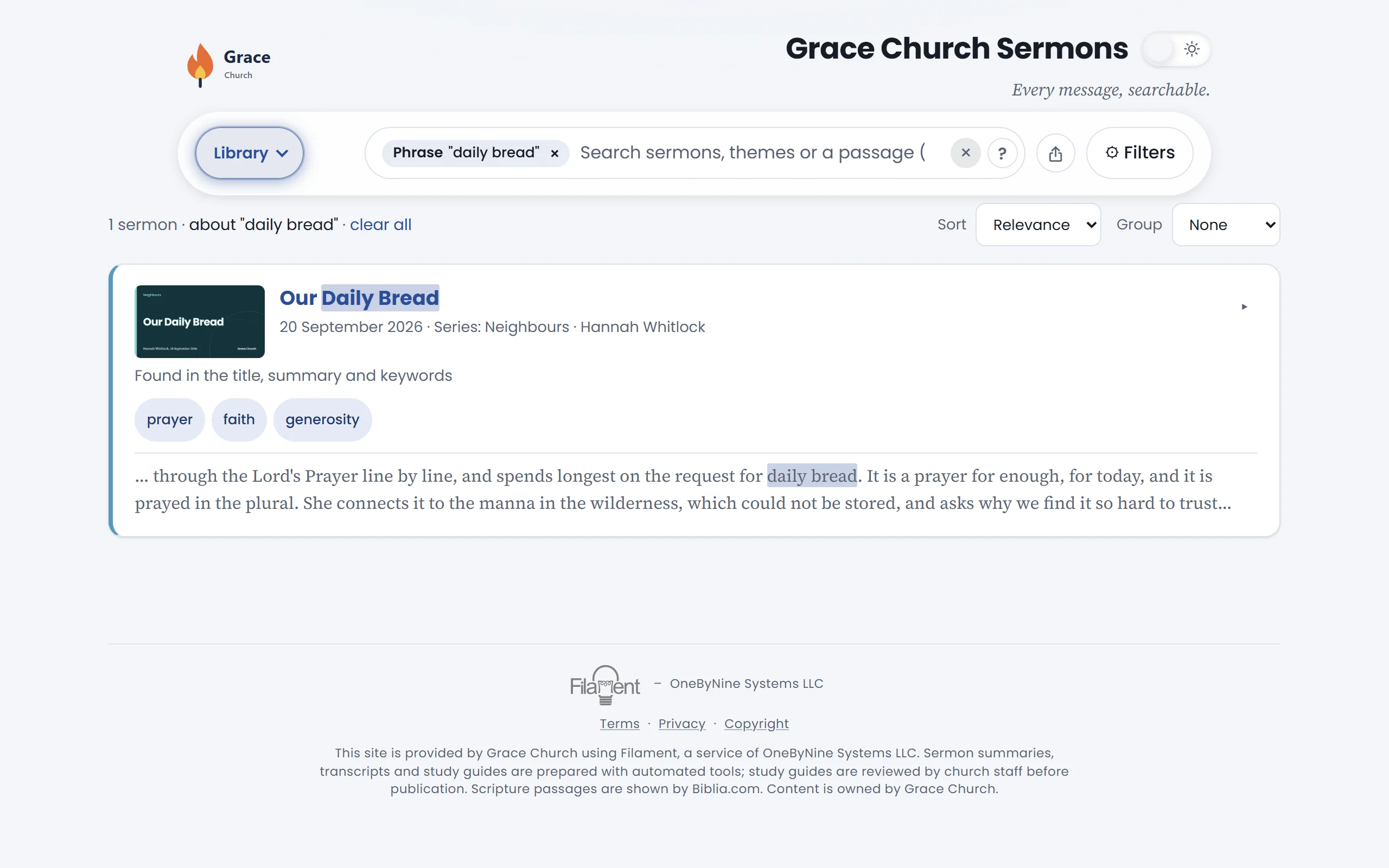
Quote an exact phrase
Words in quotes must appear together, in that order, in a sermon's title, summary or notes.
Type "daily bread"
Leave out, and mix on one line
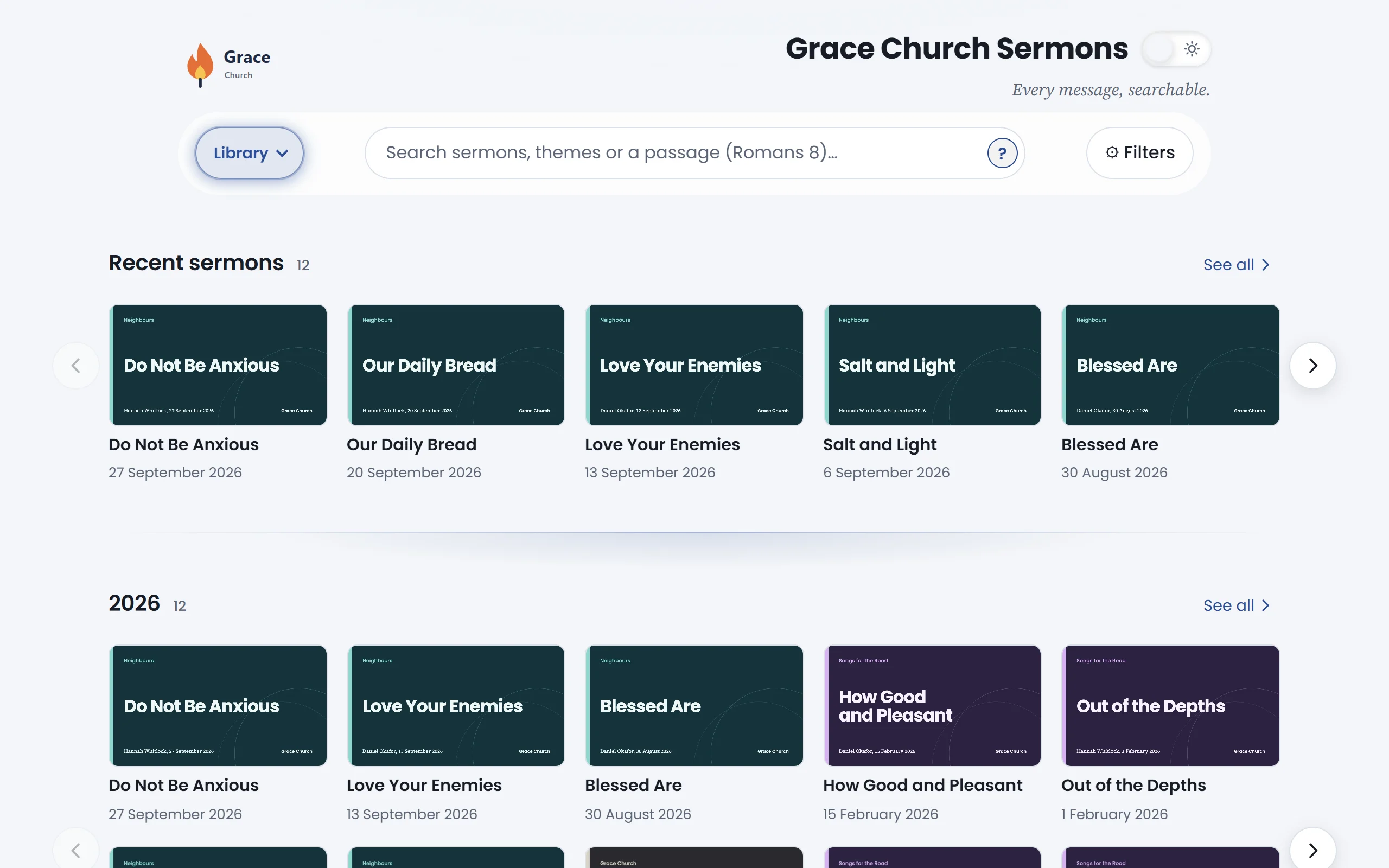
A minus sign leaves sermons out. Here: sermons on grace, from 2025 on, not in the Neighbours series. Press Enter once for the lot.
Type theme:grace -series:Neighbours since:2025
Share exactly this search
The share icon copies a link to this search, pills and all. Whoever opens it sees the same sermons.
Copy a link to this search.