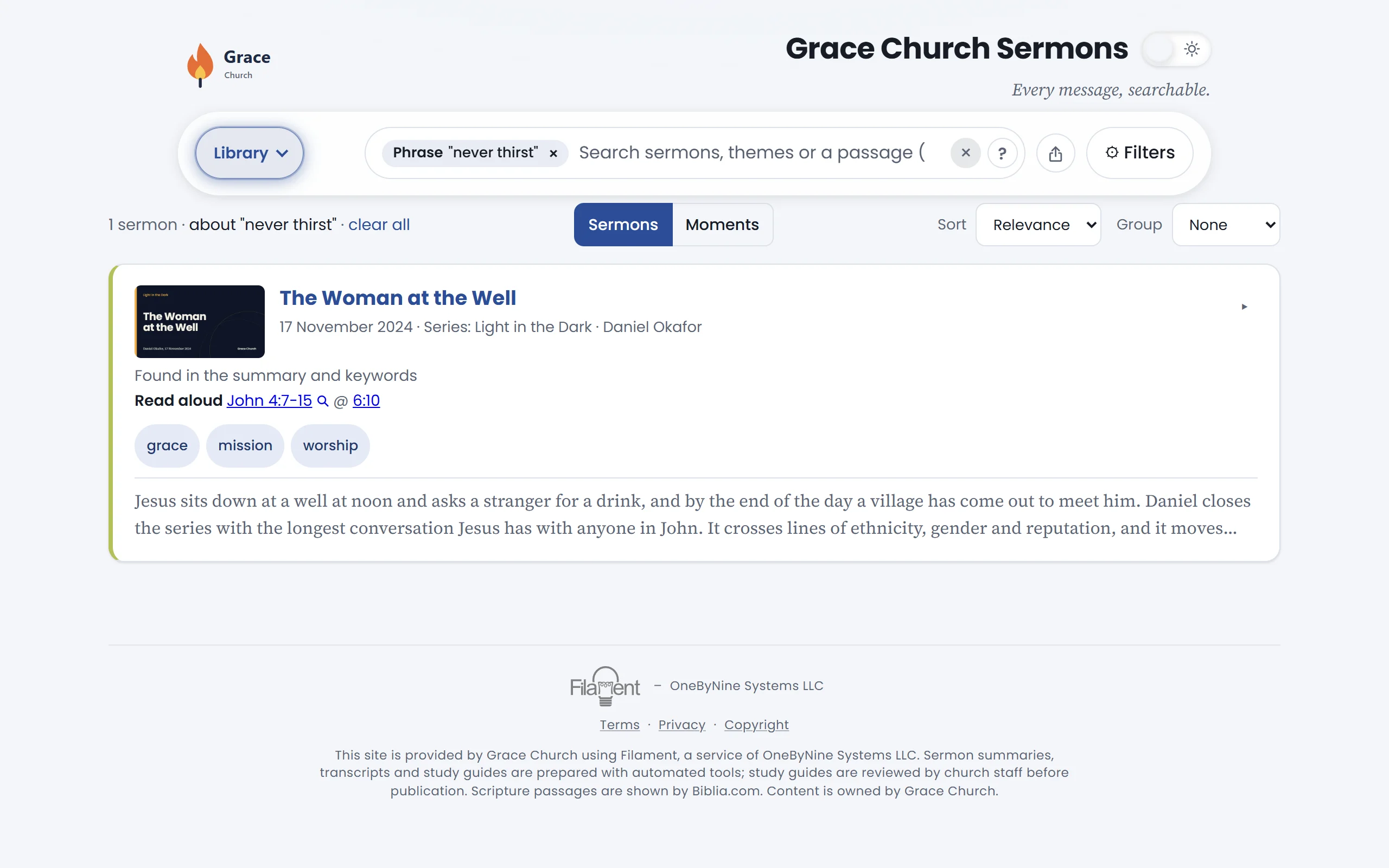
A word you heard
Search what was said
Your church can let you search the words of its sermons, not only their summaries. If it does, type a word you remember hearing.
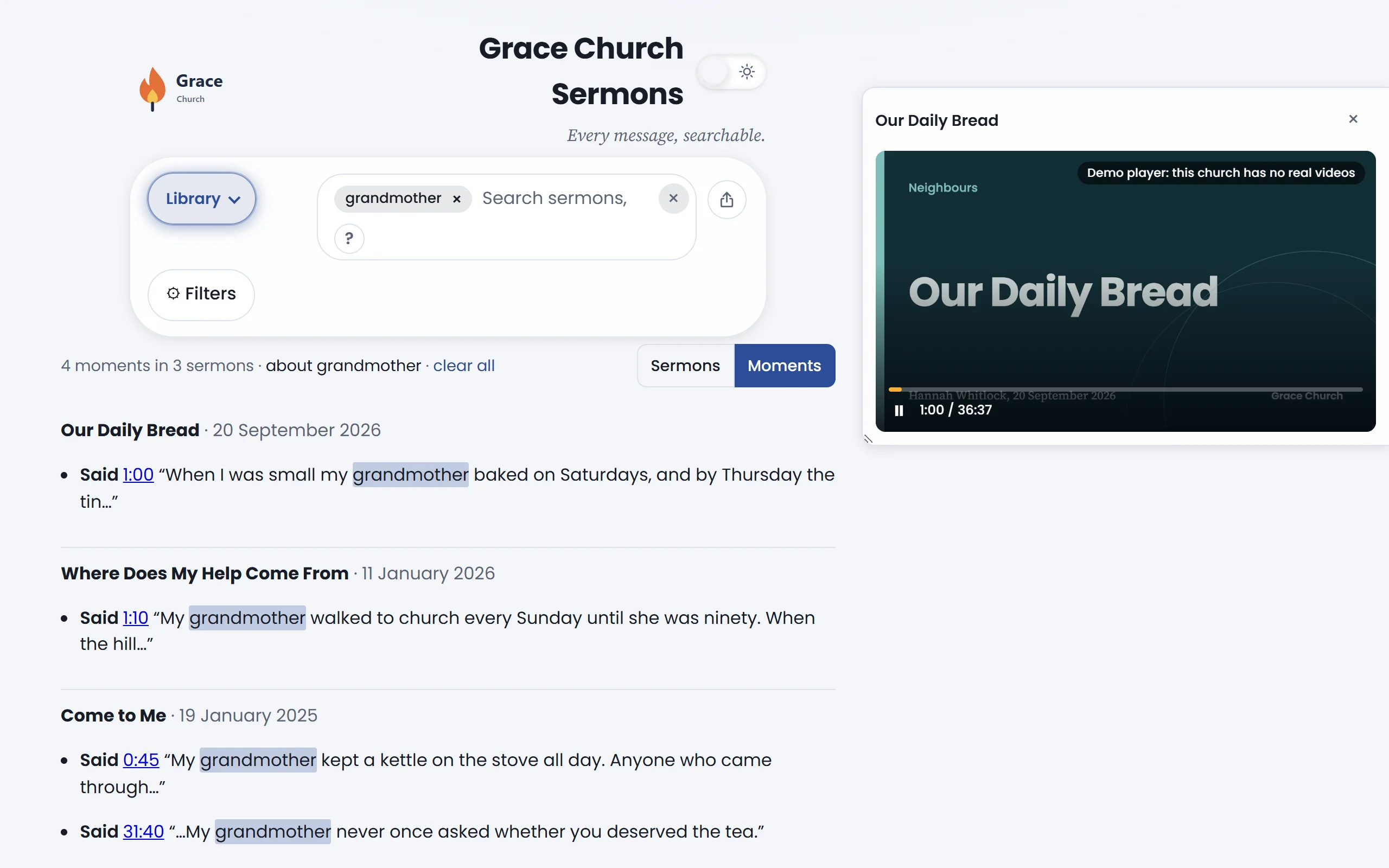
Type grandmother
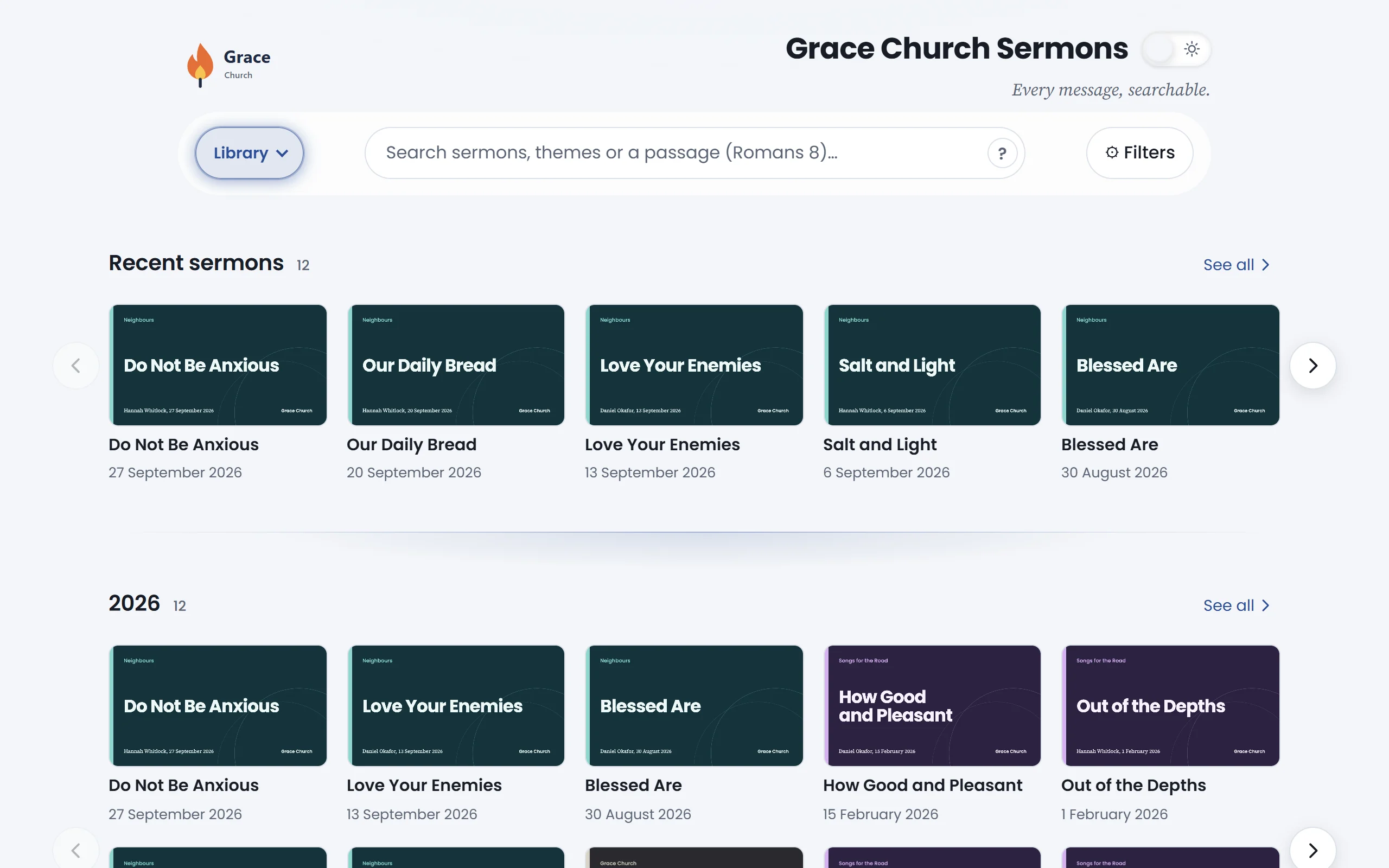
Found in the sermon itself
Each sermon shows the line where the word was said, and when. Moments lists every such line.
Show the moments.
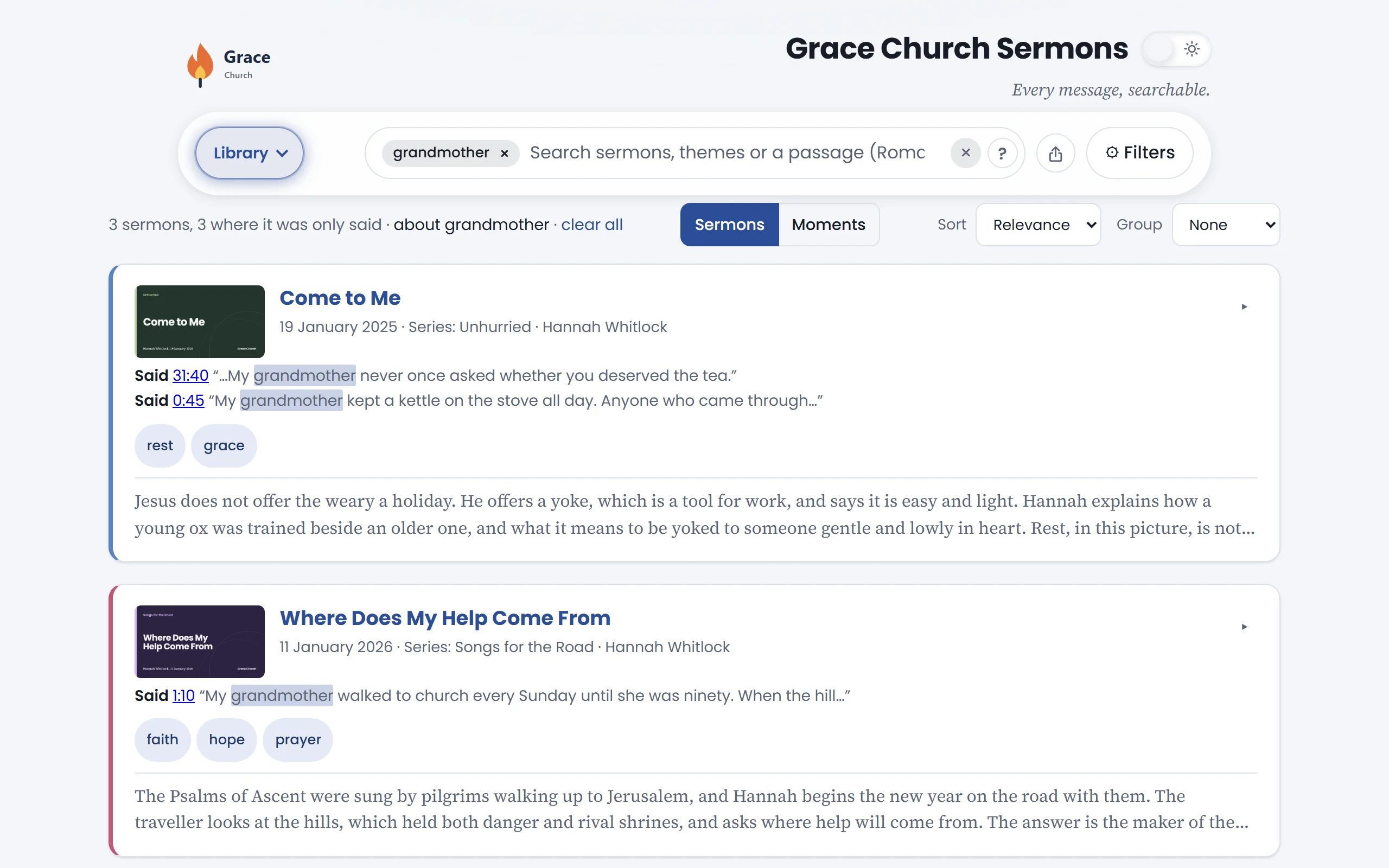
Every moment, with its time
Each place the word came up, grouped by sermon. Choose a time to hear it.
Play from that moment.
The sermon plays from there
The video opens at the moment the words were said, so there is no scrubbing through the whole sermon.
Words read from scripture
A phrase from a reading
Search for words from a passage read aloud during a sermon, in quotes to keep them together.
Type "never thirst"
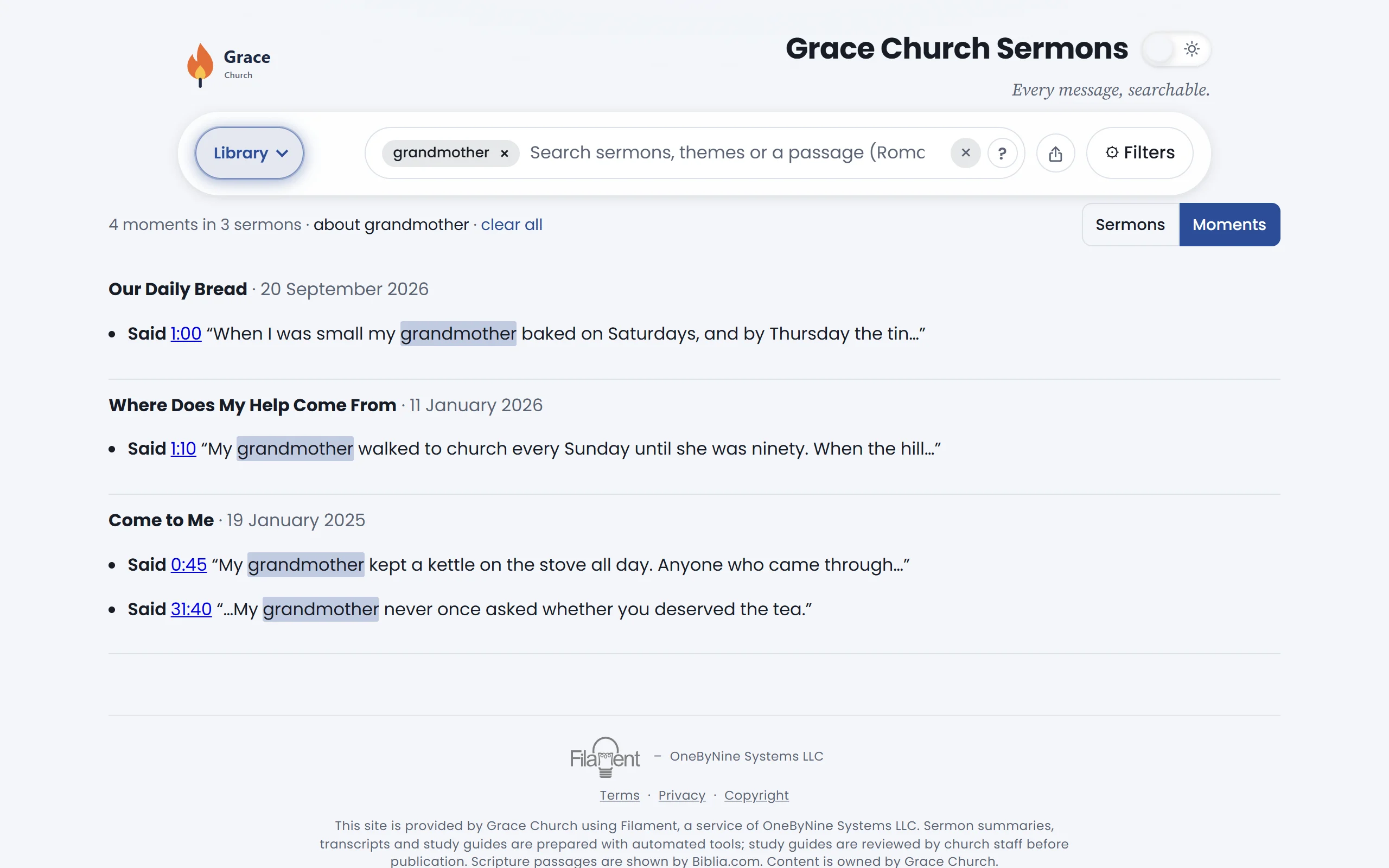
Read aloud, with its reference
Filament names the passage and the time it was read, rather than repeating it. The reference opens the passage in your church's translation.