Start it
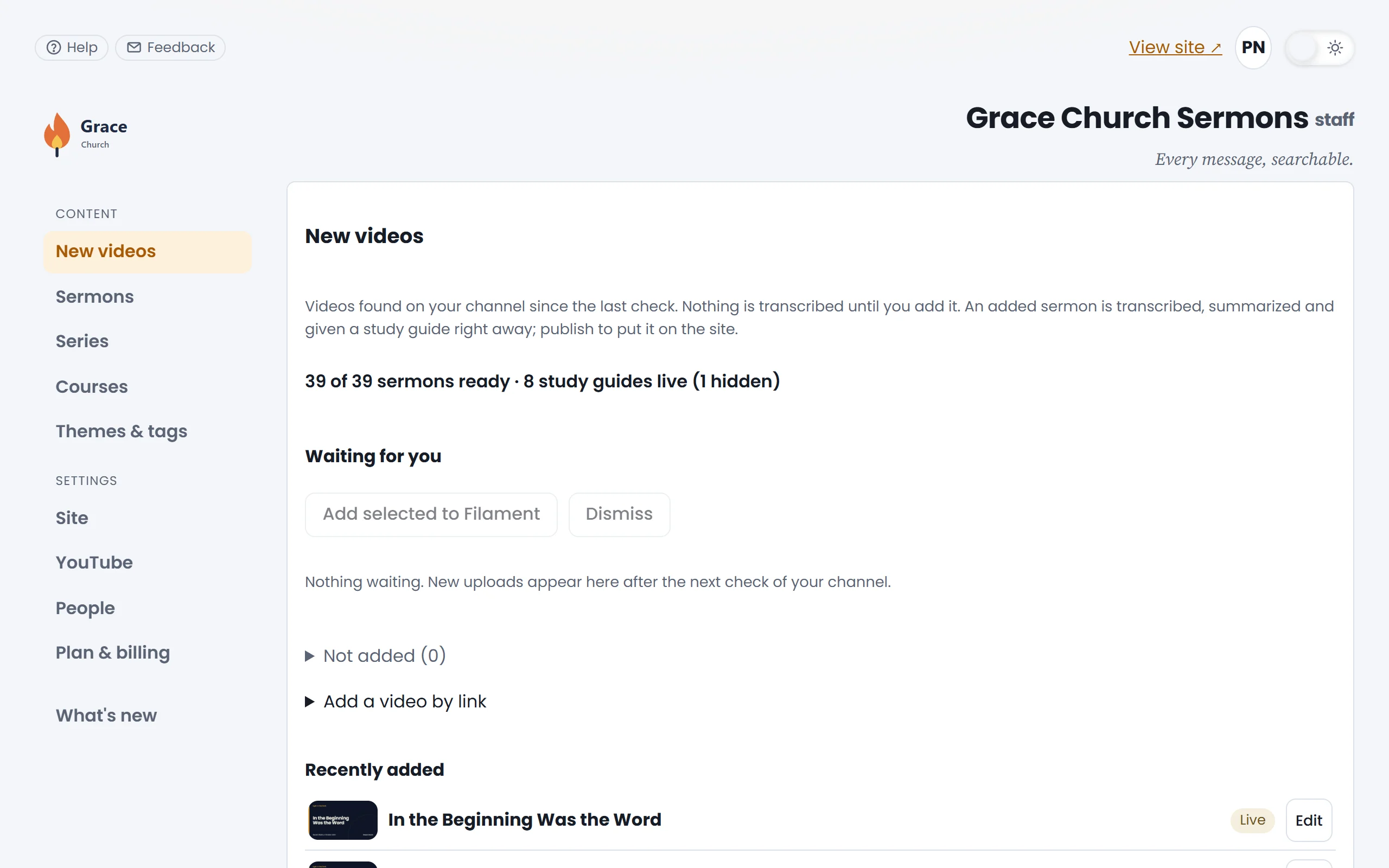
Open Courses
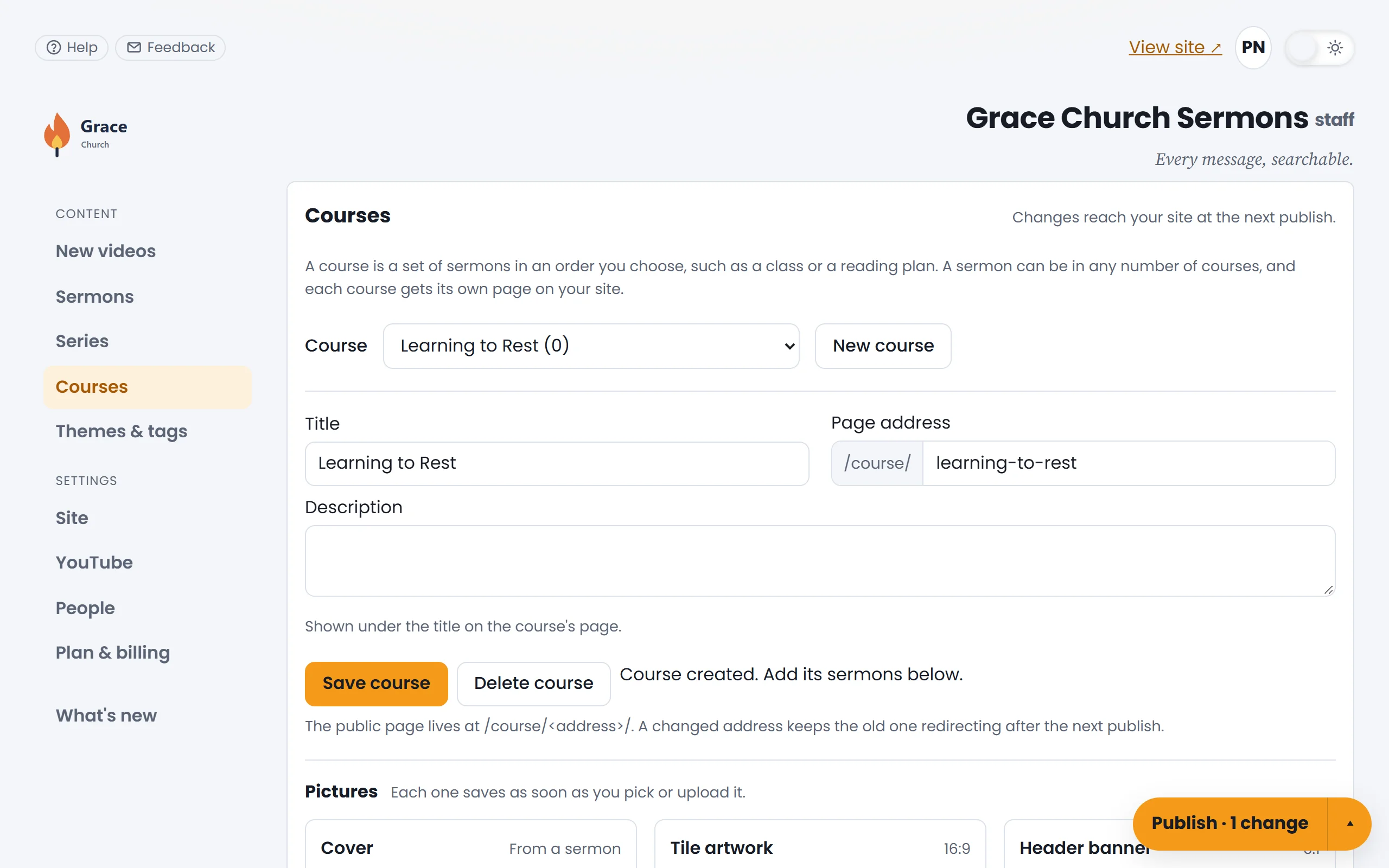
Courses are under Content, in the menu. A course is a set of sermons in an order you choose; a sermon can be in any number of them.
Open Courses.
Start a new course
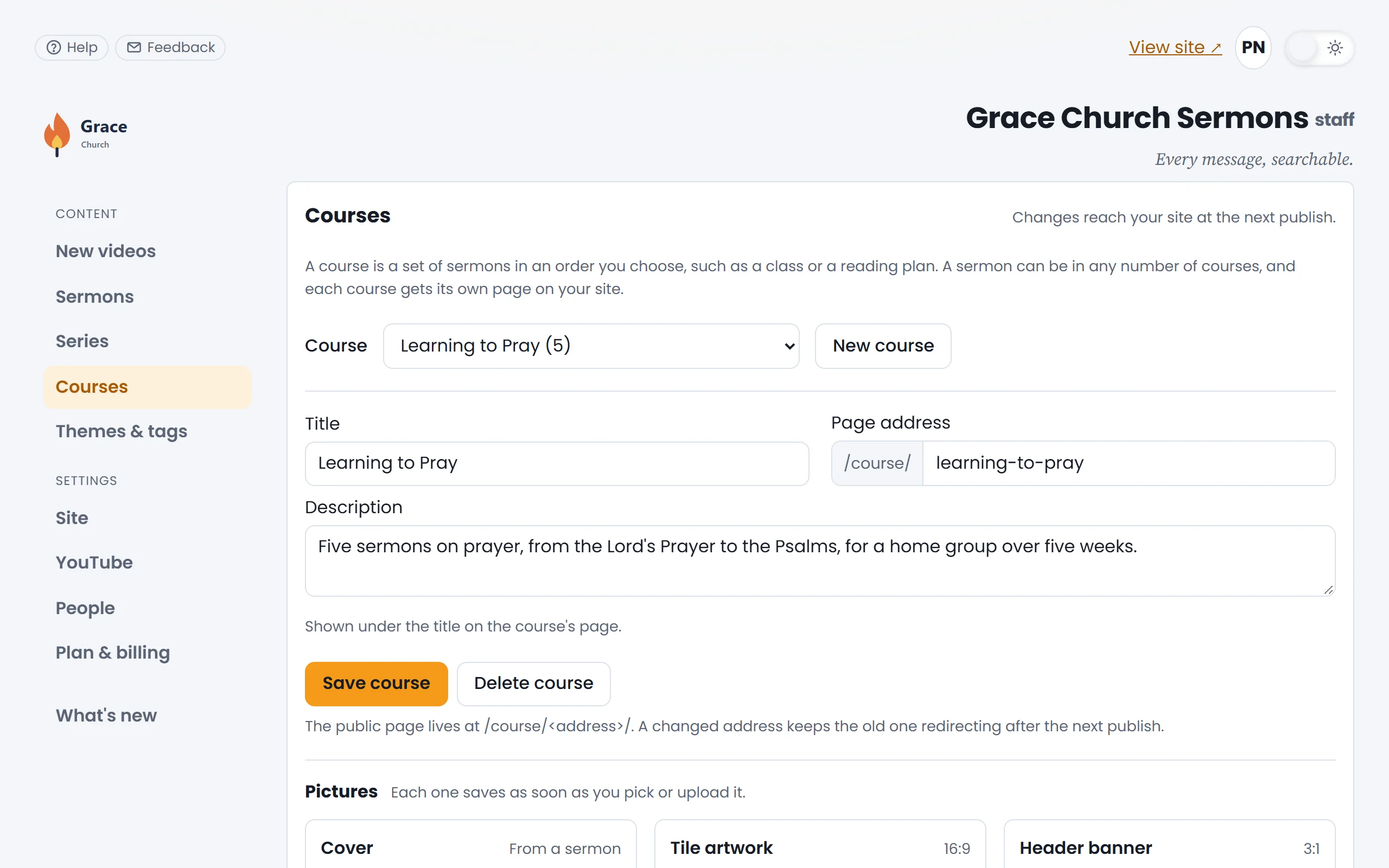
Your courses so far are in the list. New course starts another.
New course.
Give it a title
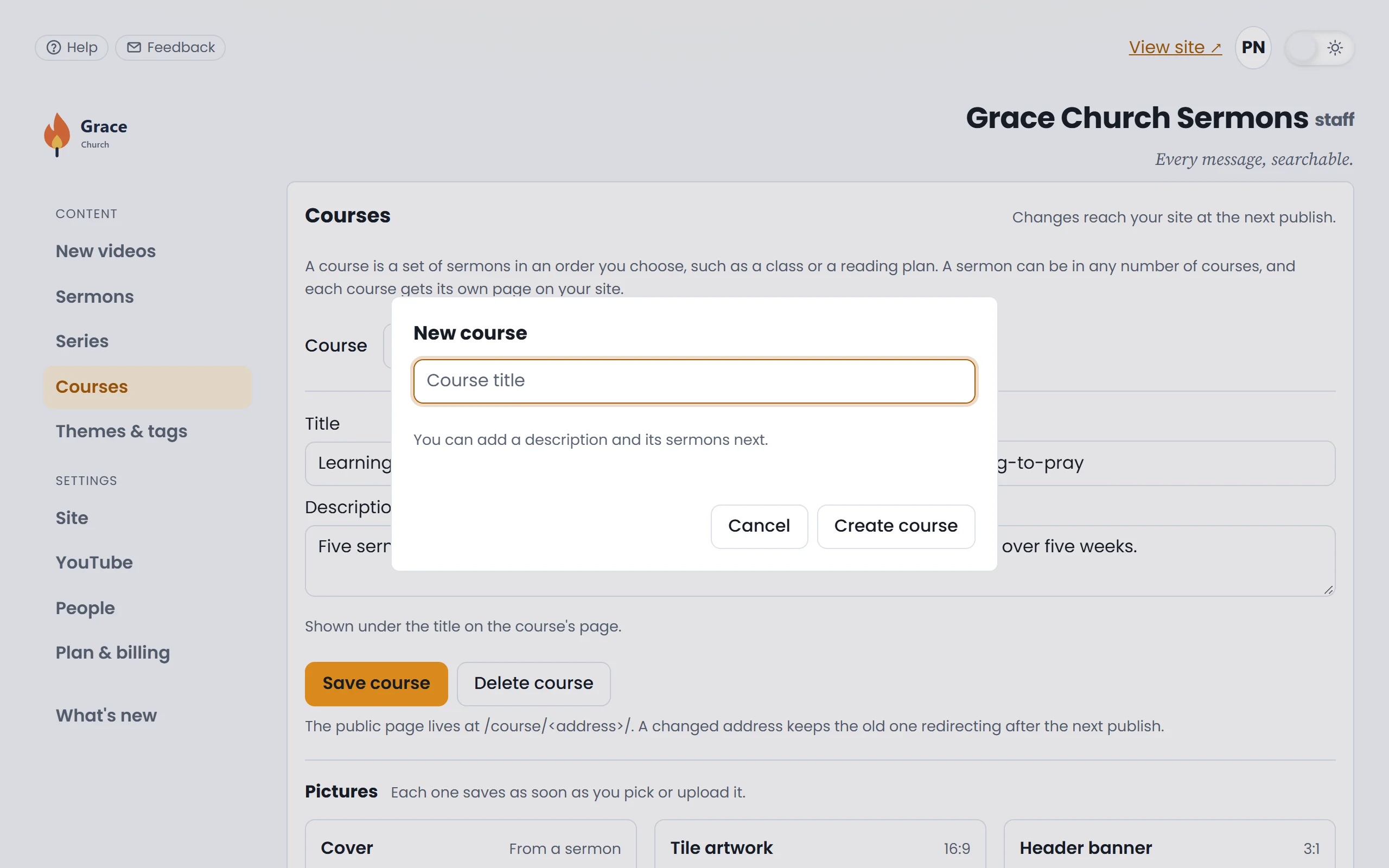
A title is all it needs to begin. The address of its page on your site is made from it.
Type Learning to Rest
Say what it is for
A line or two about the course. It shows on the course's page, under its title.
Type Four sermons on rest, for a home group over a month.
Fill it
Find its sermons
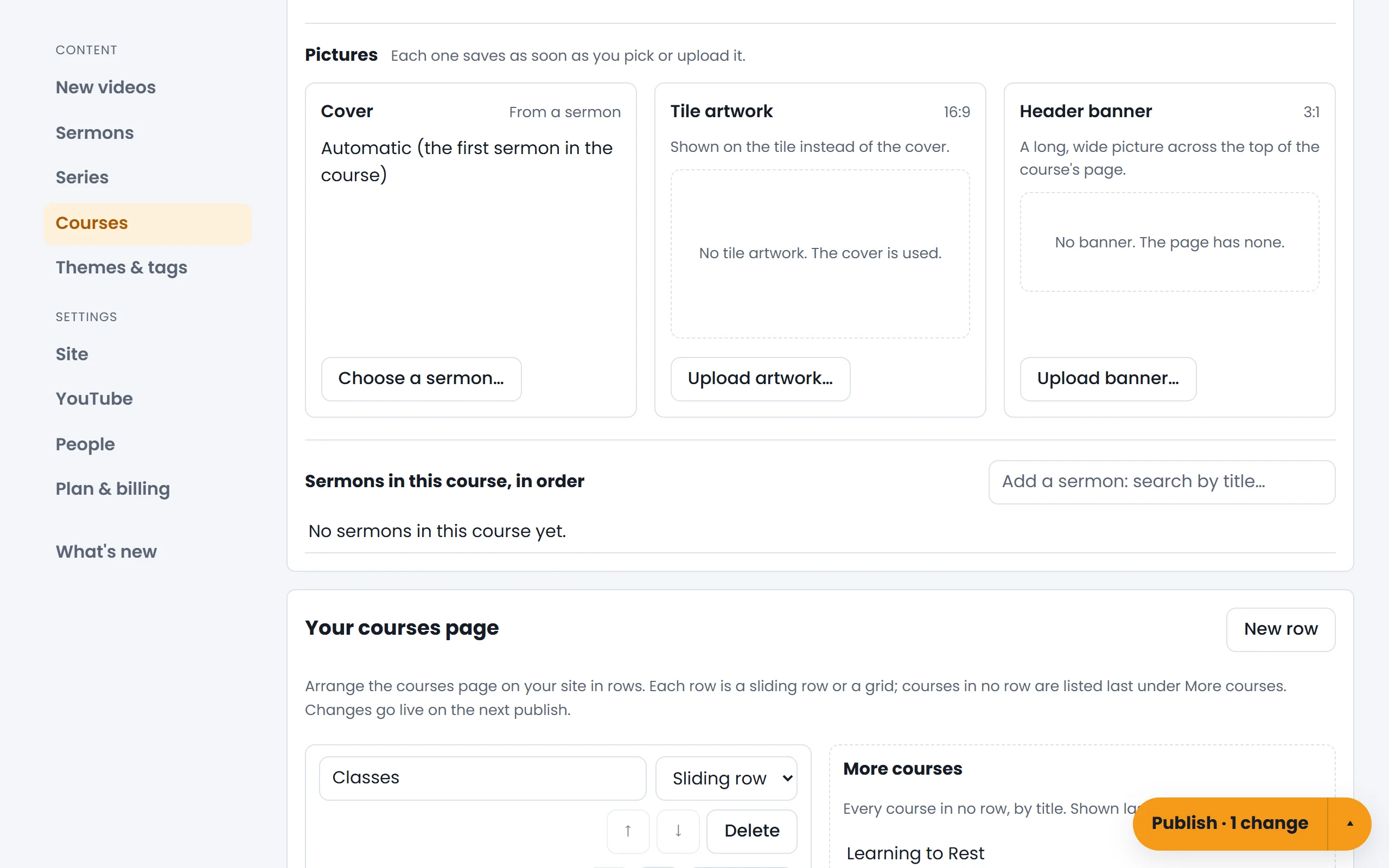
Type part of a title. Matching sermons appear beneath it; choose one to add it to the end.
Type Gift of
Add it
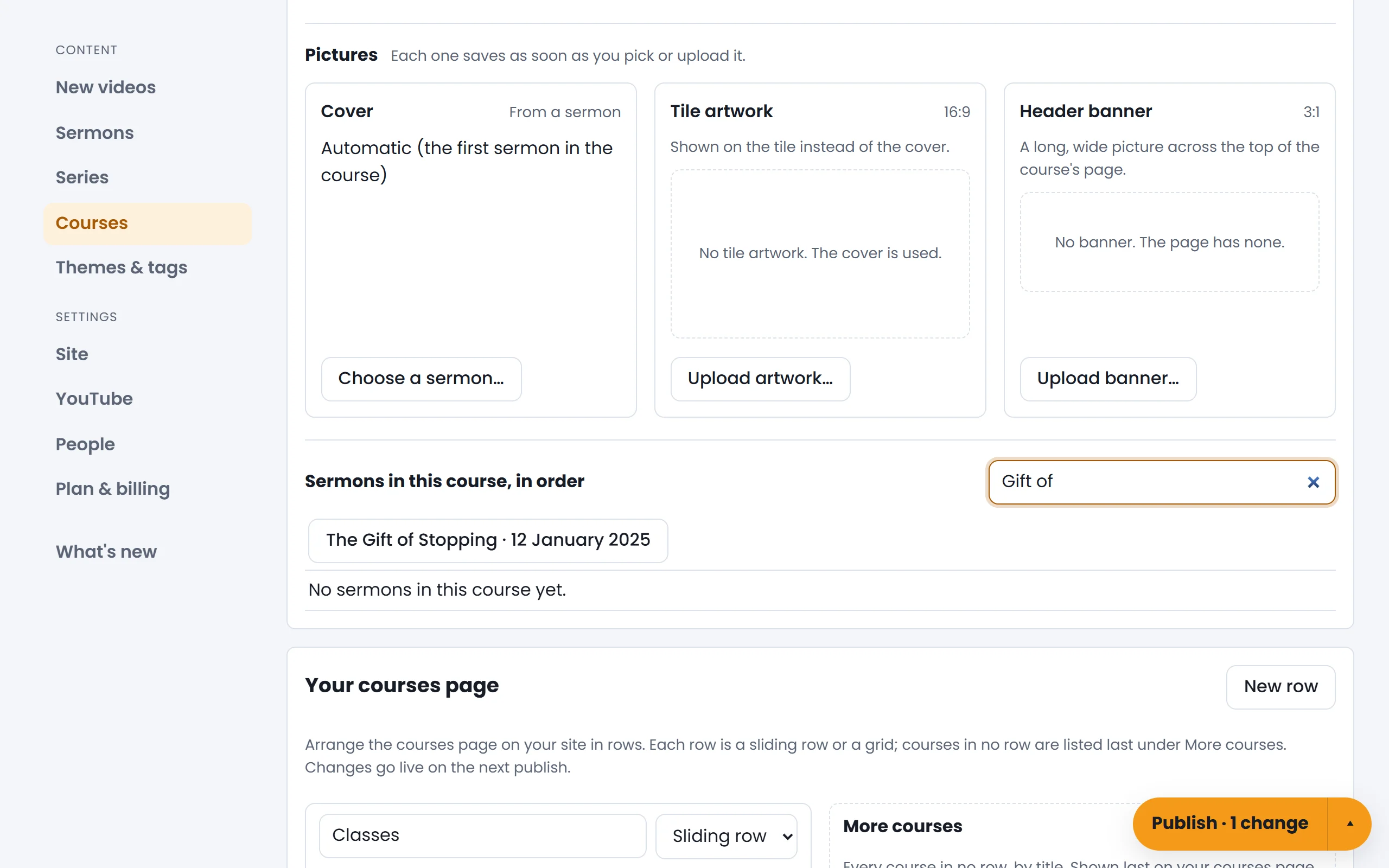
The sermon joins the course. Add the rest the same way.
Add The Gift of Stopping.
Put them in order
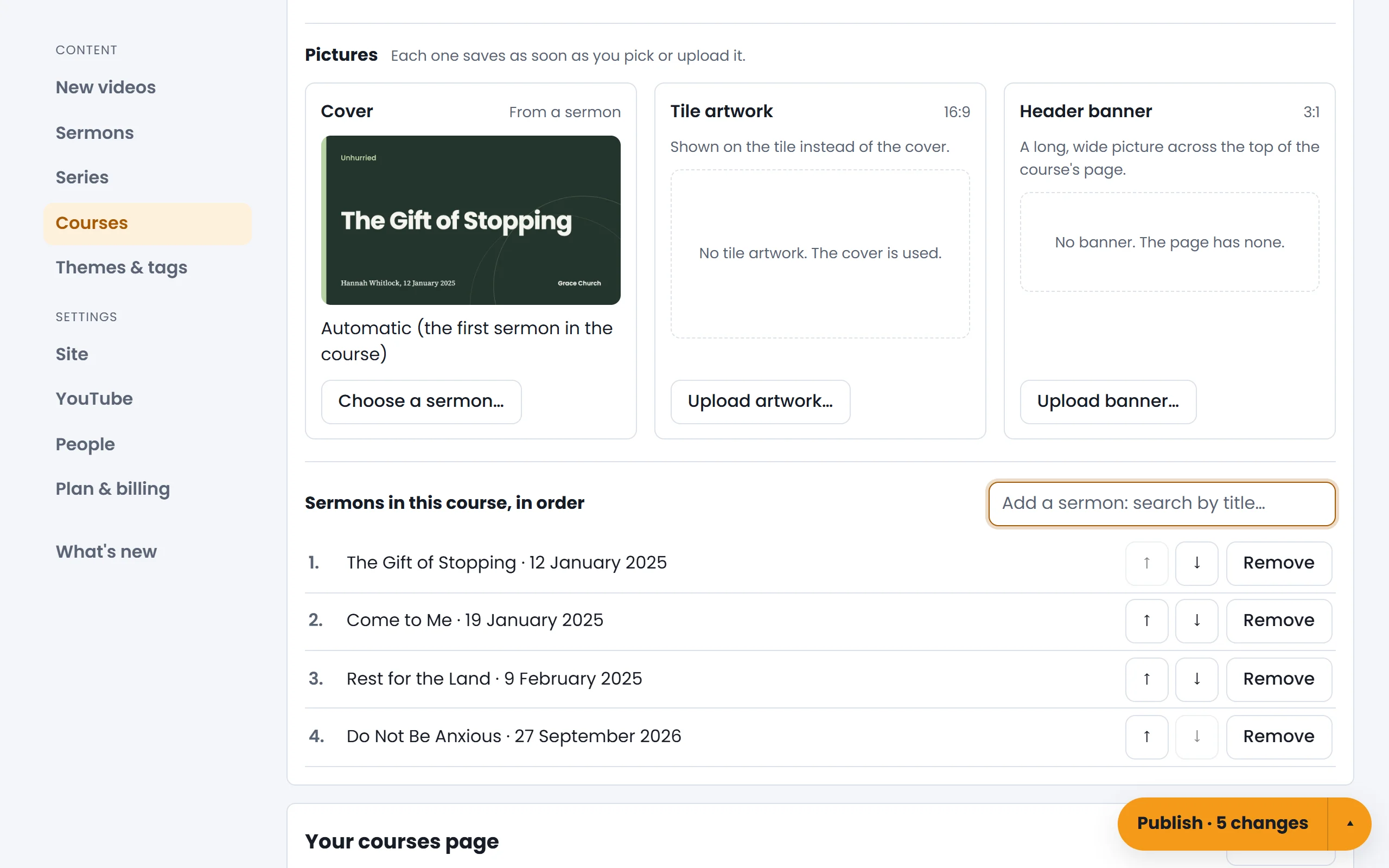
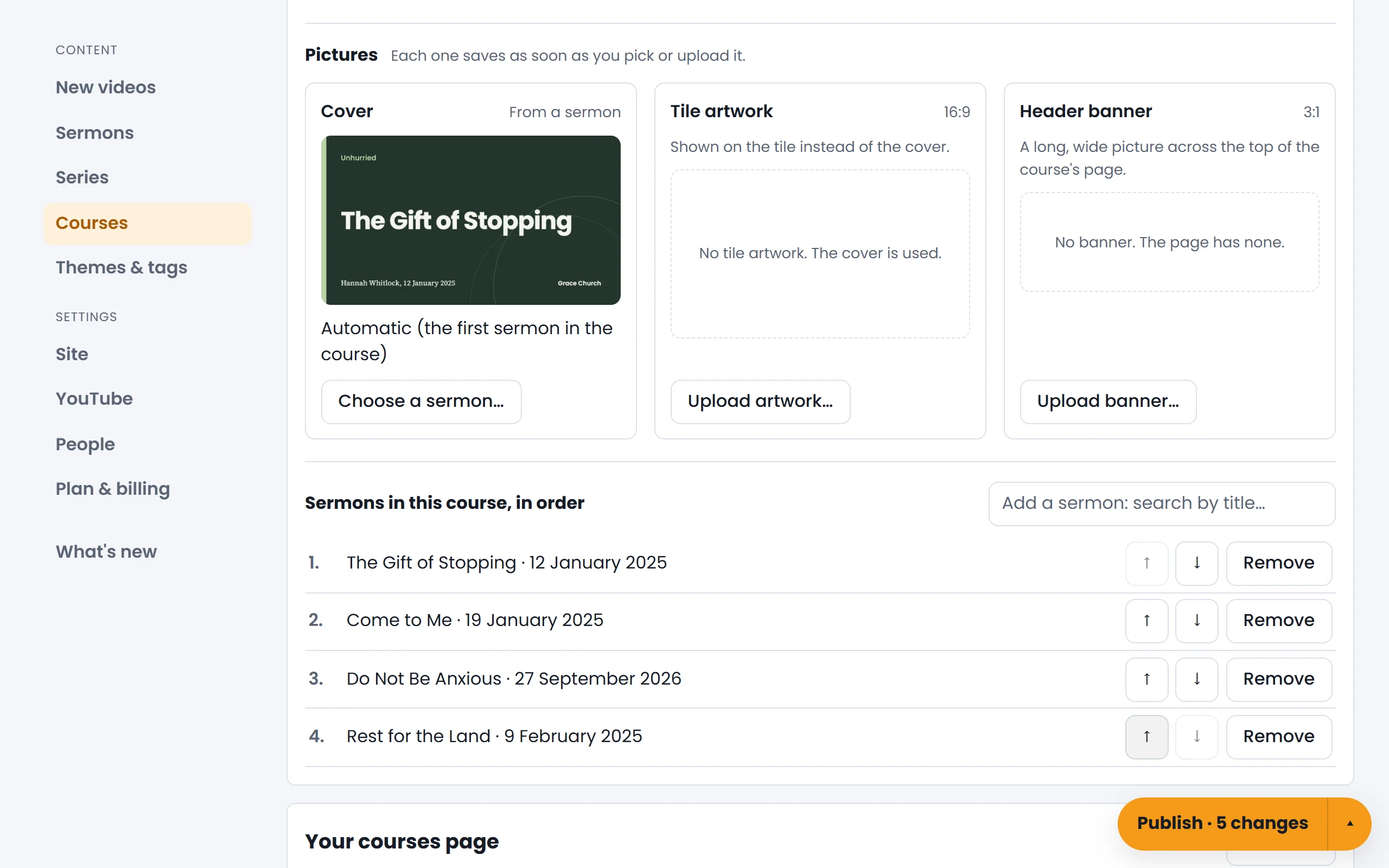
The arrows move a sermon up or down. Your congregation sees them in exactly this order.
Move Do Not Be Anxious up.
Choose its cover
Automatic uses the first sermon's picture. Choose a sermon to use its picture instead.
Choose a sermon for the cover.
Place it
Put it on your courses page
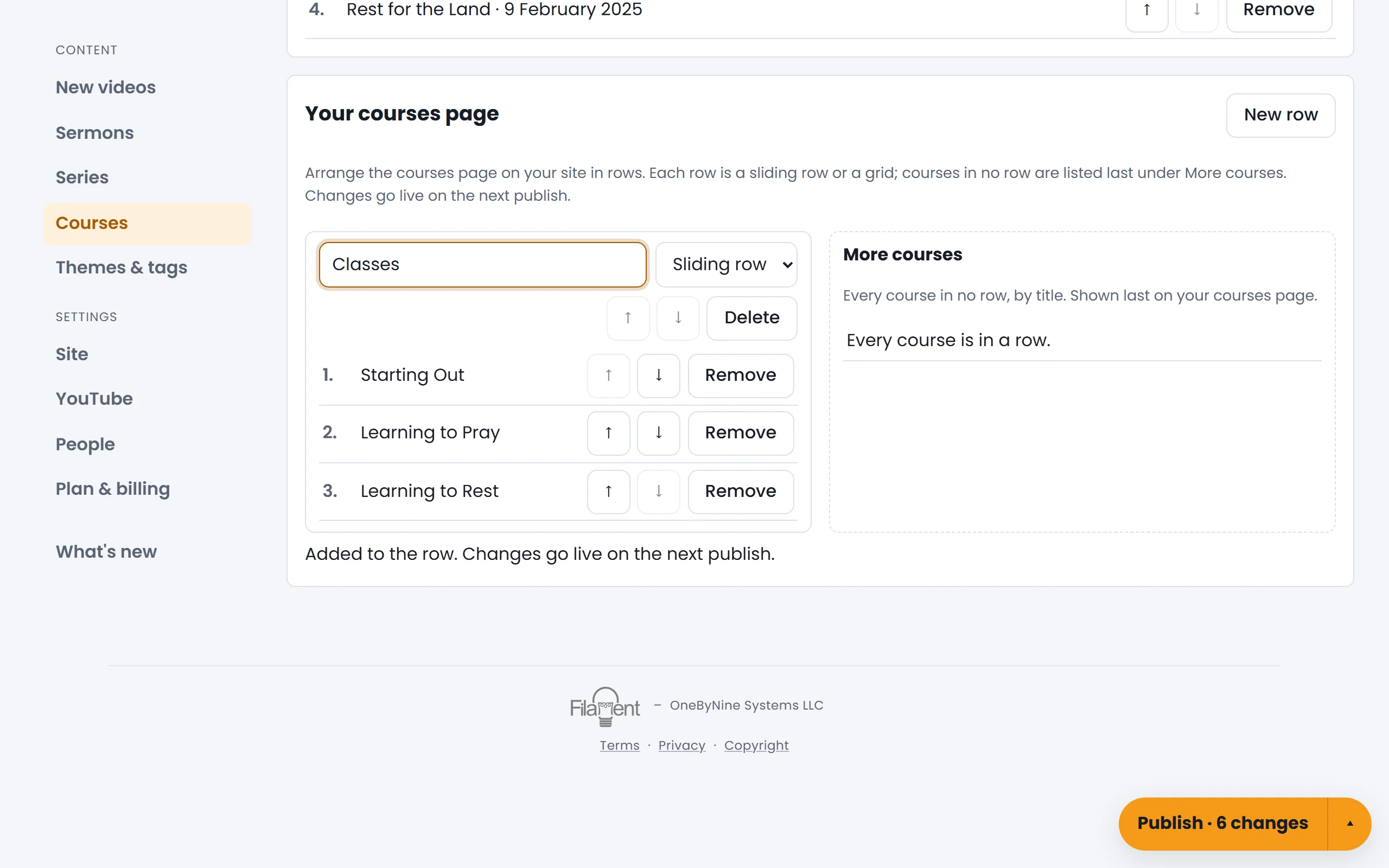
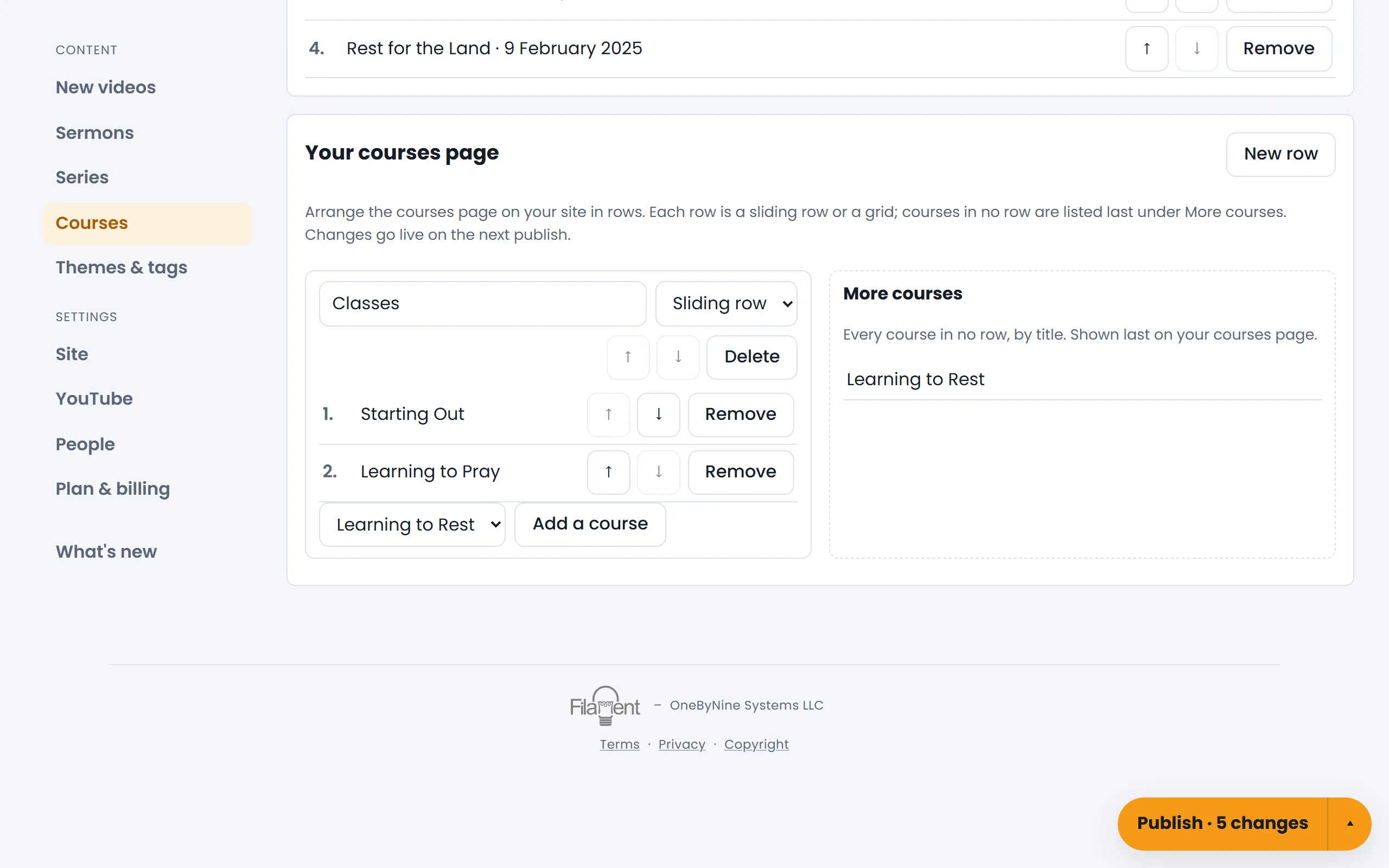
Your courses page shows courses in named rows. Add the new one to a row, or leave it for More courses at the end.
Add Learning to Rest to Classes.
Ready for your site
The course gets its own page on your site at the next publish, like every other change.