Choose the series
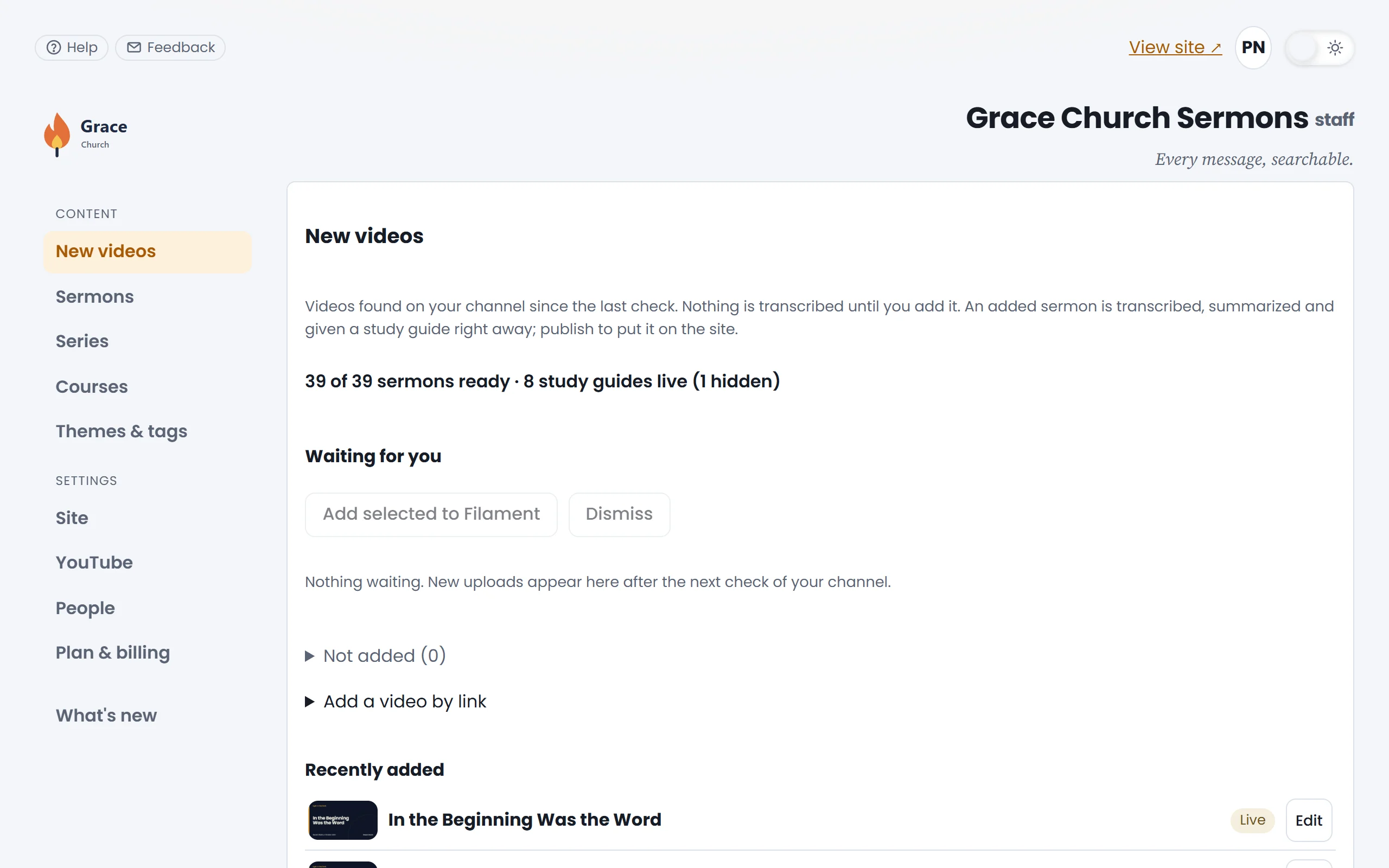
Open Series
Series are under Content, in the menu. Each series' title, page address and pictures are kept there.
Open Series.
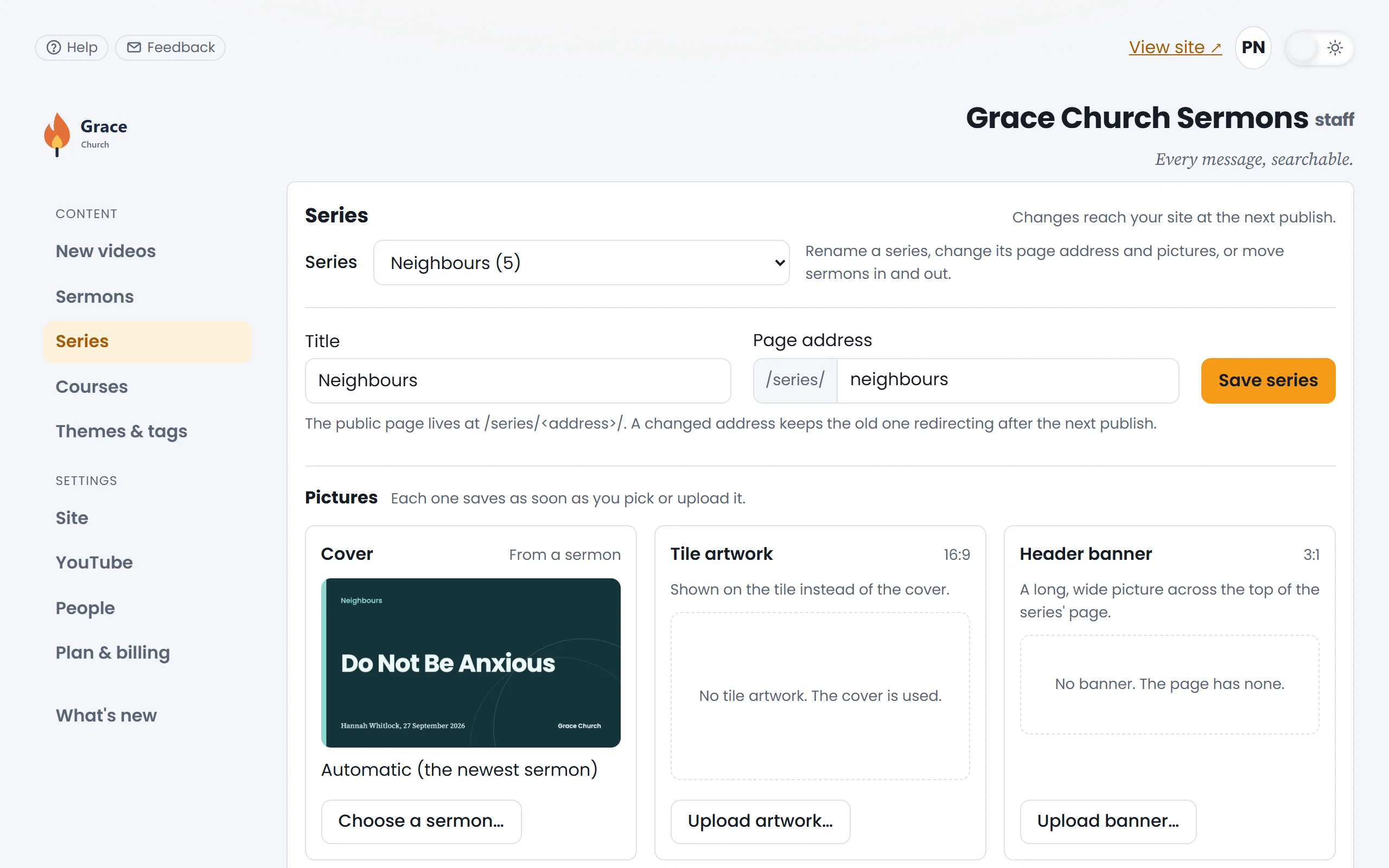
Choose a series
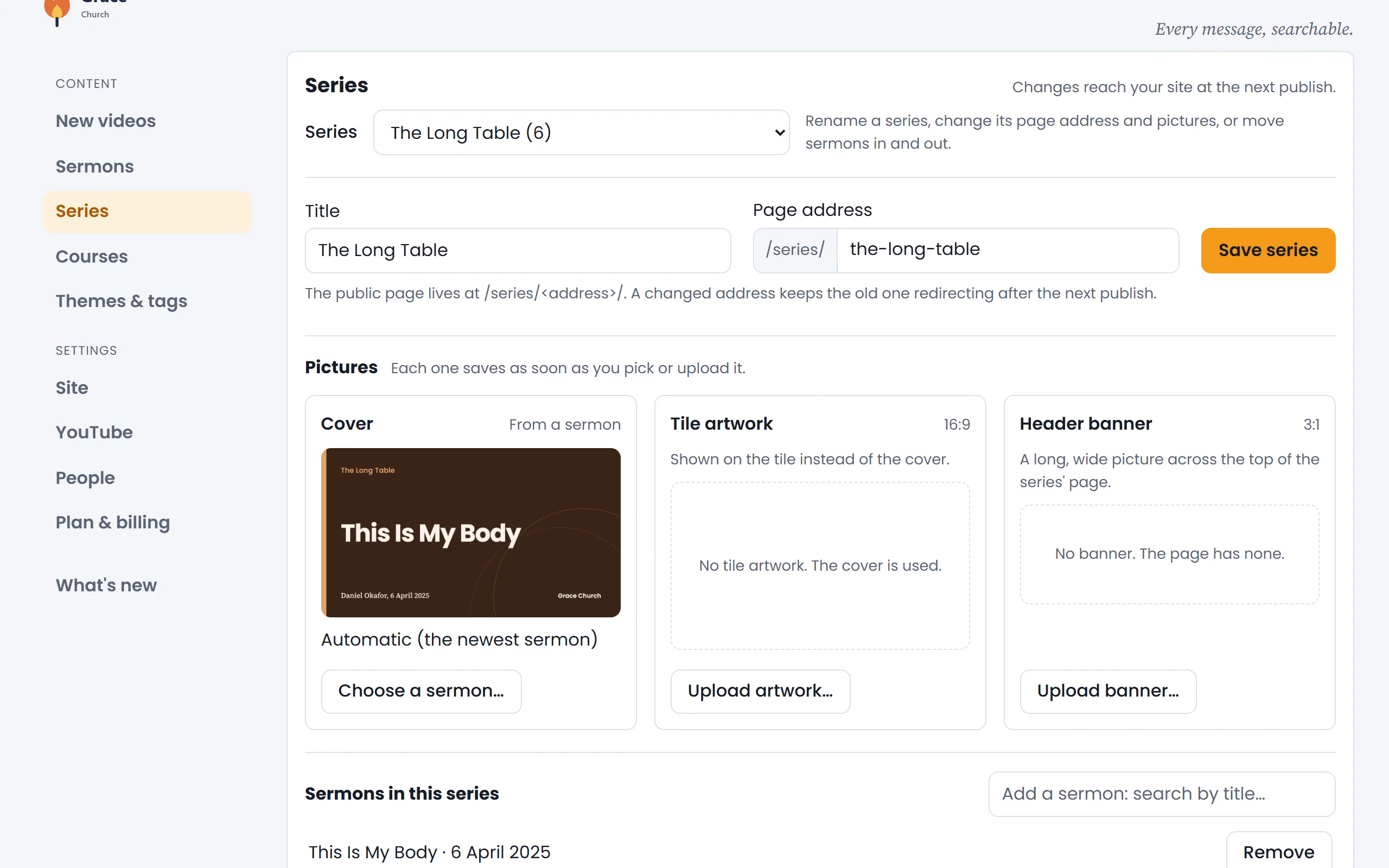
Pick the series to dress. The Long Table has no pictures yet, so its tiles use a sermon's thumbnail.
Choose The Long Table.
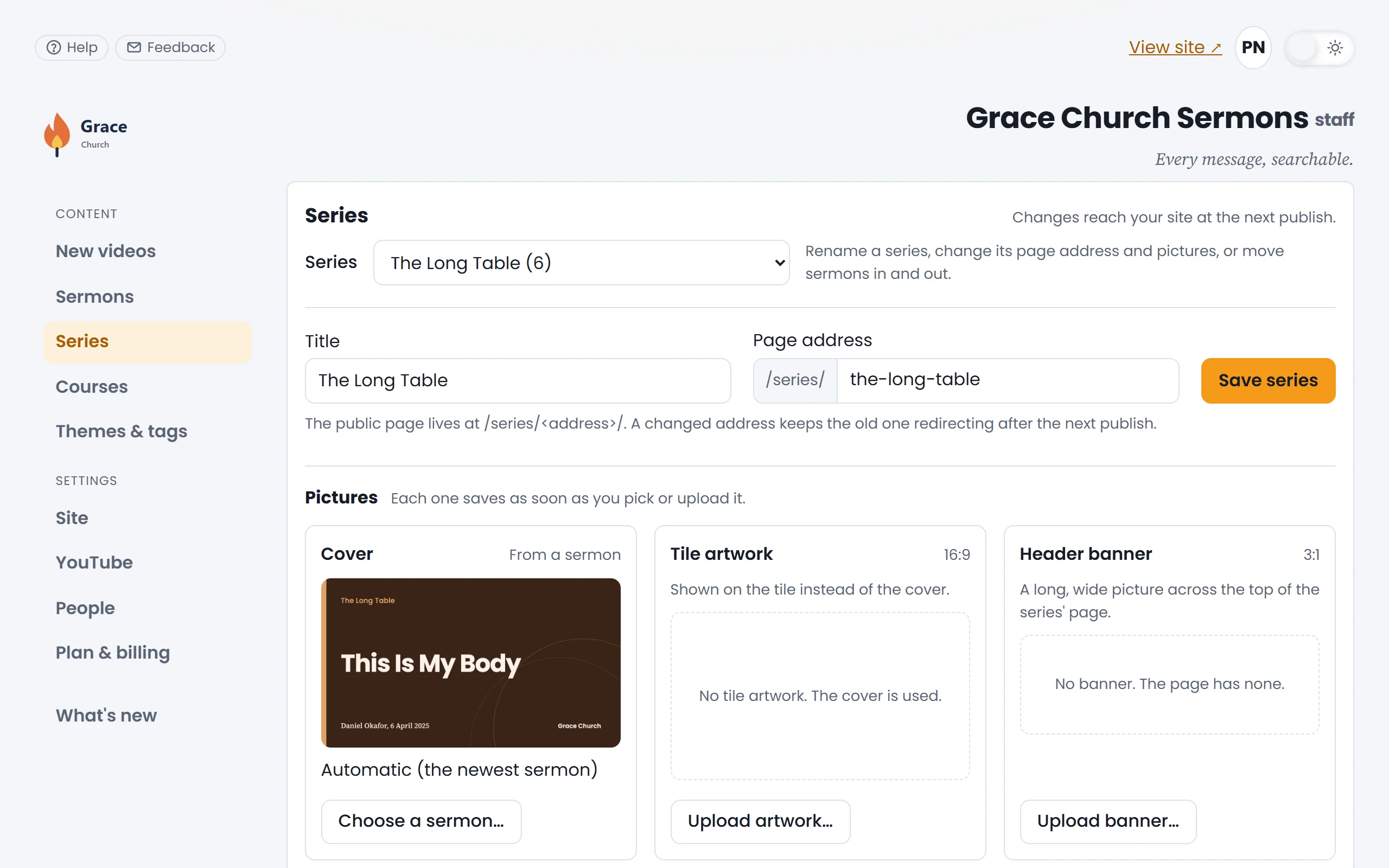
Three pictures, each optional
The cover is a sermon's thumbnail. A tile picture replaces it wherever the series is listed, and a banner runs across its page.
Upload
Upload a tile picture
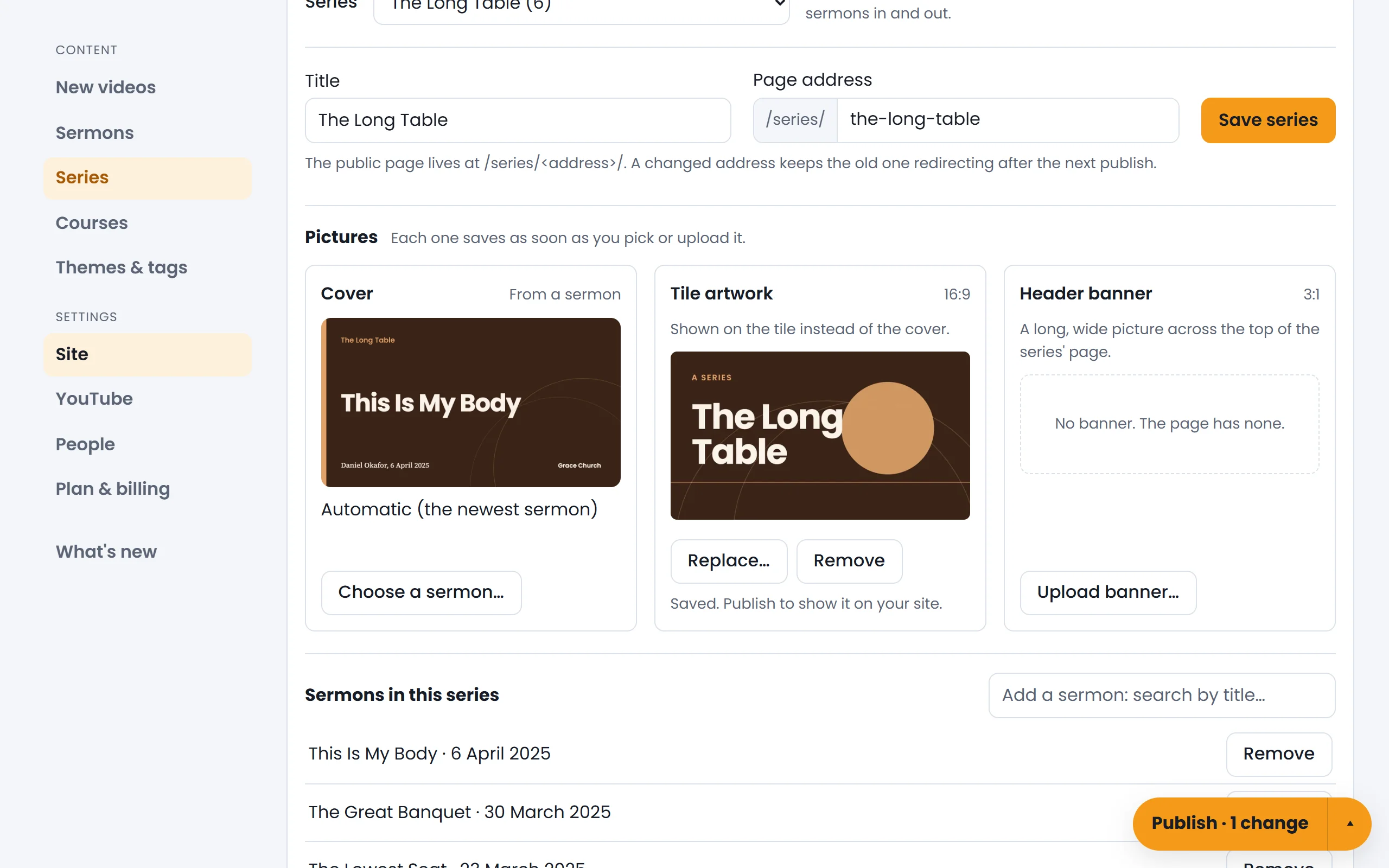
A JPEG, PNG or WebP, wider than it is tall. Filament trims it to the tile's shape and saves it at once.
Upload the tile picture.
And a banner
A long, narrow picture for the top of the series page, trimmed to three times as wide as it is tall.
Upload the banner.
Saved, waiting for a publish
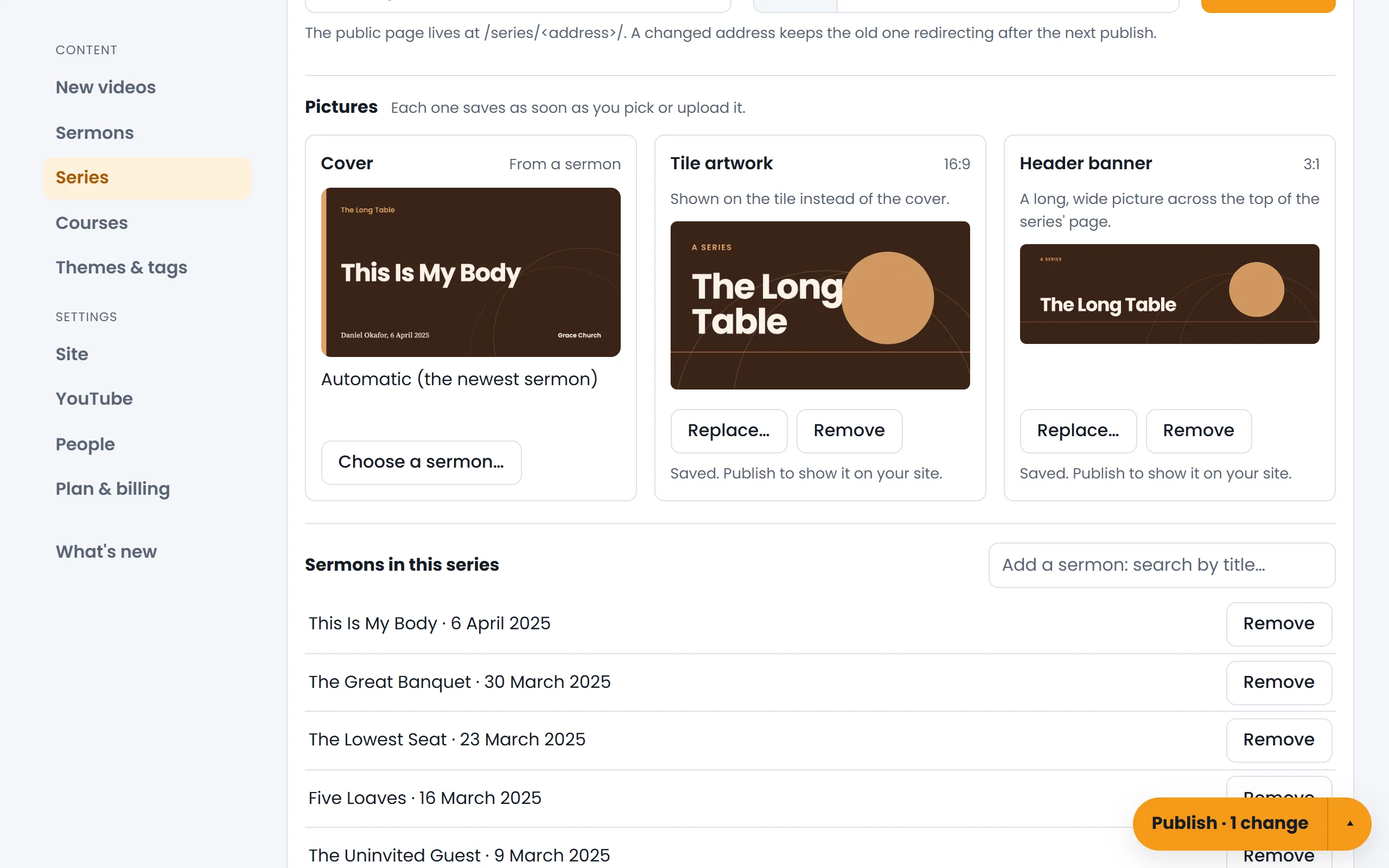
Each picture saves as soon as it is uploaded. Like every other change, they reach your site at the next publish.
Publish.
On your site
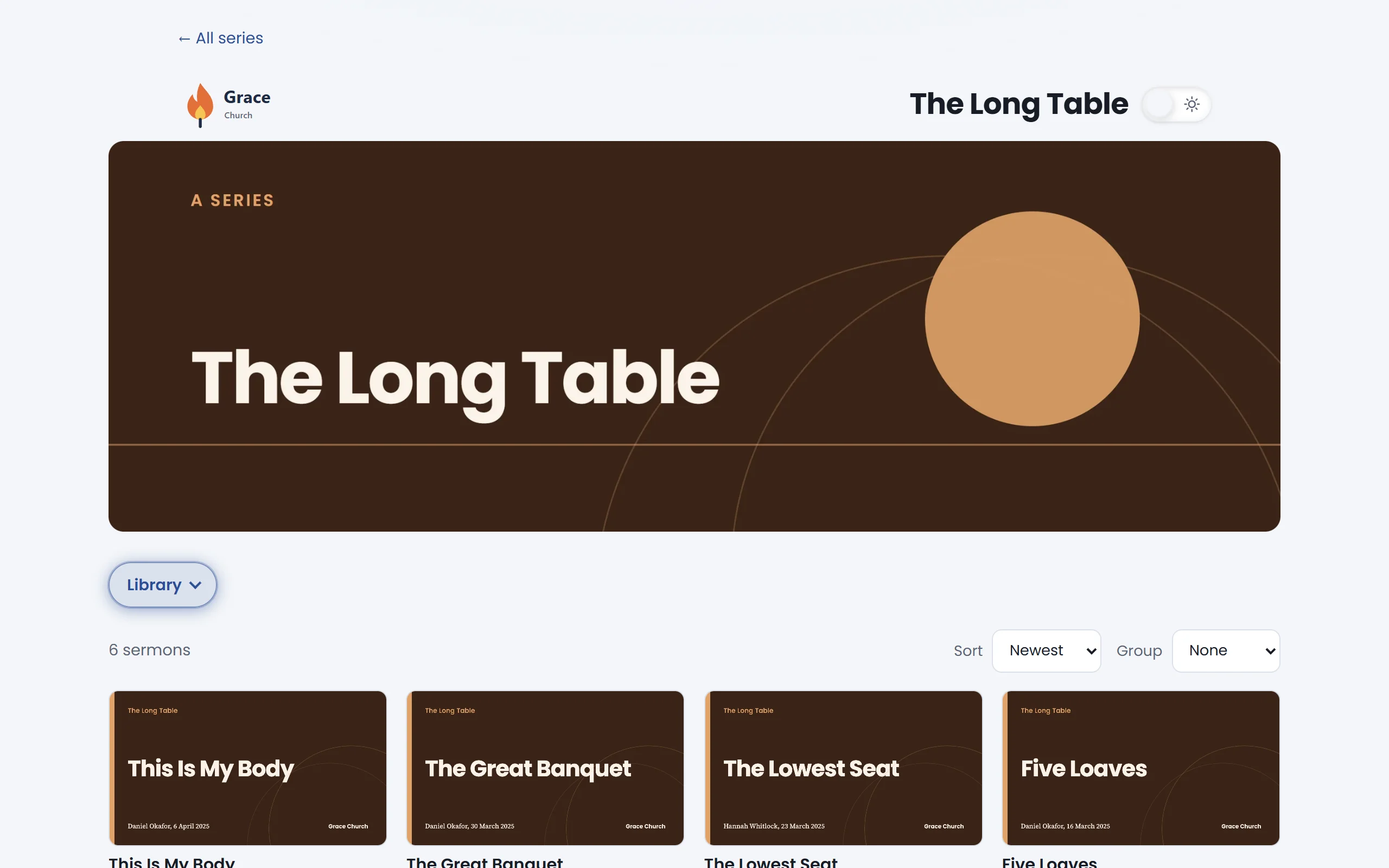
The series page, dressed
The banner runs across the top of the series page, and the tile shows wherever the series is listed.