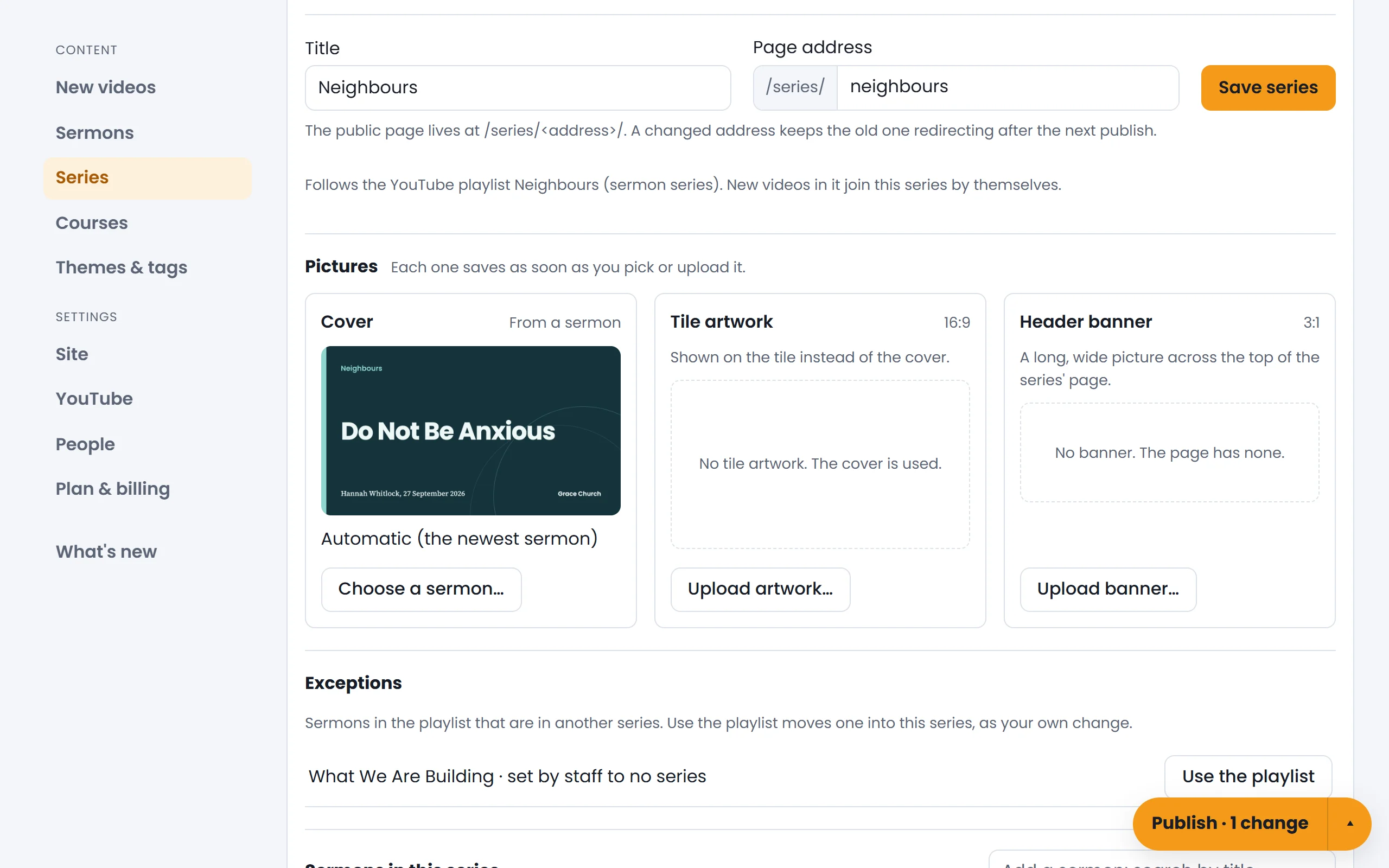
Find your playlists
Open YouTube
Your channel and its playlists are under YouTube, in the menu.
Open YouTube.
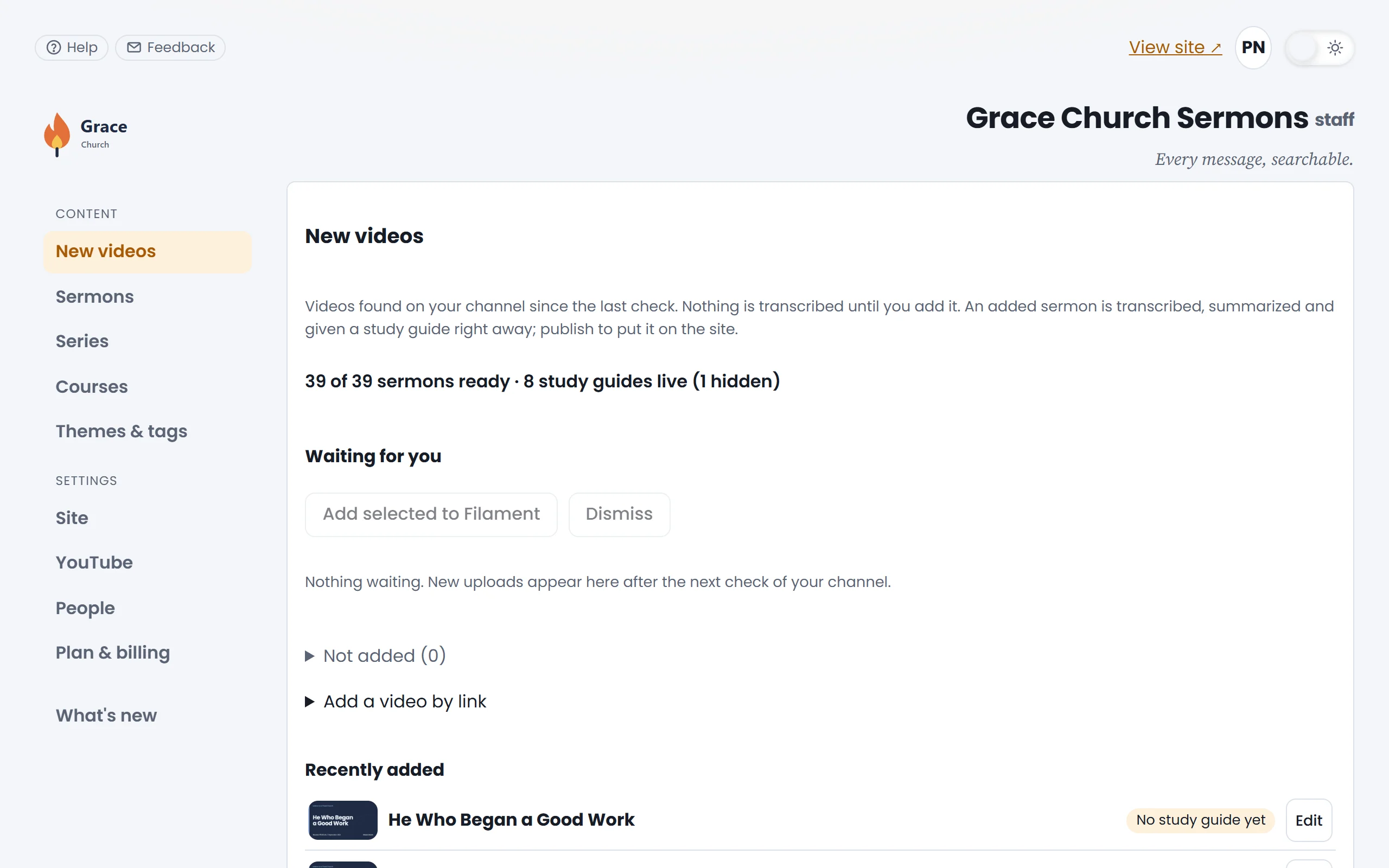
Check your playlists
Filament reads the playlists on your channel each day. Check now to see them at once.
Check playlists now.
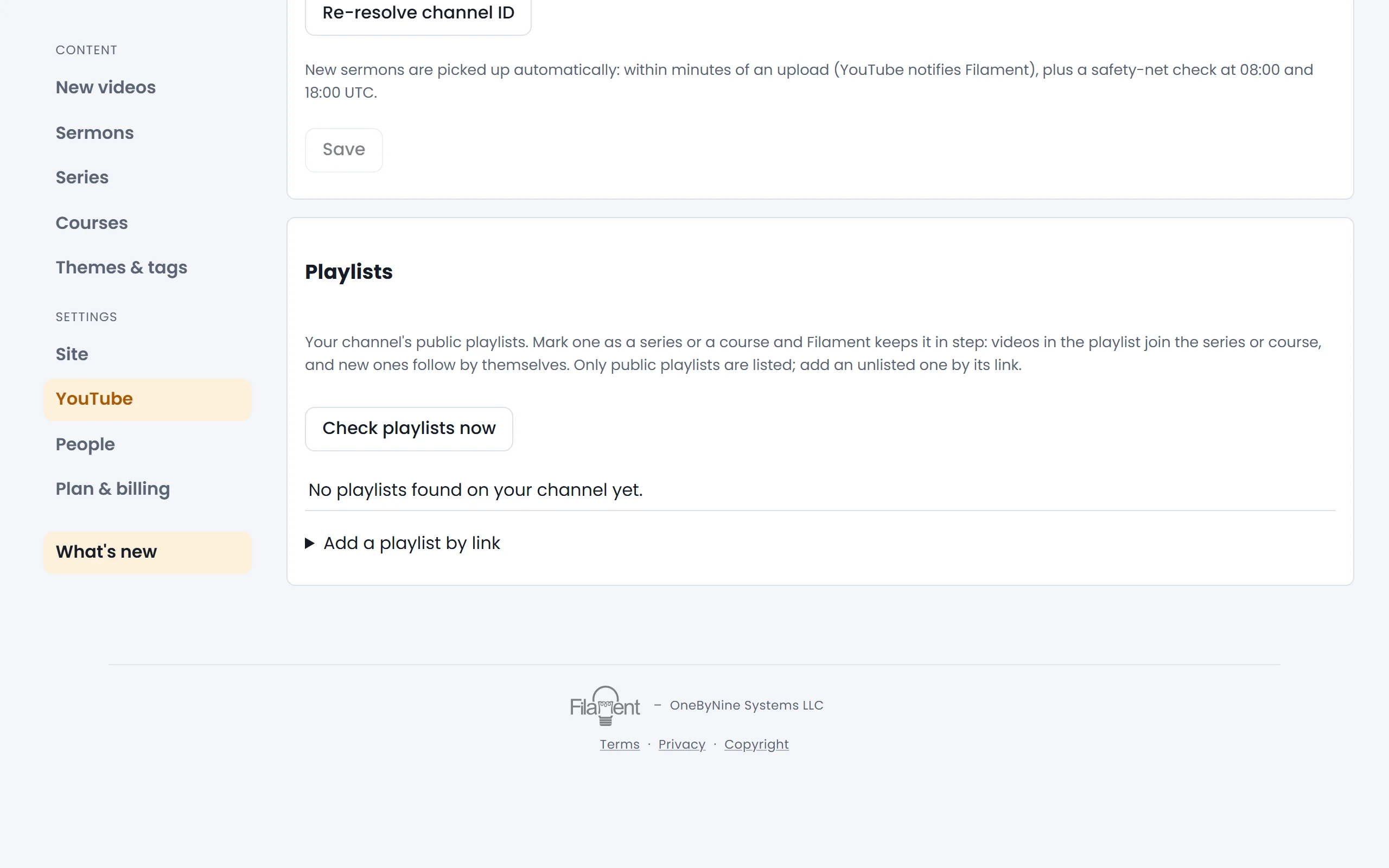
Every playlist on your channel
Say what each one is: a series, a course, or not a series at all, for a highlights reel that should never be asked about again.
Link one to a series
Say it is a series
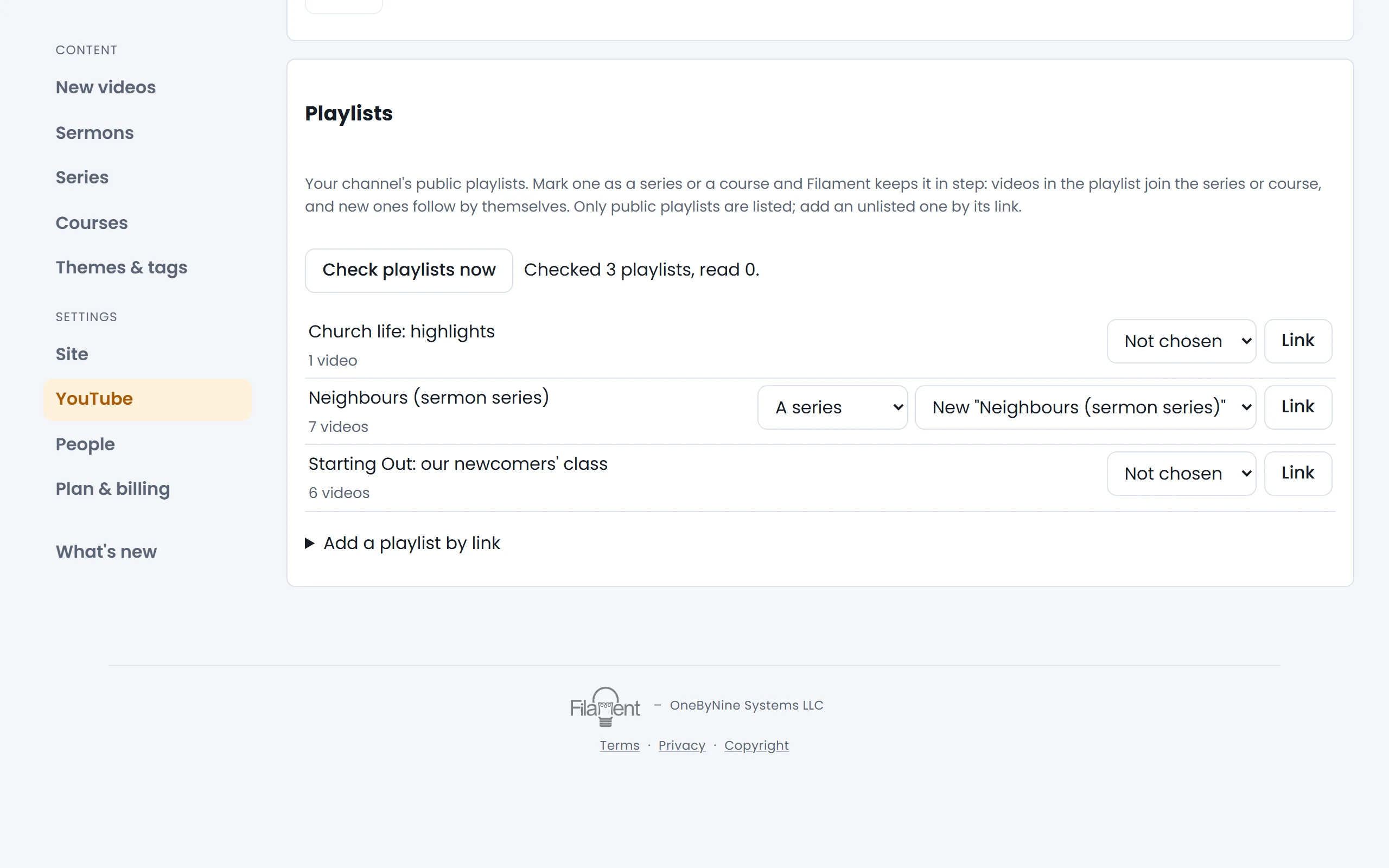
Choose A series for the playlist that holds one.
Choose A series.
Choose the series
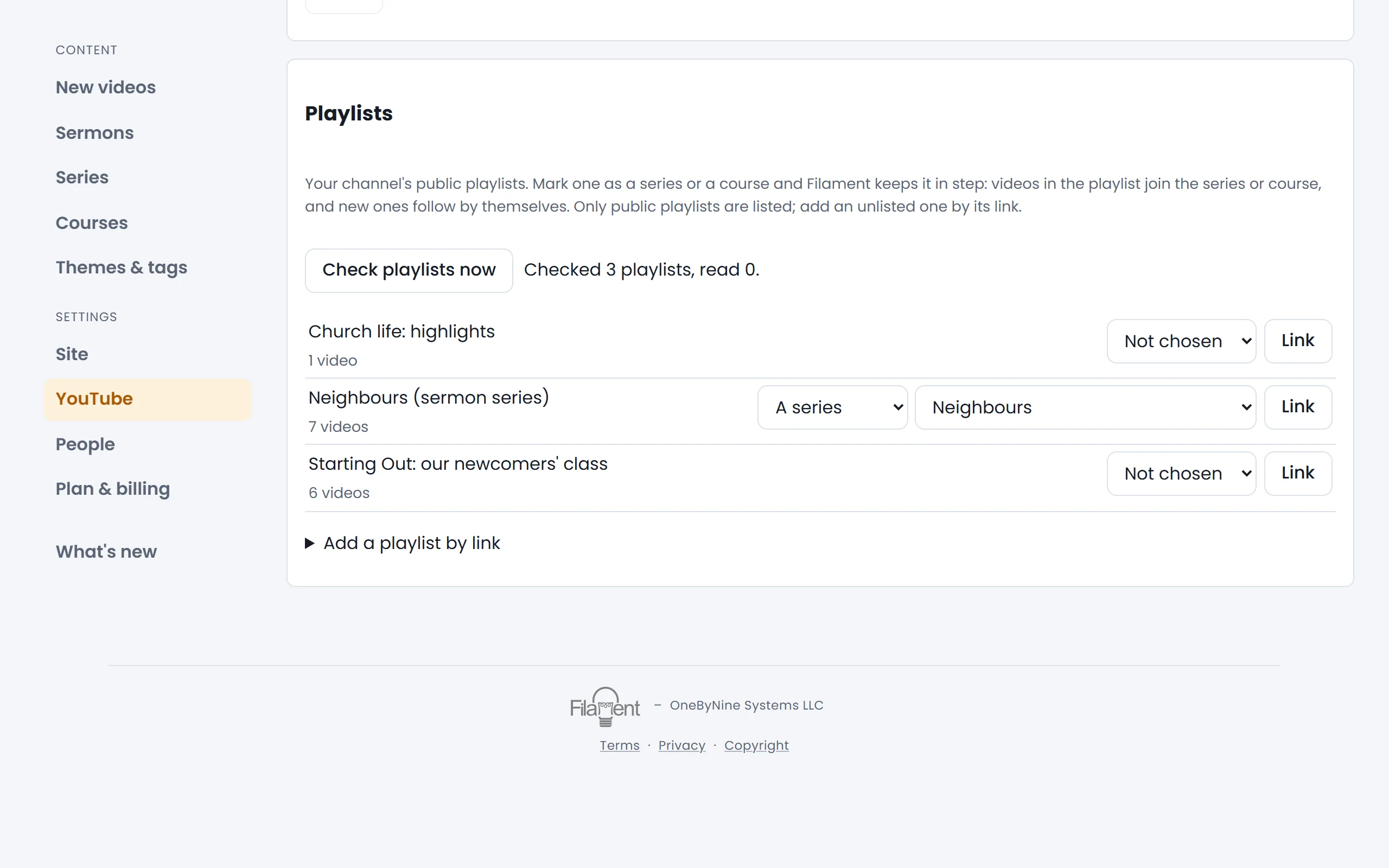
Pick a series you already have, or a new one named after the playlist.
Choose Neighbours.
Link it
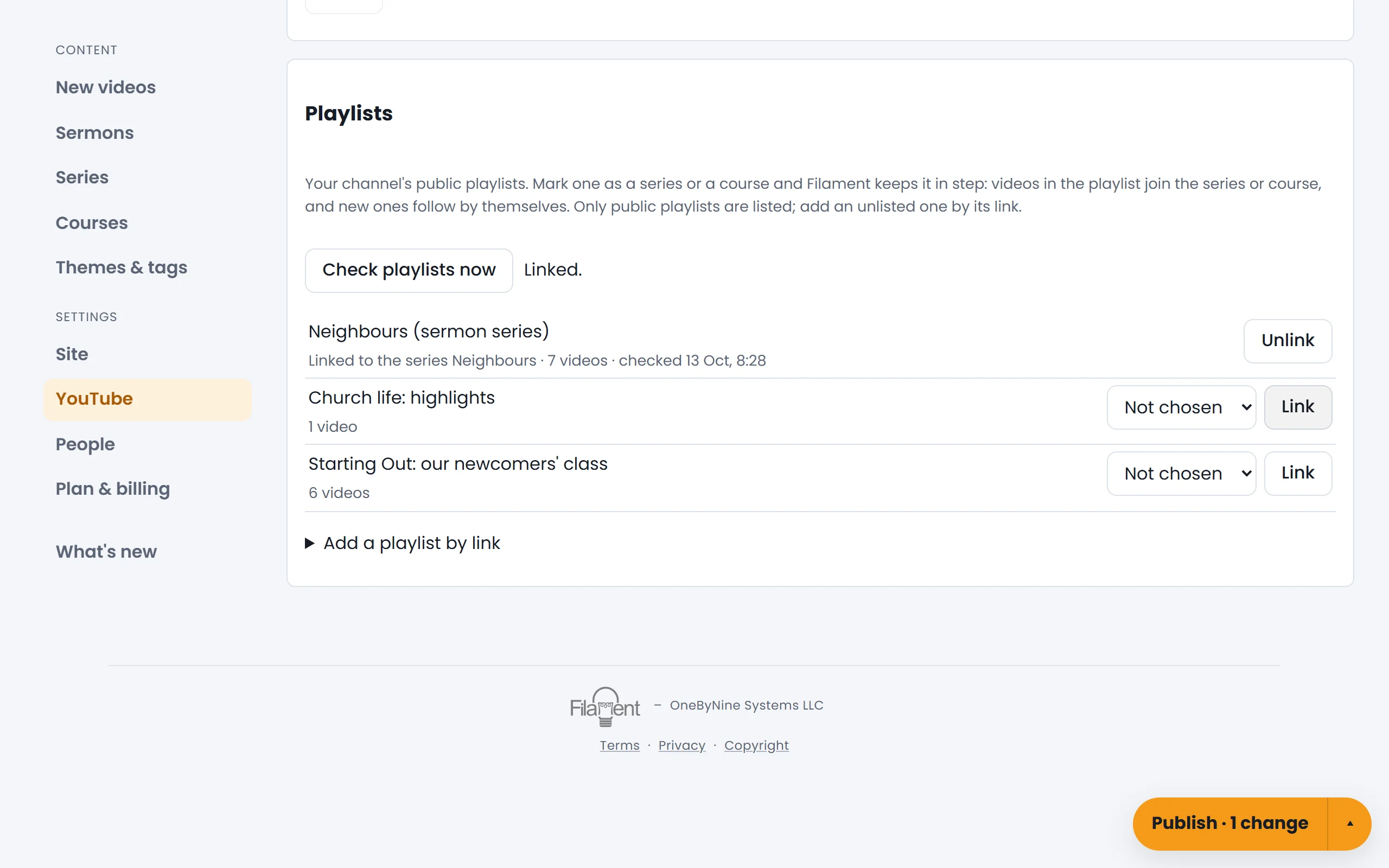
Filament reads the playlist at once and puts its sermons in the series.
Link.
New videos join by themselves
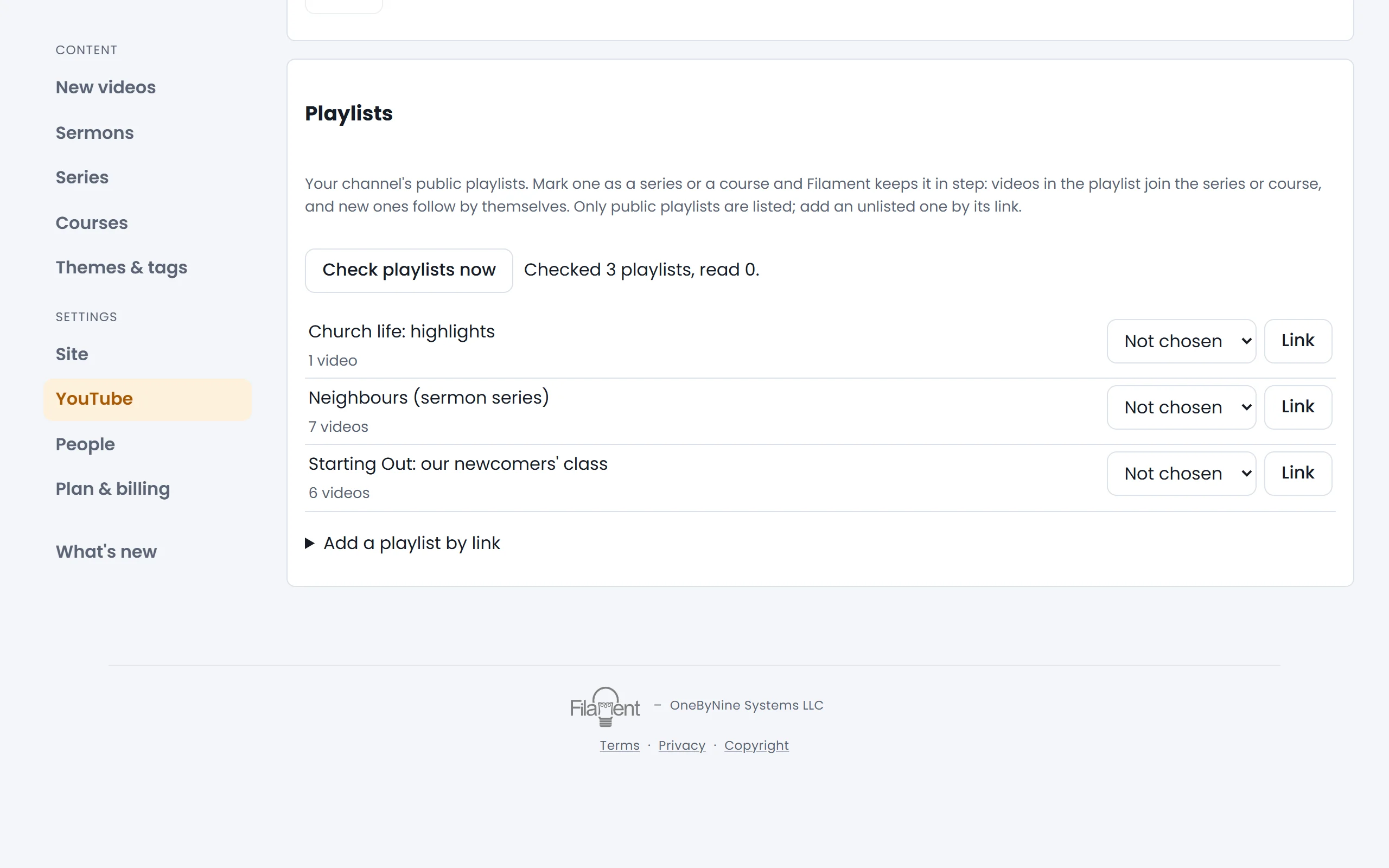
From now on a sermon added to the playlist on YouTube joins Neighbours when Filament next looks. Open Series to see the series follow it.
Open Series.
What a playlist leaves alone
Your choices stand
A sermon whose series staff set by hand stays where they put it, listed under Exceptions. Use the playlist moves it after all.