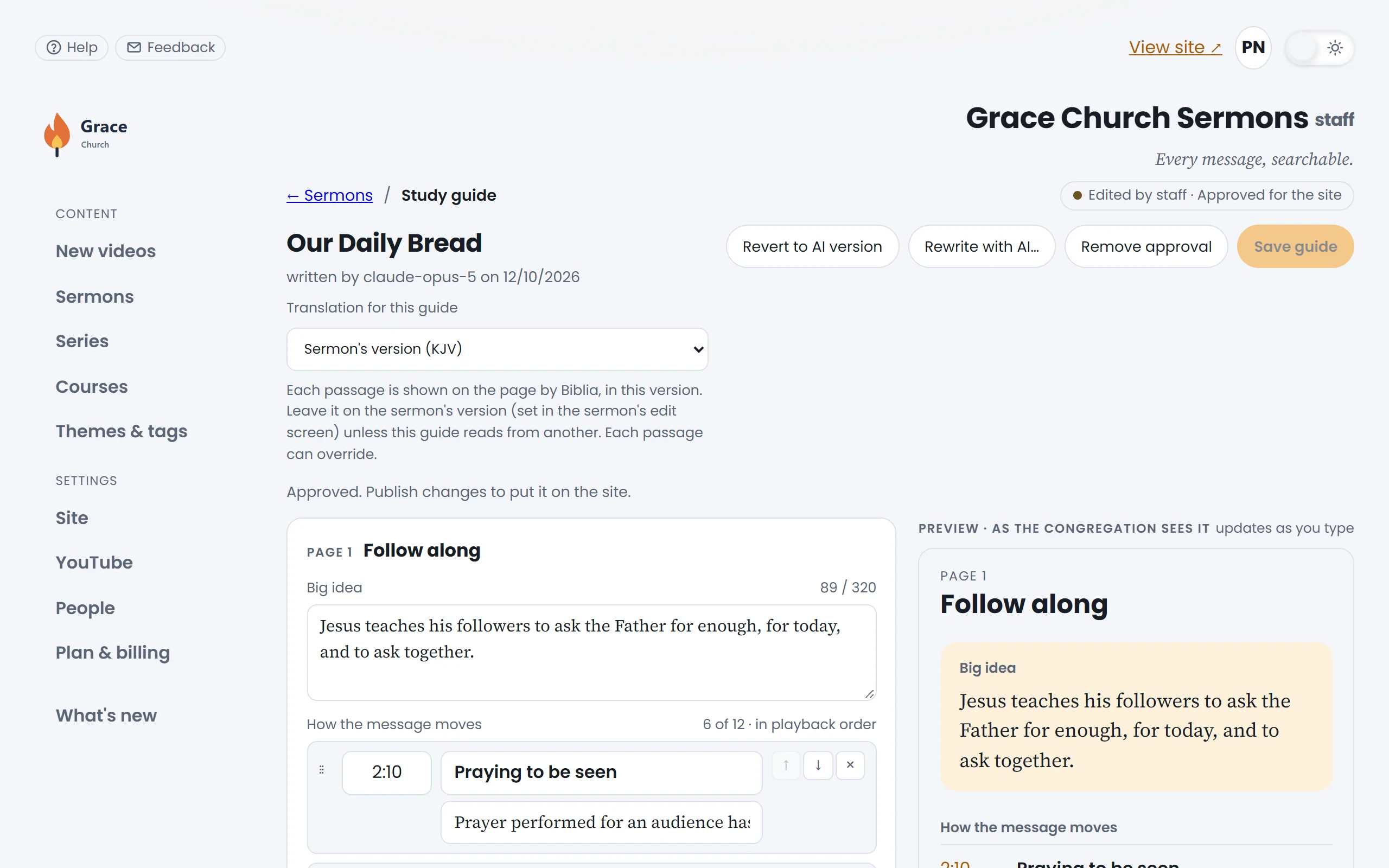
Find what is waiting
Every sermon, in one table
The Guide column shows where each guide stands: none, written and waiting, or approved for the site.
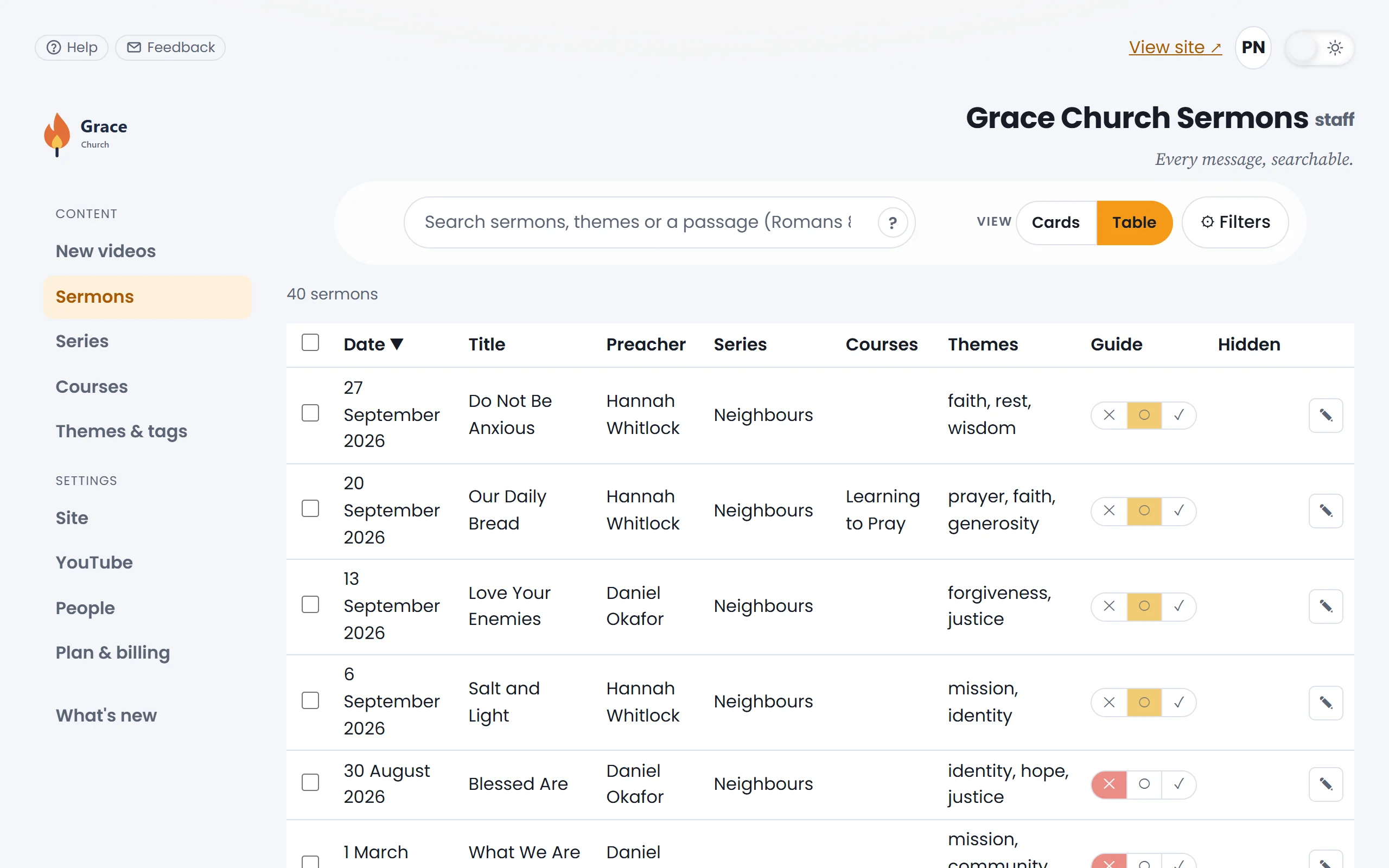
Open a sermon that is waiting
A highlighted circle means a guide has been written and nobody has approved it. It is not on the public site.
Edit Our Daily Bread.
Go to its guide
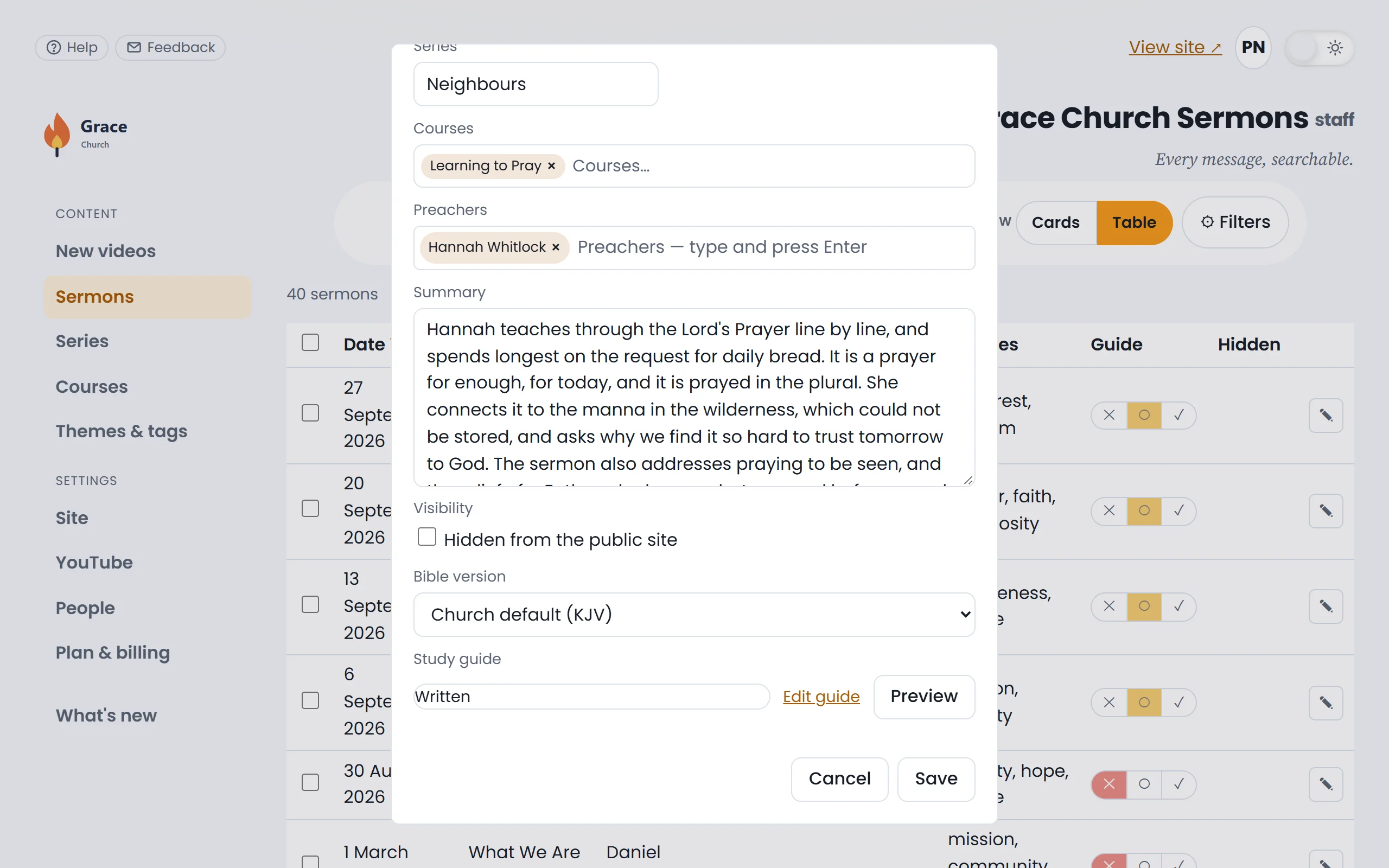
The sermon's details open. The guide has its own editor.
Edit the guide.
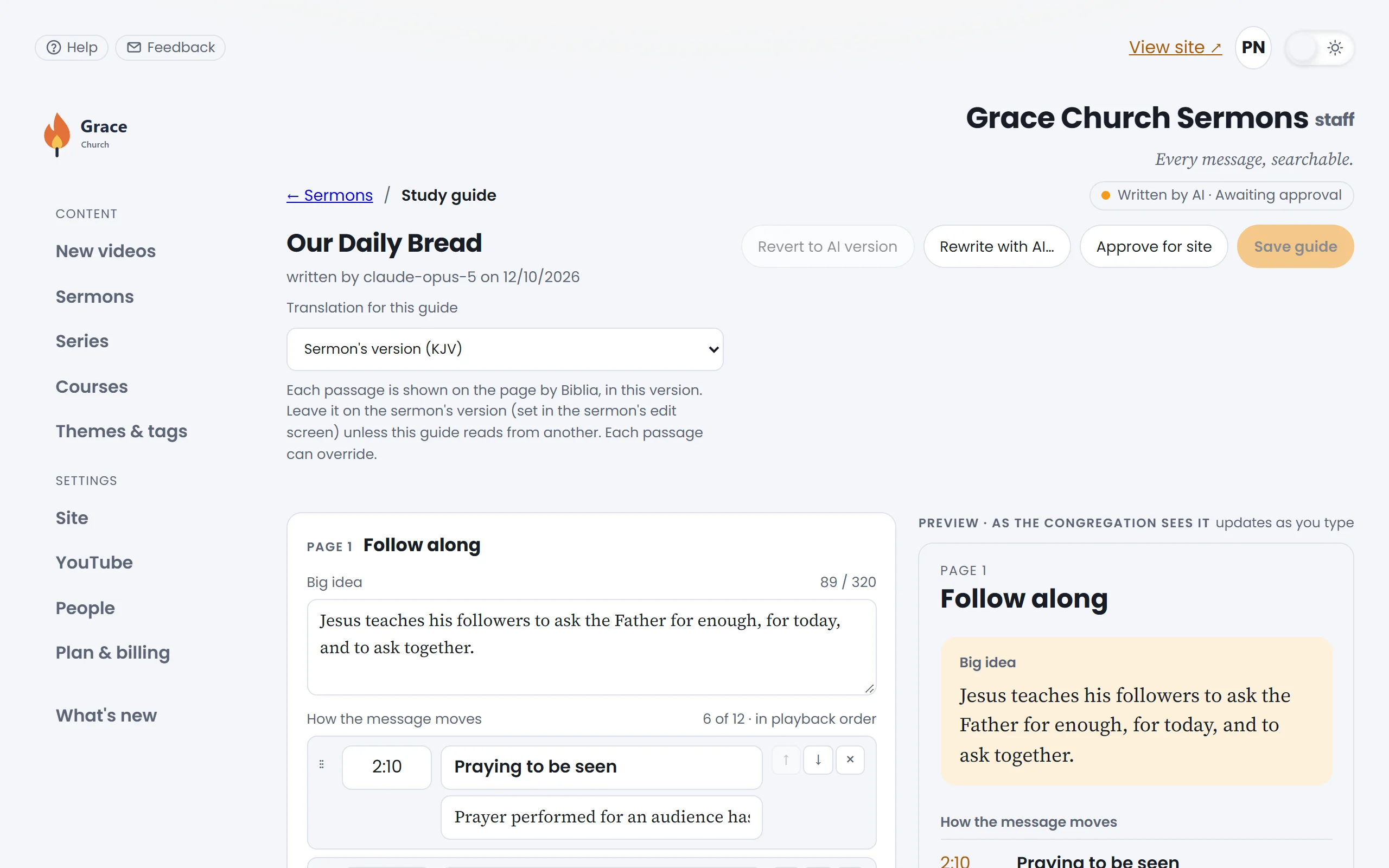
Read it, change it
The guide, and how it will look
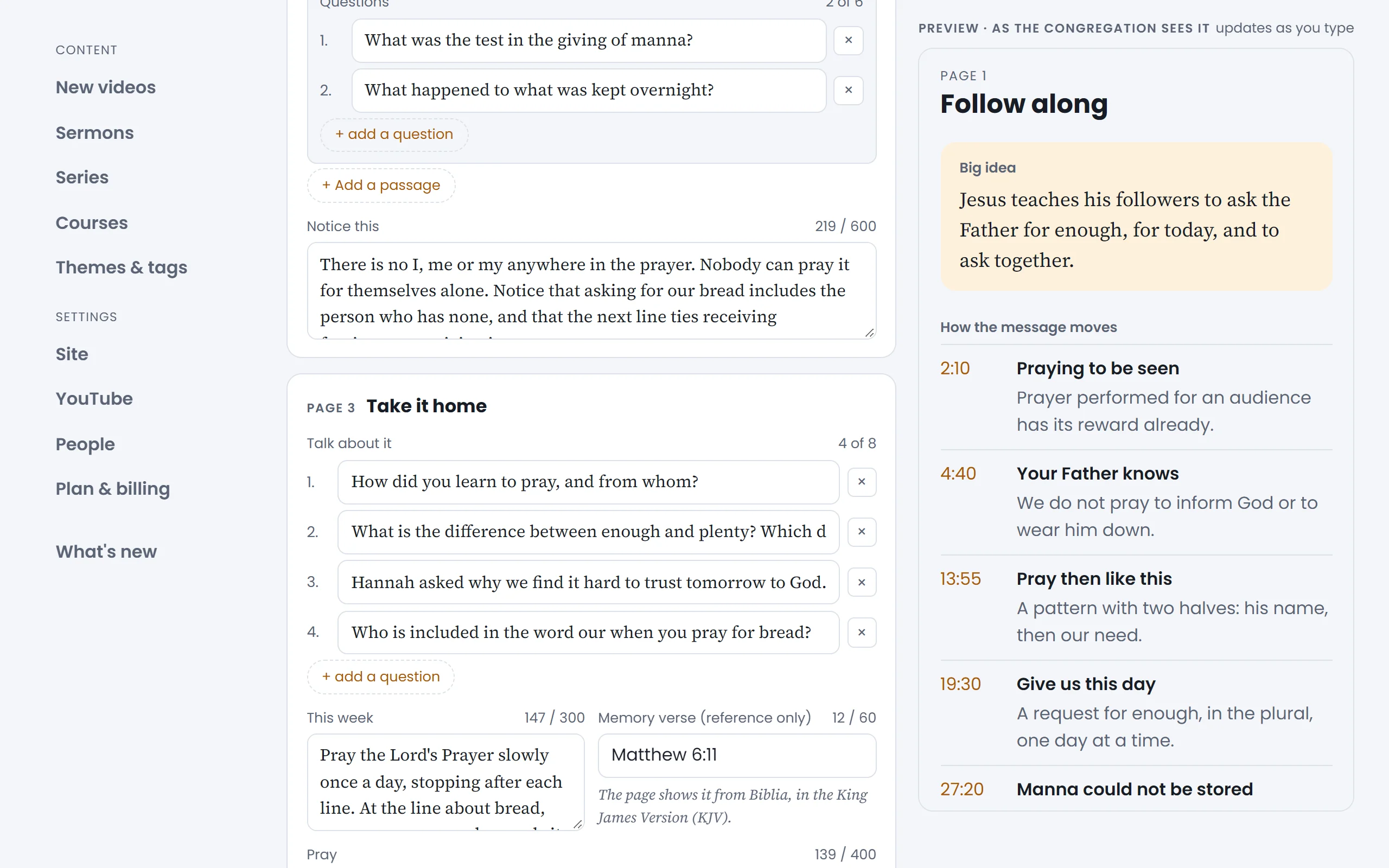
On the left, the three pages as fields you can change. On the right, the guide as your congregation will see it.
Make it sound like your church
Every line can be rewritten. Change a discussion question and the preview follows as you type.
Type Who taught you to pray?
Save your changes
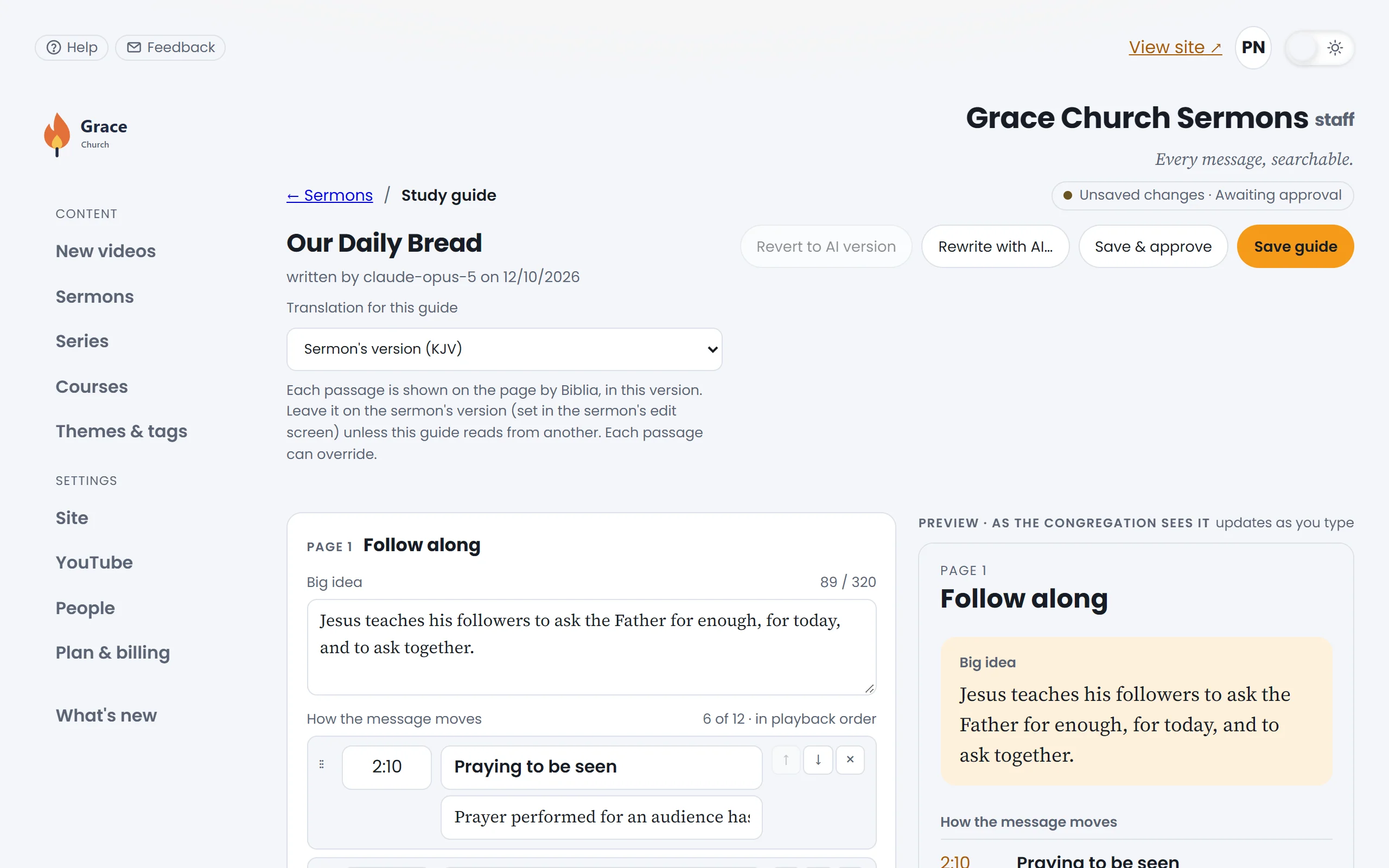
Saving keeps your wording. If the guide is ever rewritten, you can go back to the original.
Save the guide.
Approve it
Approve it for the site
Approval is a decision a person makes. Nothing Filament writes is published without one.
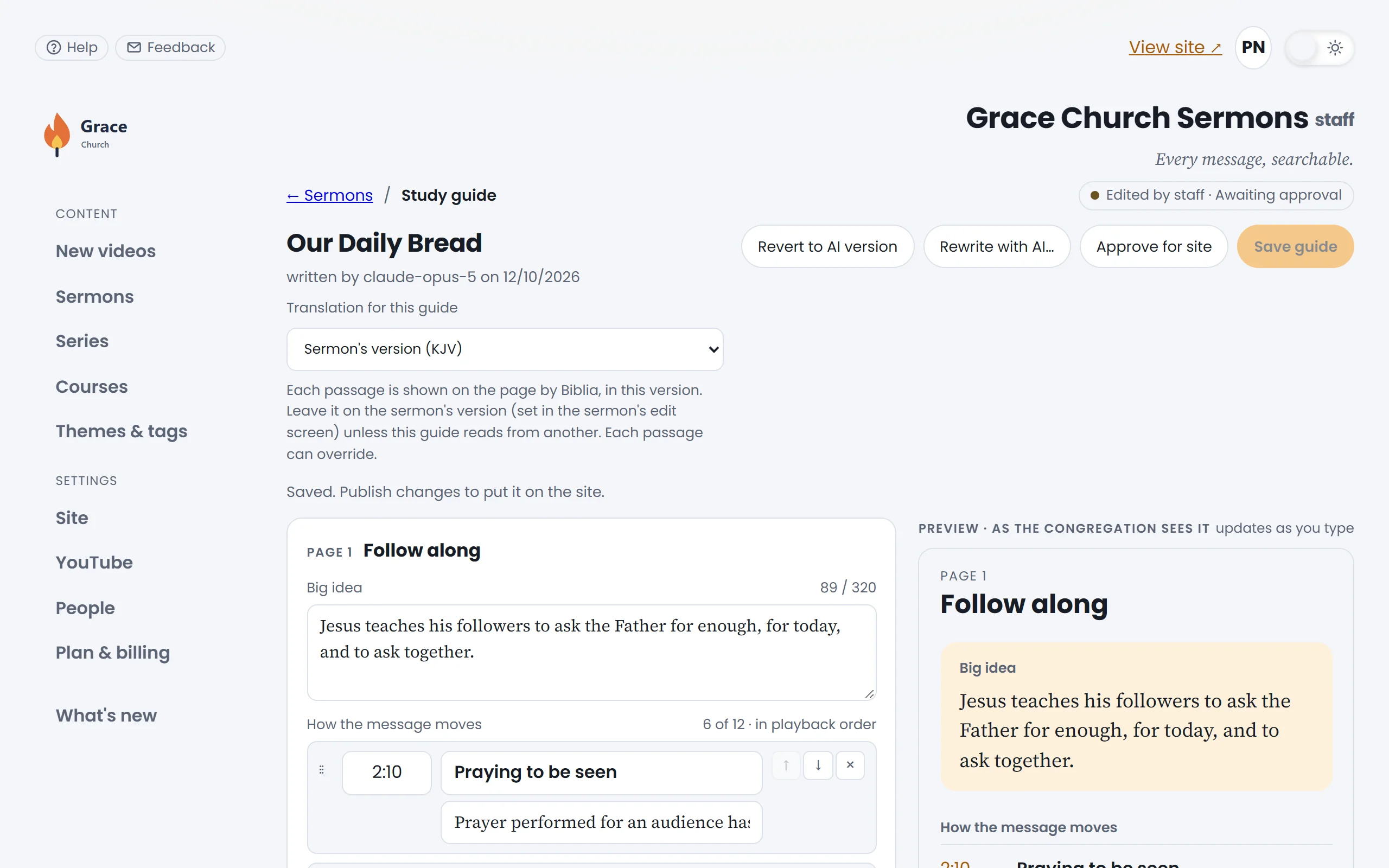
Approve the guide for the site.
Approved, and waiting for a publish
The guide is marked approved. It reaches the public site the next time you publish. A click on the tick in the Guide column does the same.