Edit
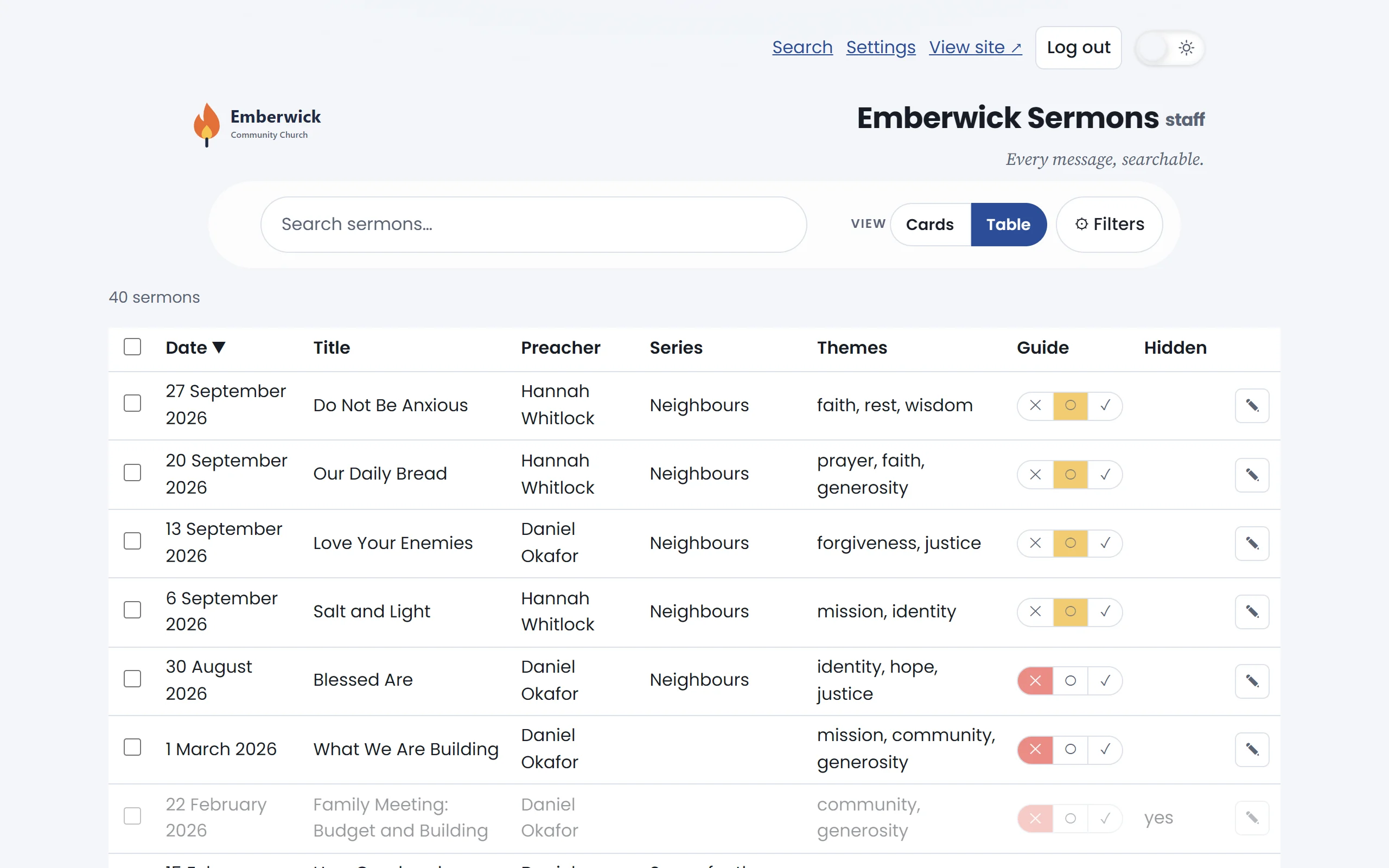
Open any sermon
Filament fills in the summary, themes, preacher and series. Staff can change any of them.
Edit Do Not Be Anxious.
Everything about the sermon
Themes, tags, series, preachers, the summary, whether it is hidden, and its Bible version.
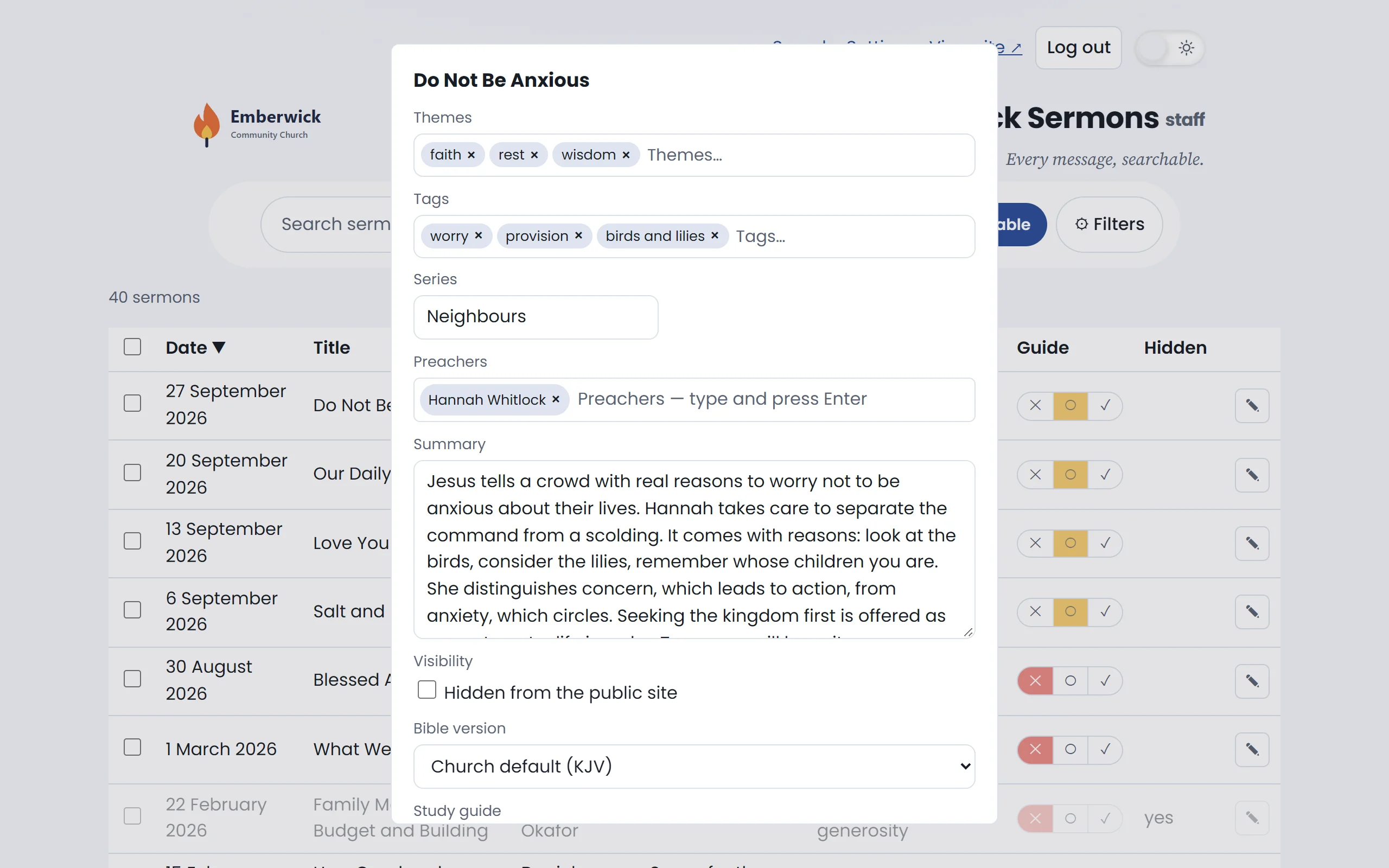
Add to the summary
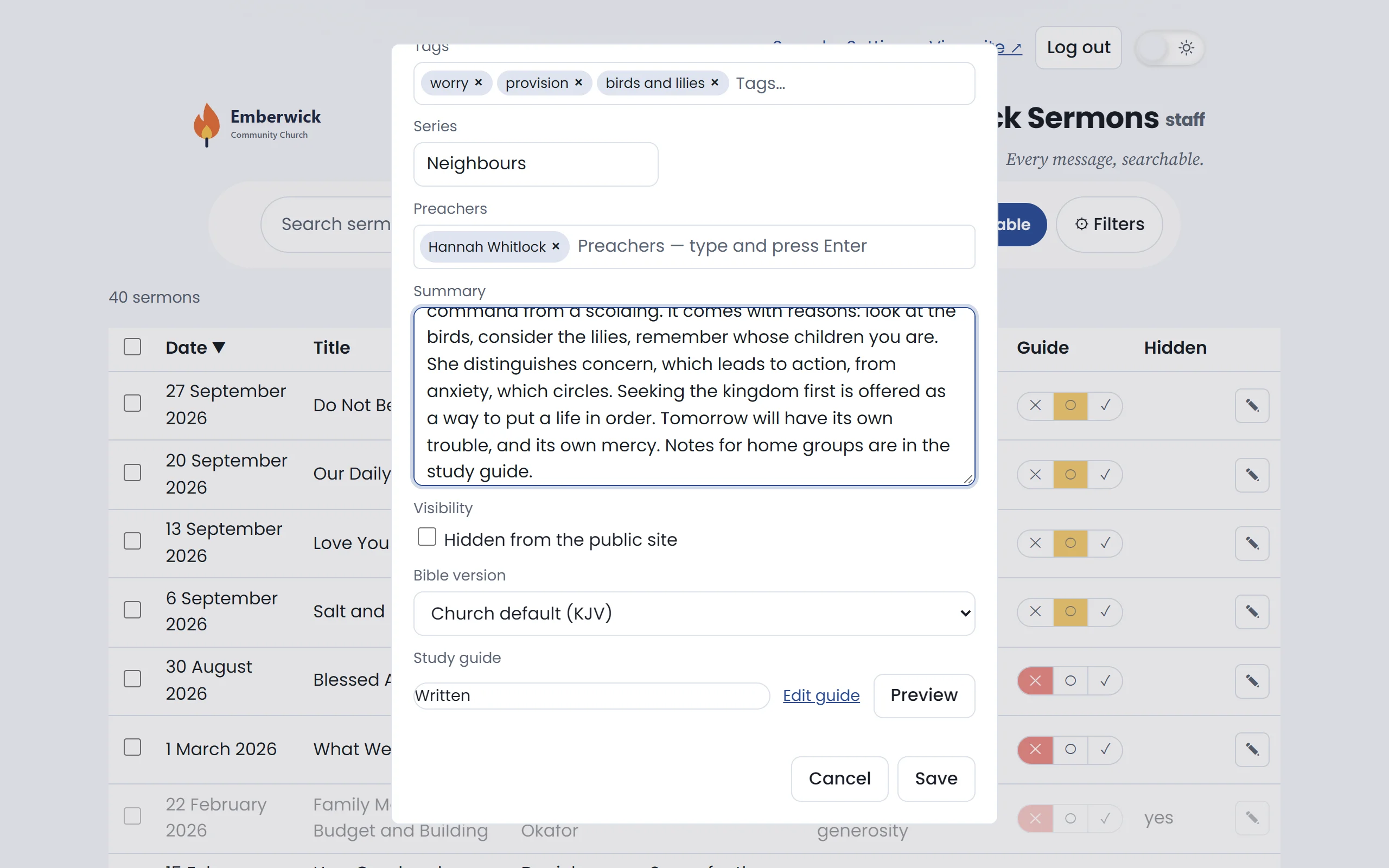
Write what you want people to read. A field you have edited is yours: later runs leave it alone.
Type Notes for home groups are in the study guide.
Save
The change is saved to the console. The public site has not changed yet.
Save the sermon.
Publish
One change is waiting
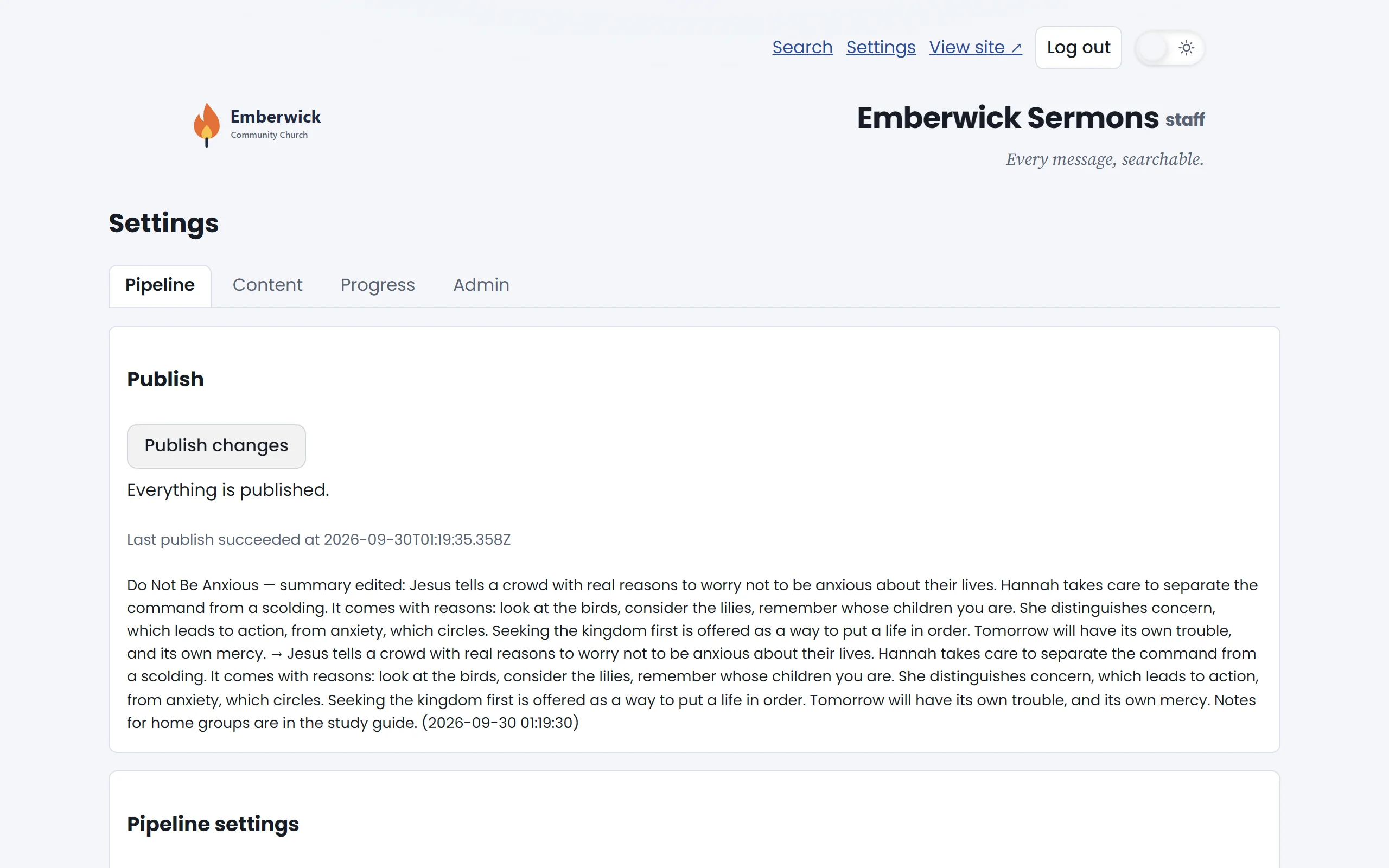
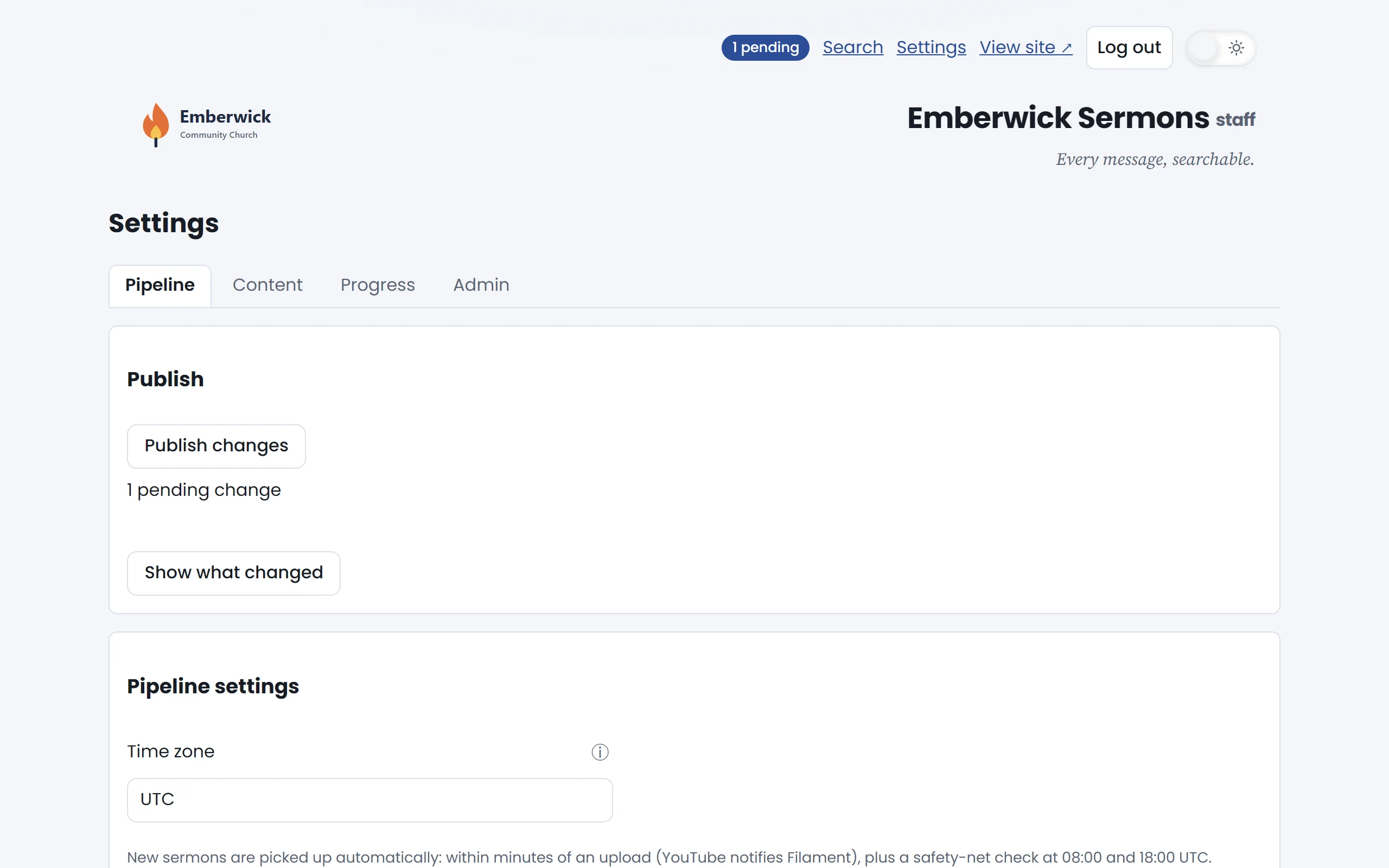
The console counts what has changed since the last publish. Open Settings to see it.
Open Settings.
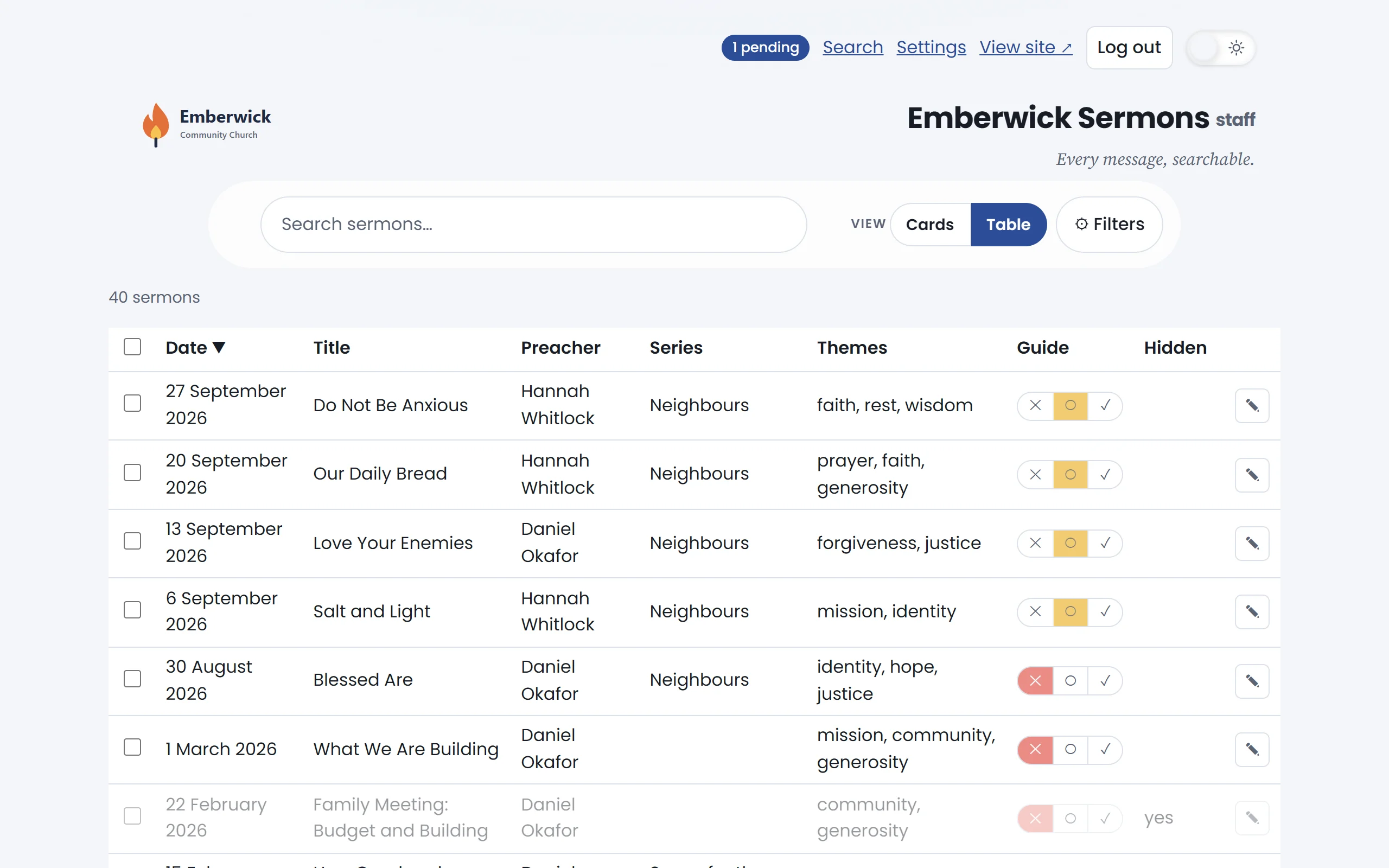
See what will go out
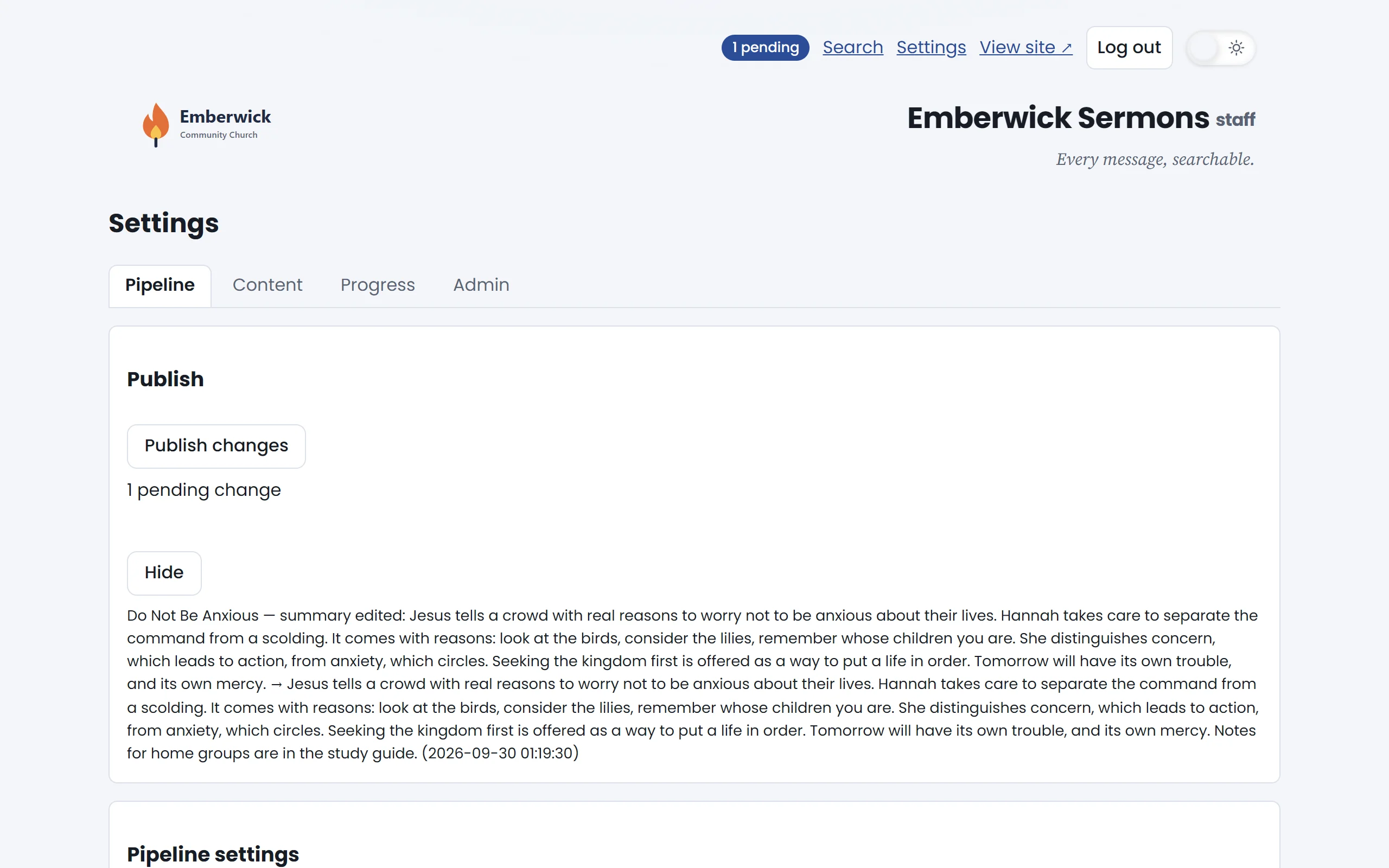
Before you publish, read the list: who changed what, and when.
Show what changed.
Publish when you are ready
One button sends every waiting change to the public site.
Publish the changes.
Everything is published
The public site now shows your wording. New sermons publish themselves; your edits wait for you.