What Filament found
Filament checks your channel
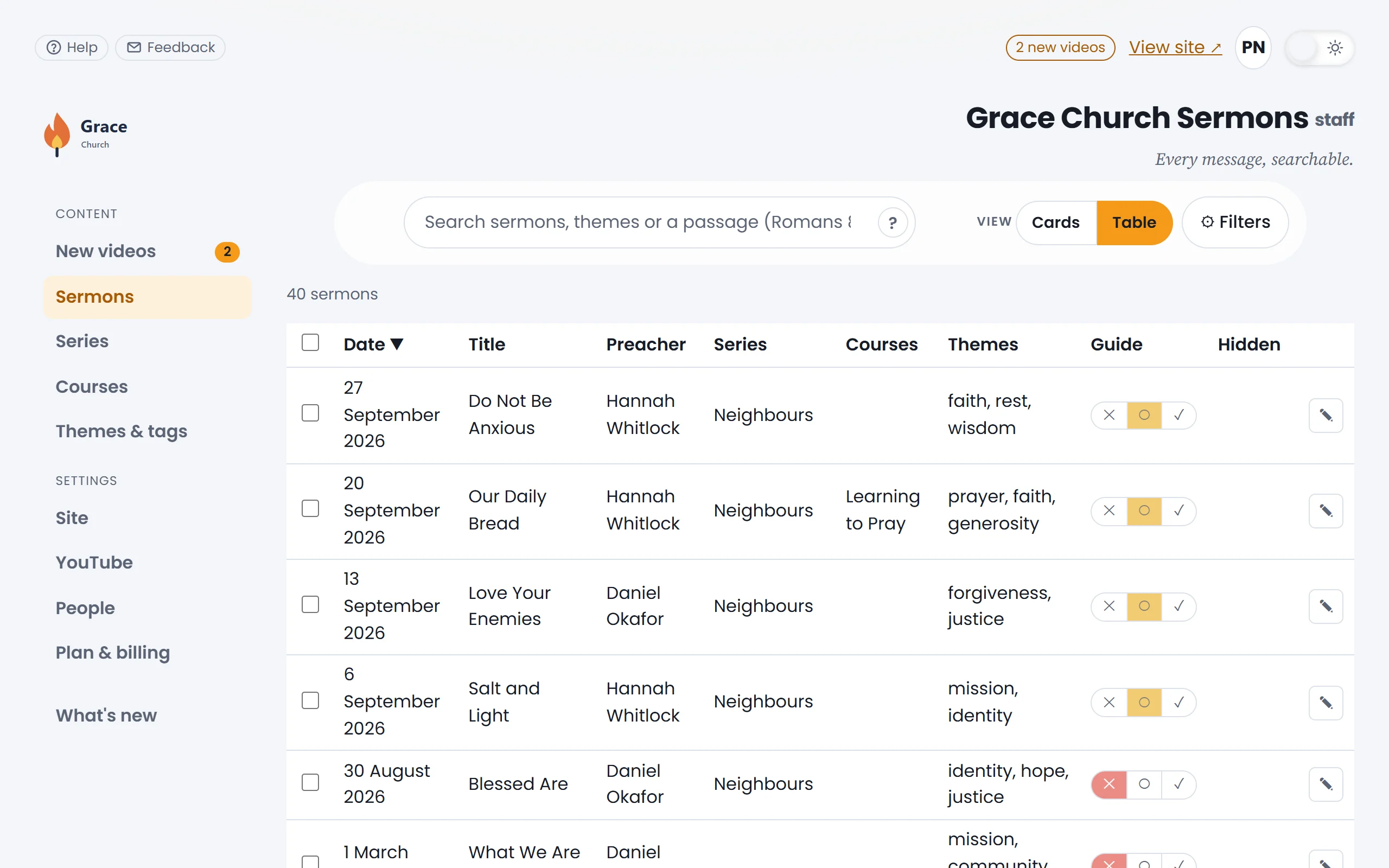
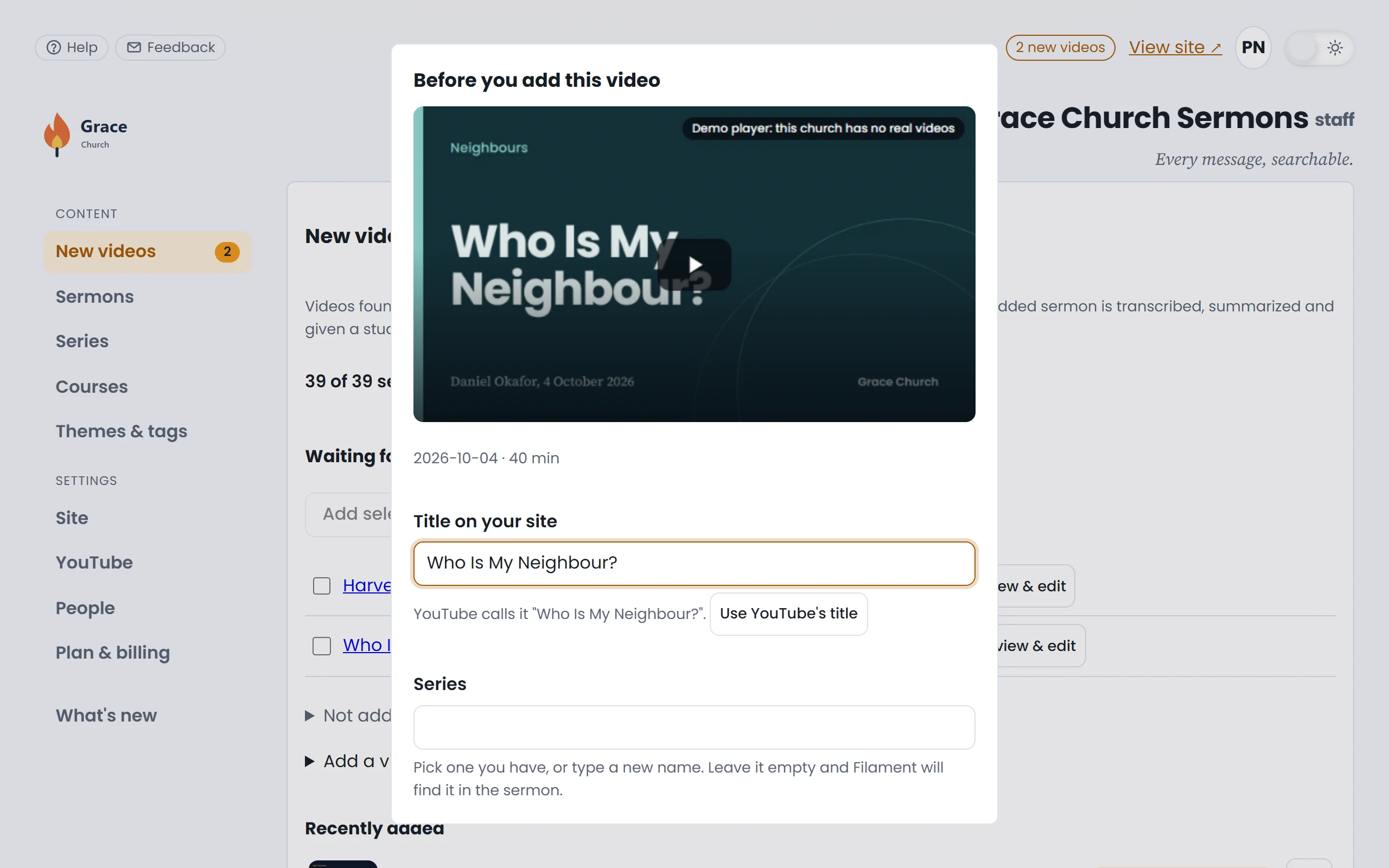
Whatever page you are on, the menu shows how many new uploads are waiting. Nothing is transcribed until you add it.
Open New videos.
Two new uploads
Sunday's sermon is here, and so is a clip from the harvest supper. Preview & edit lets you look at one before you decide.
Preview and edit Who Is My Neighbour?.
Add the sermon
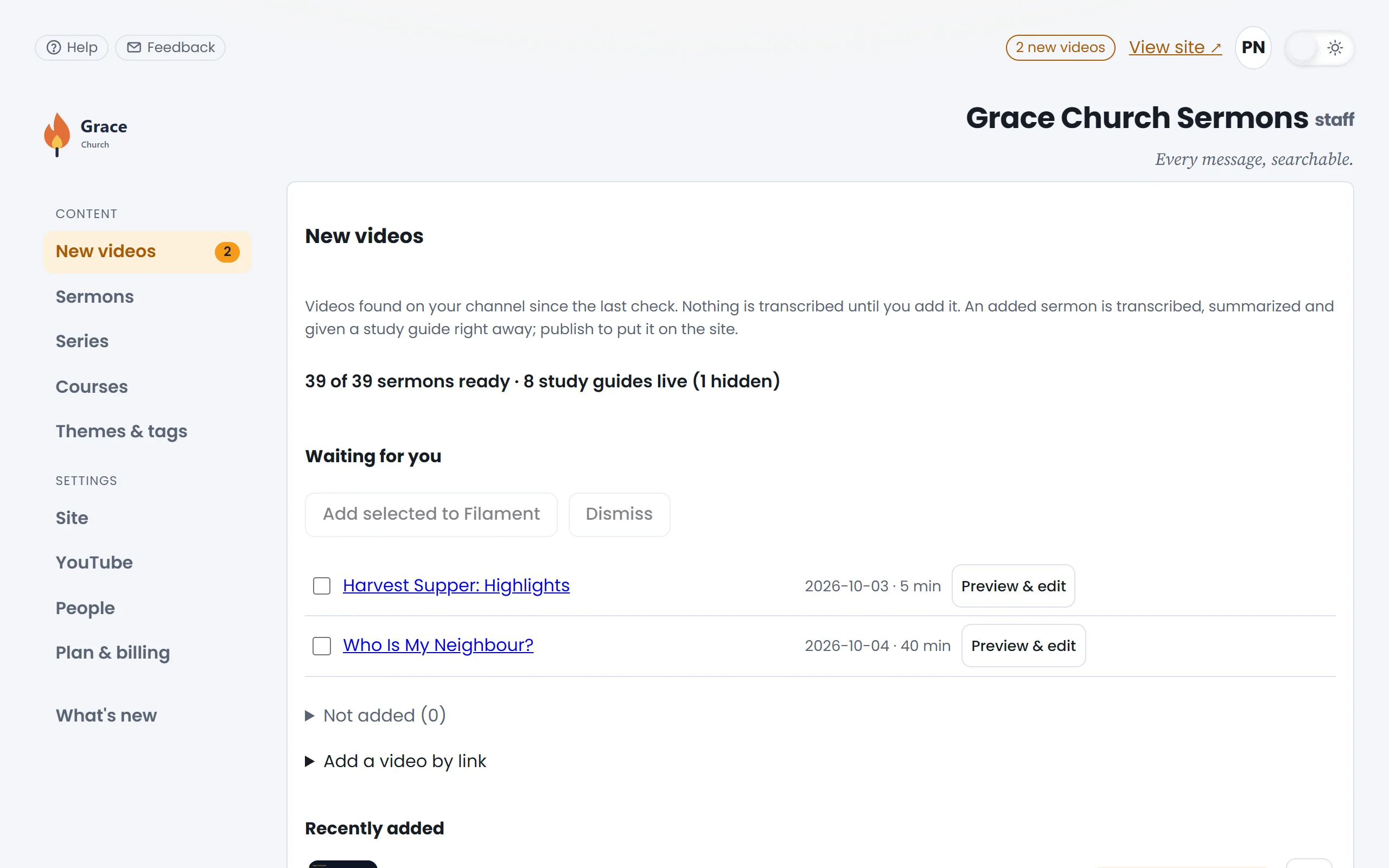
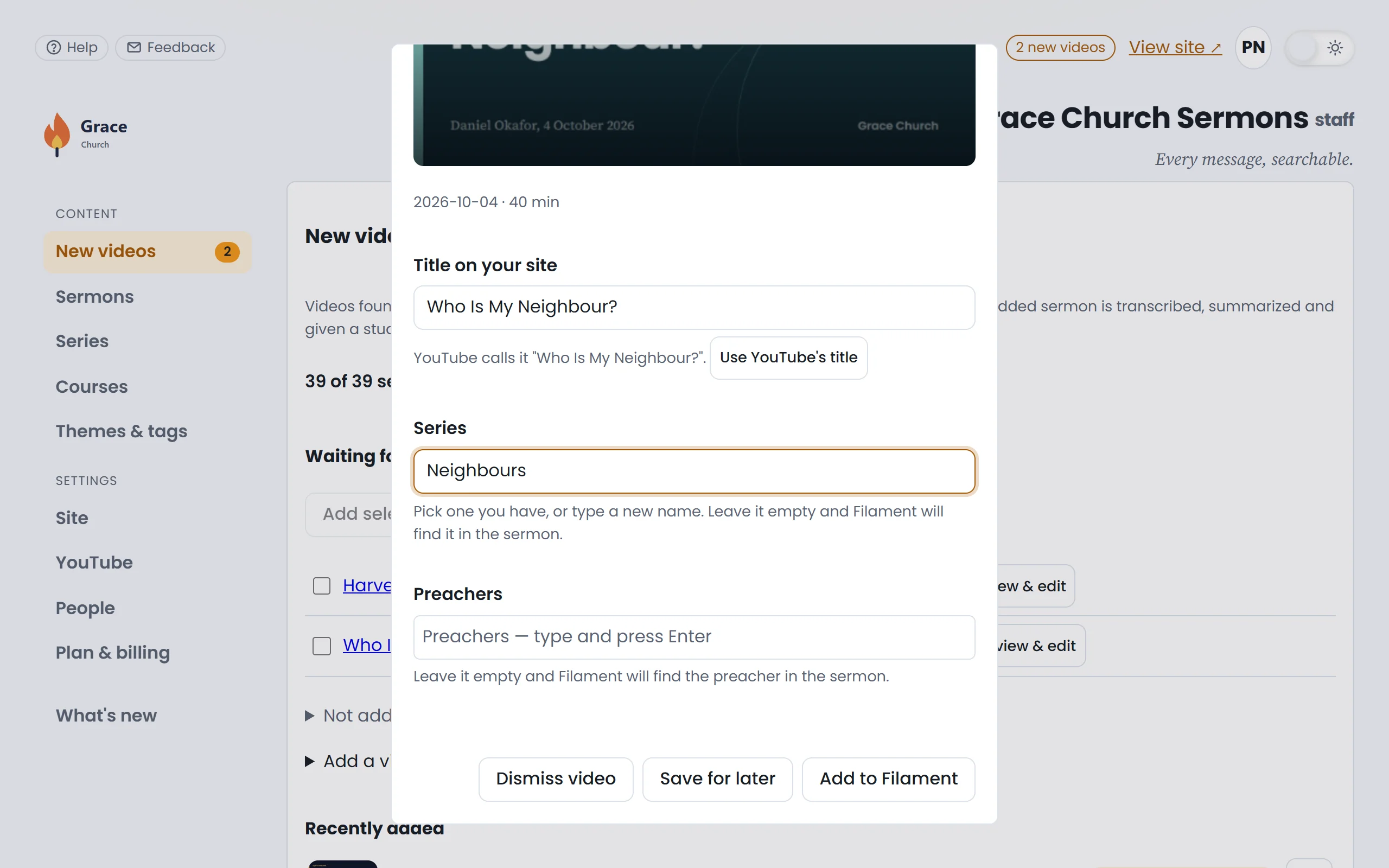
Watch it, and set the details
Give it the title your site should show, and choose its series and preacher. Leave them empty and Filament finds them in the sermon.
Type Neighbours
Add it to Filament
Adding starts the work at once: the transcript, the summary, the themes, every scripture reference with its moment, and the study guide.
Add to Filament.
Follow it to your site
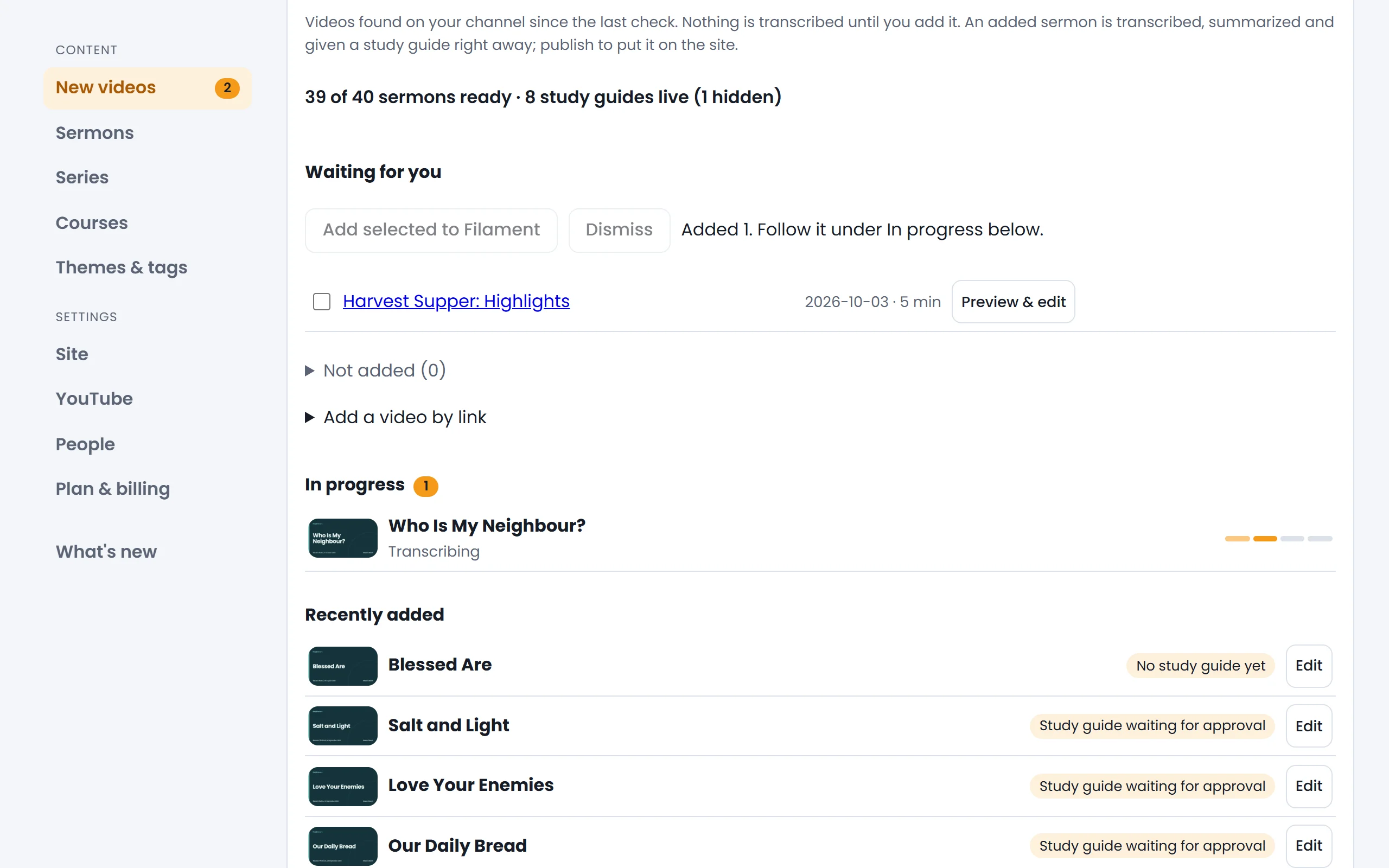
Under In progress, each step shows as it happens. When it is done, the sermon waits for a publish and its study guide for your approval.
Leave the rest
Not everything is a sermon
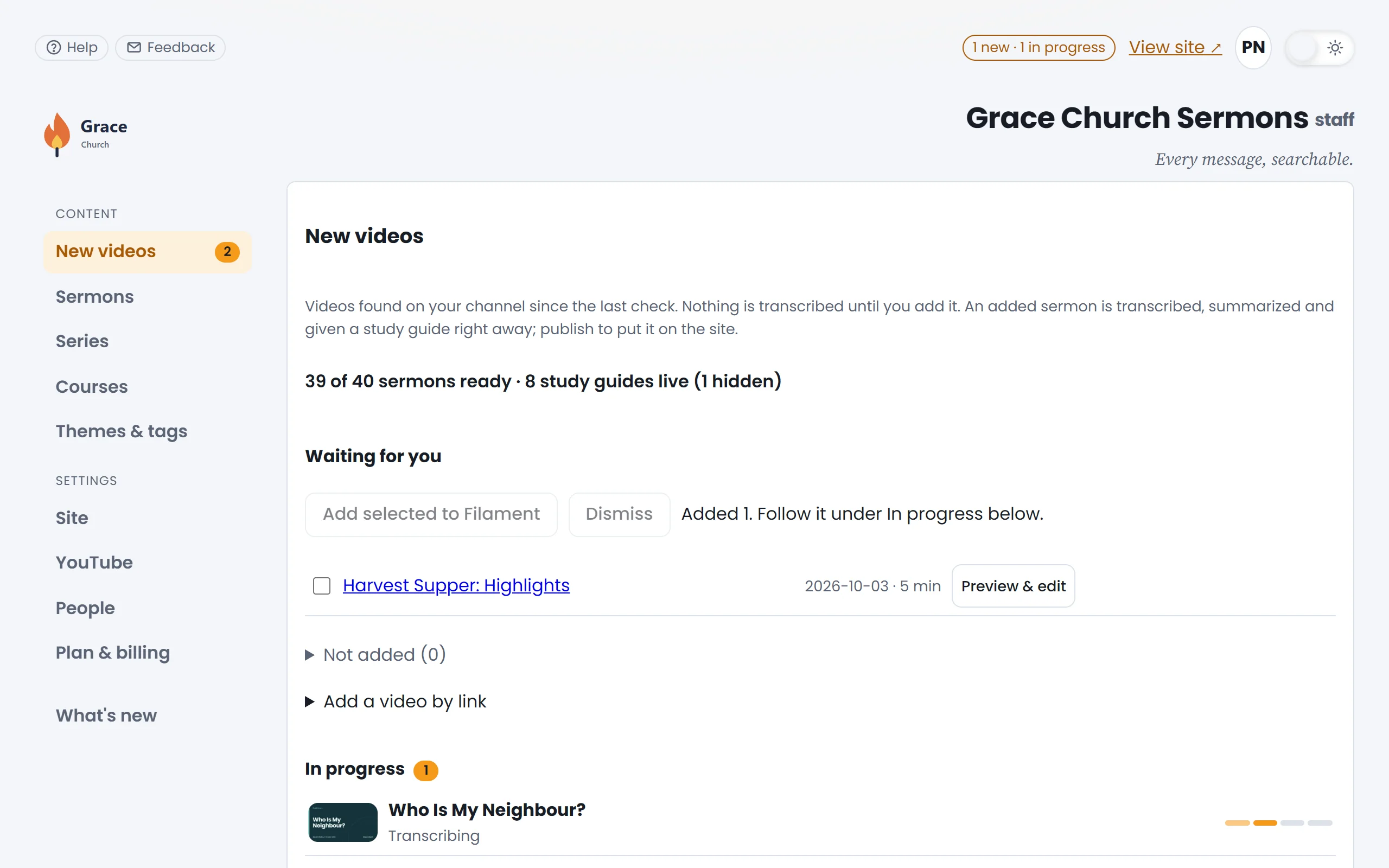
Announcements, testimonies and highlight reels can stay on YouTube. Tick the clip.
Tick the clip.
Dismiss it
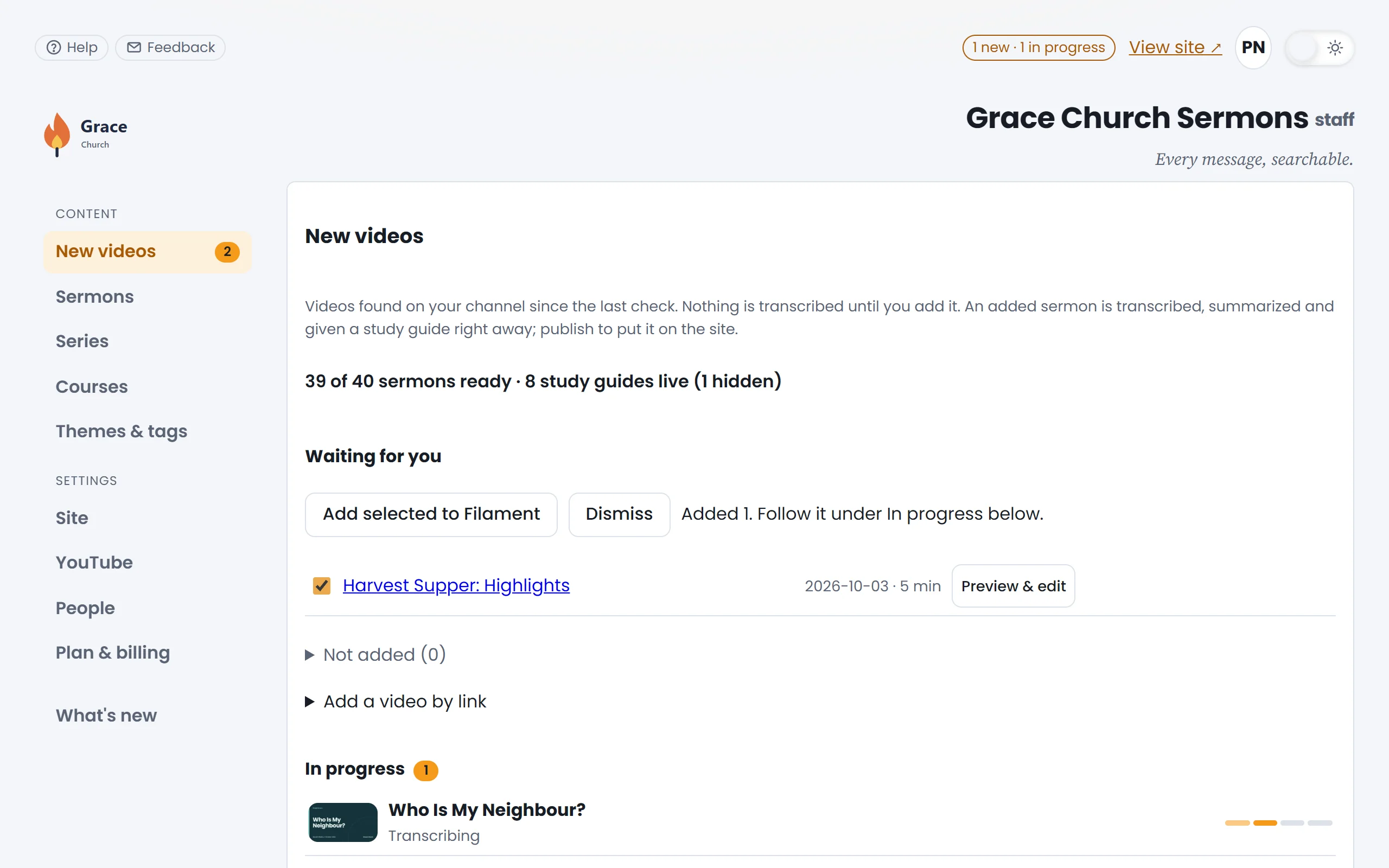
A dismissed video is never transcribed and never asked about again. It stays under Not added, so a mistake is one click to undo.
Dismiss.
An older sermon
Bring in a sermon from before
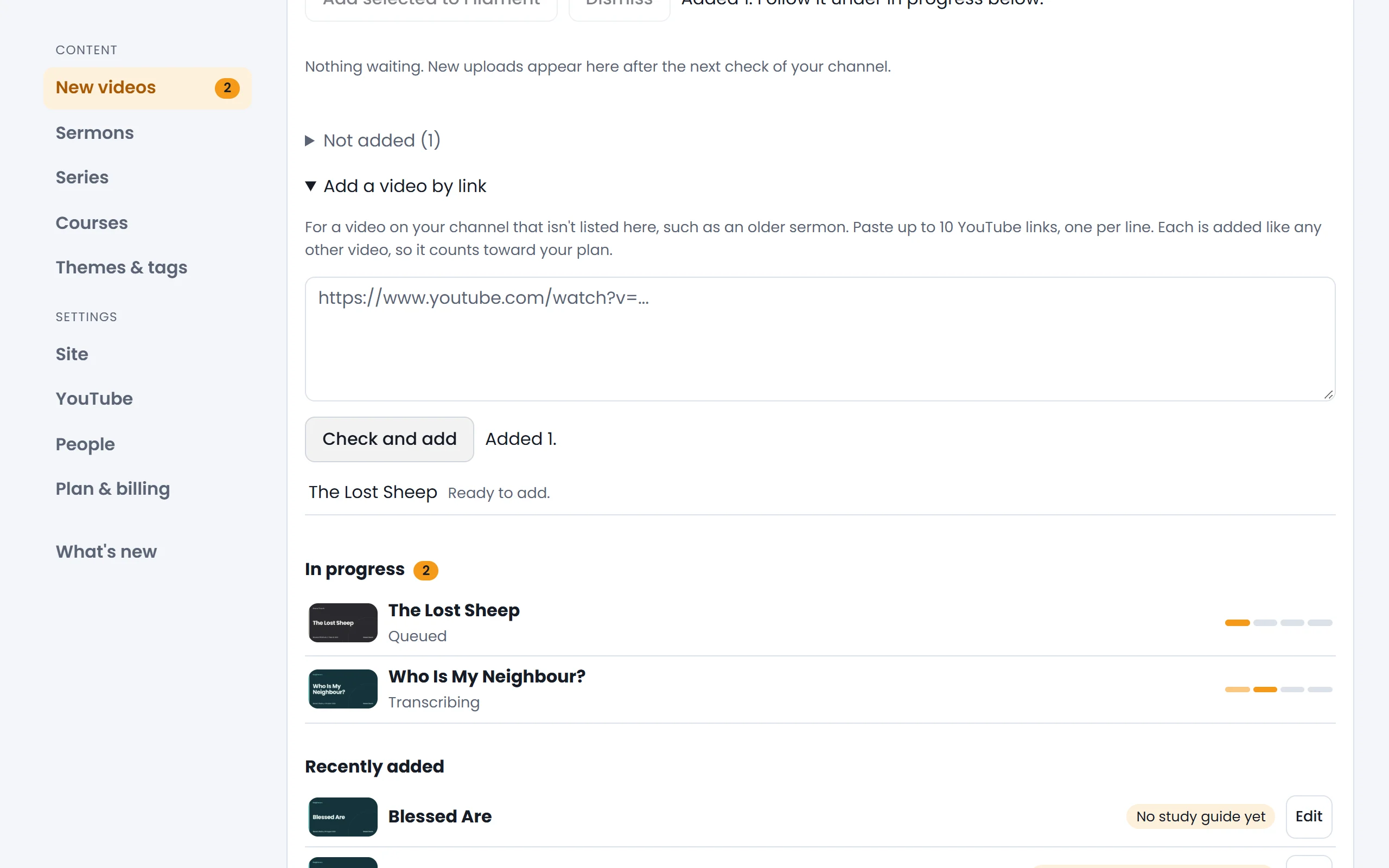
The channel check sees recent uploads. For an older sermon, or one it missed, add it by its YouTube link.
Add a video by link.
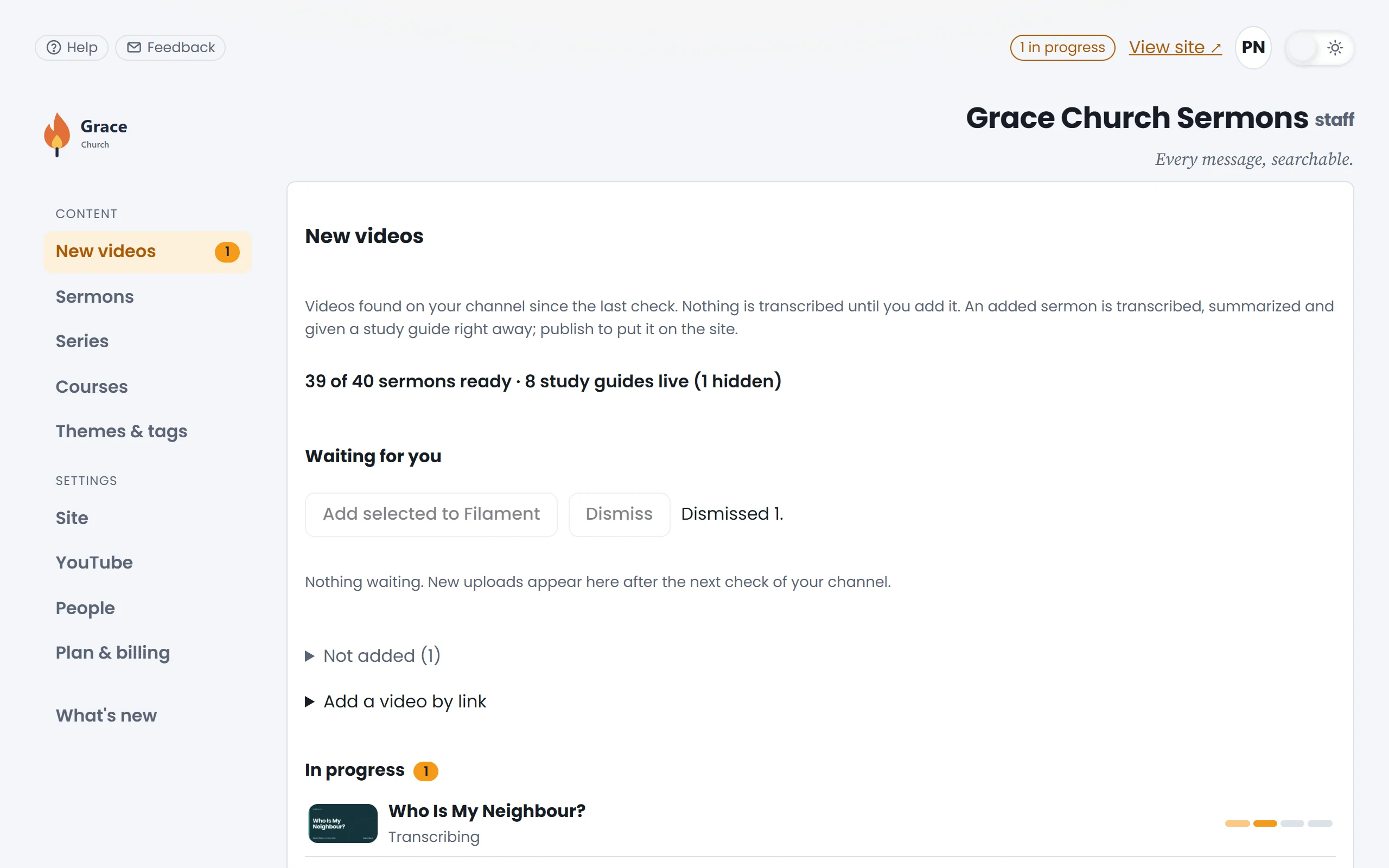
Paste the link
Up to ten links, one per line. Filament checks that each is a public video on your own channel before it adds anything.
Type https://www.youtube.com/watch?v=EMB-ARC-001
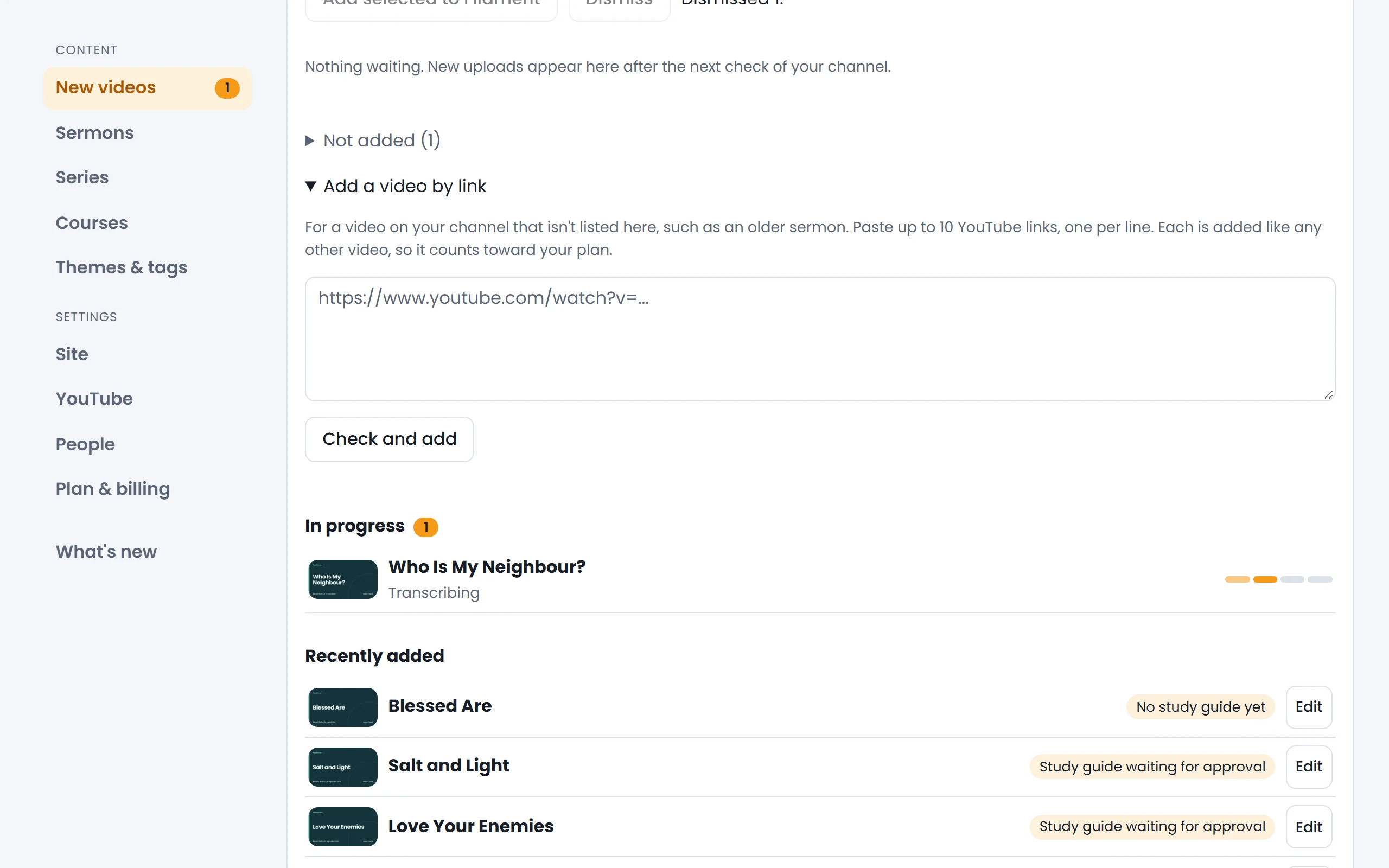
Check and add
Each link is looked up once. A video on your channel is added like any other; someone else's video, or a live stream, is refused with the reason.
Check and add.
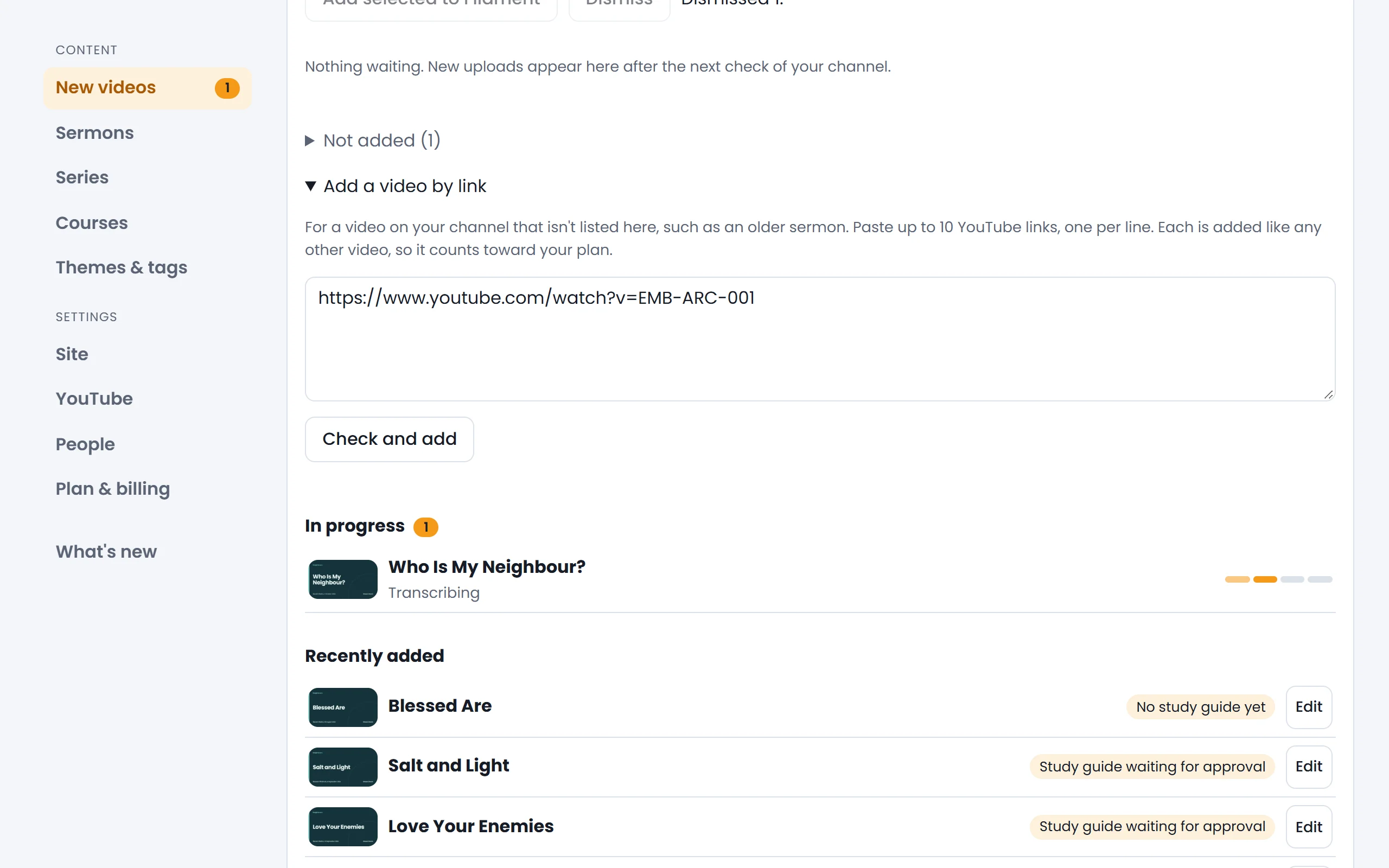
Found and added
The Lost Sheep, from 2024, joins the queue under In progress. Like everything added here, it reaches the site once you publish.