Invite someone
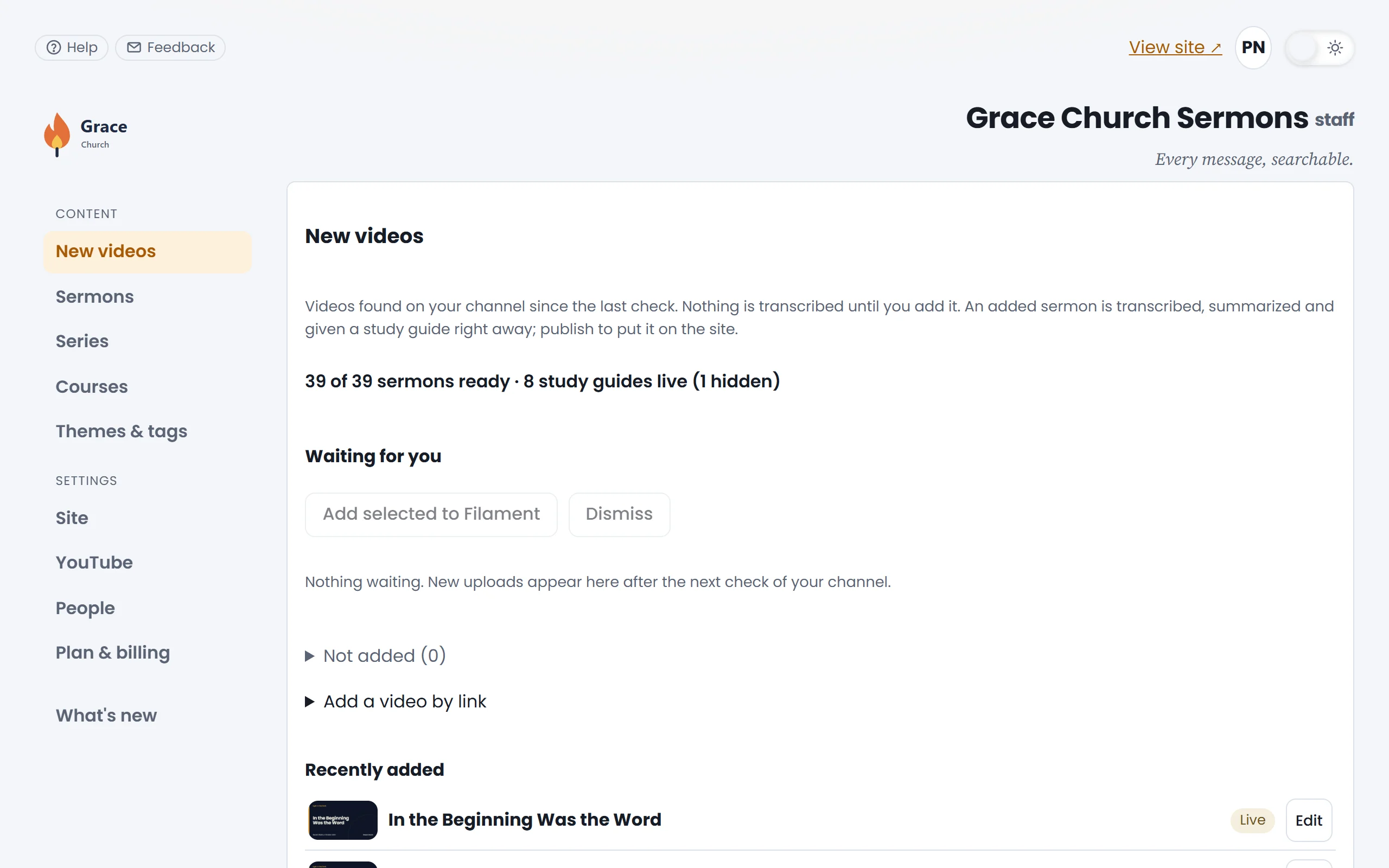
Open People
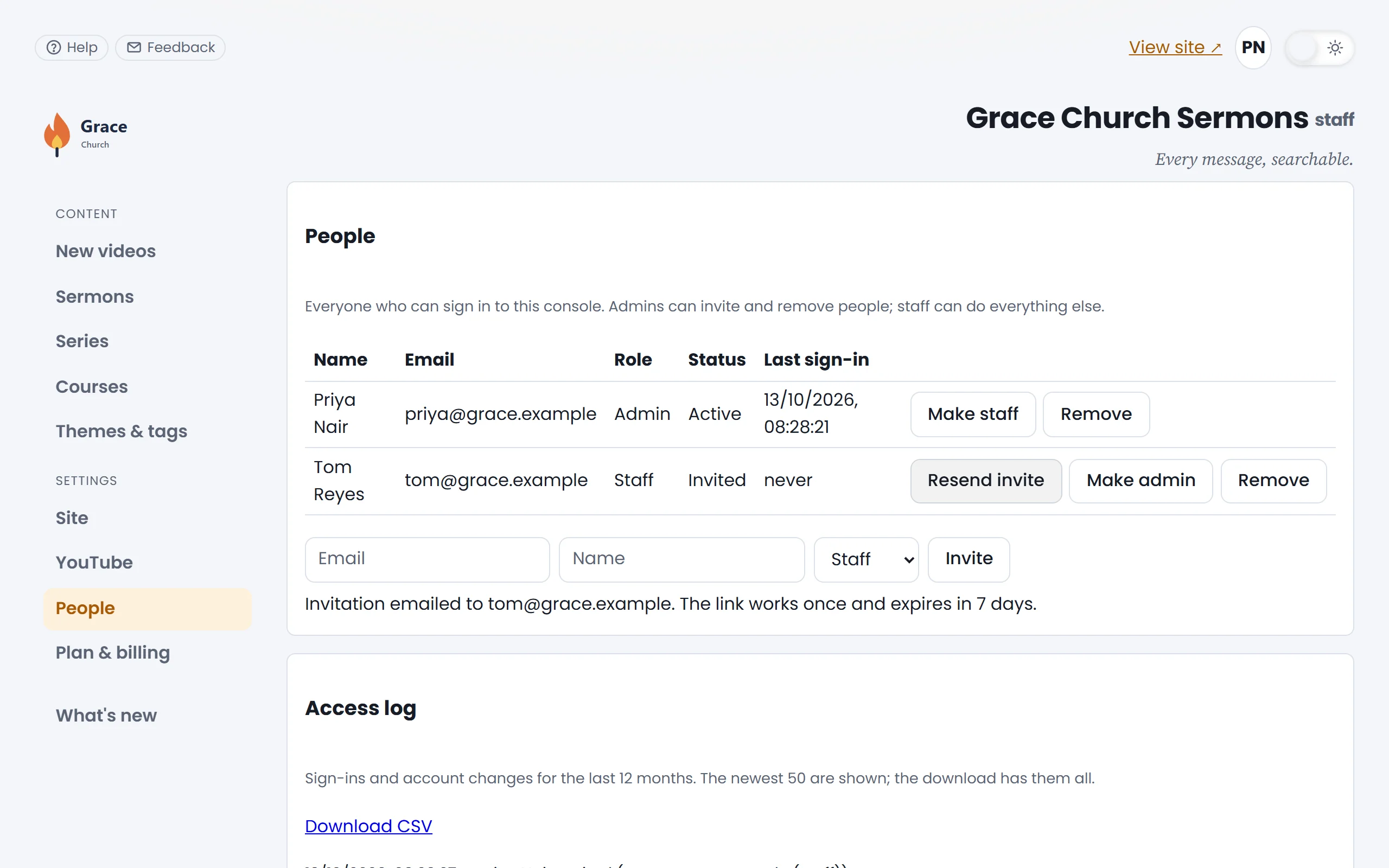
People is under Settings, for admins. Everyone who can sign in to your console is listed there.
Open People.
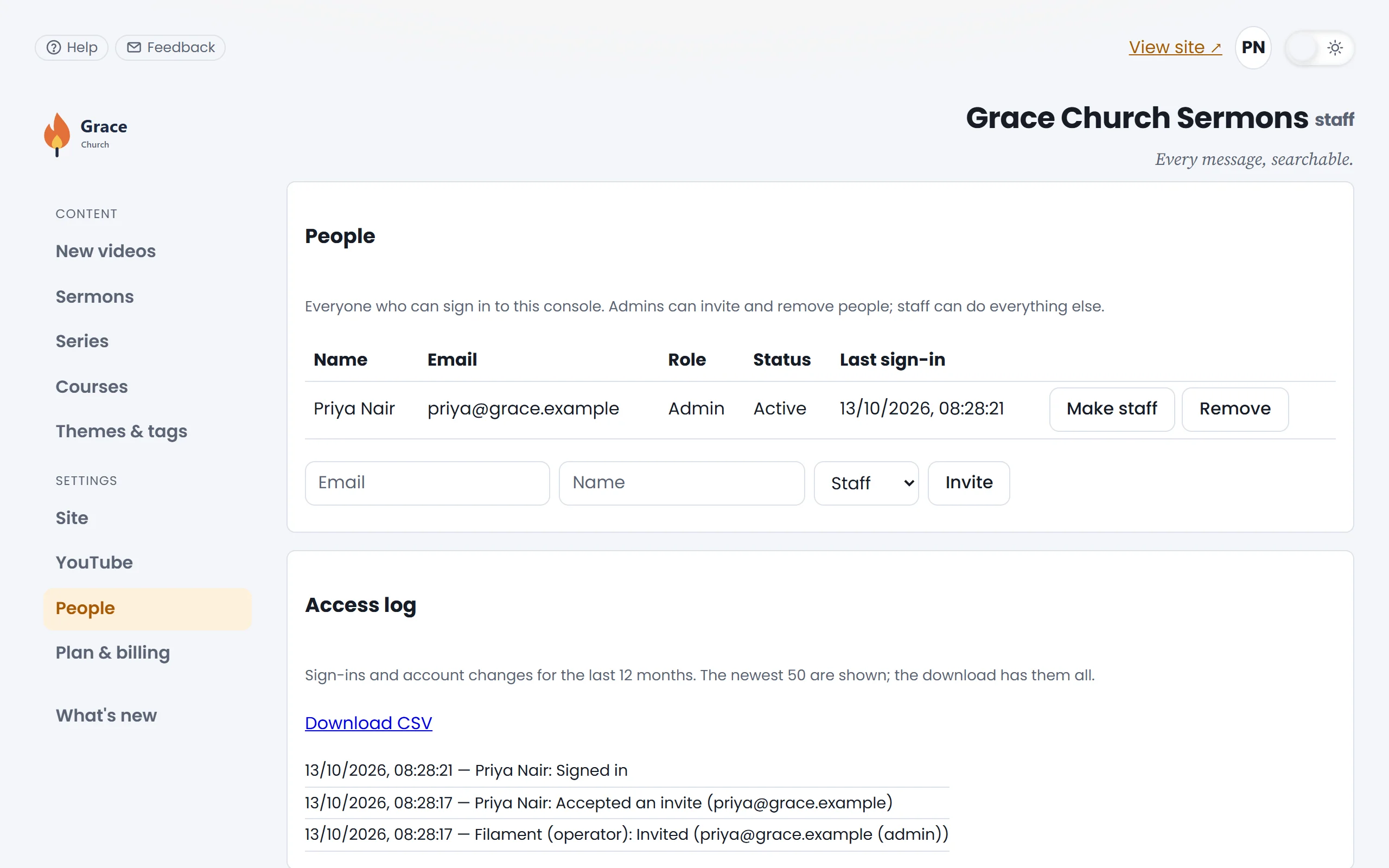
Who can sign in
Each person has their own sign-in. Staff look after the sermons; admins can also invite people and see your plan.
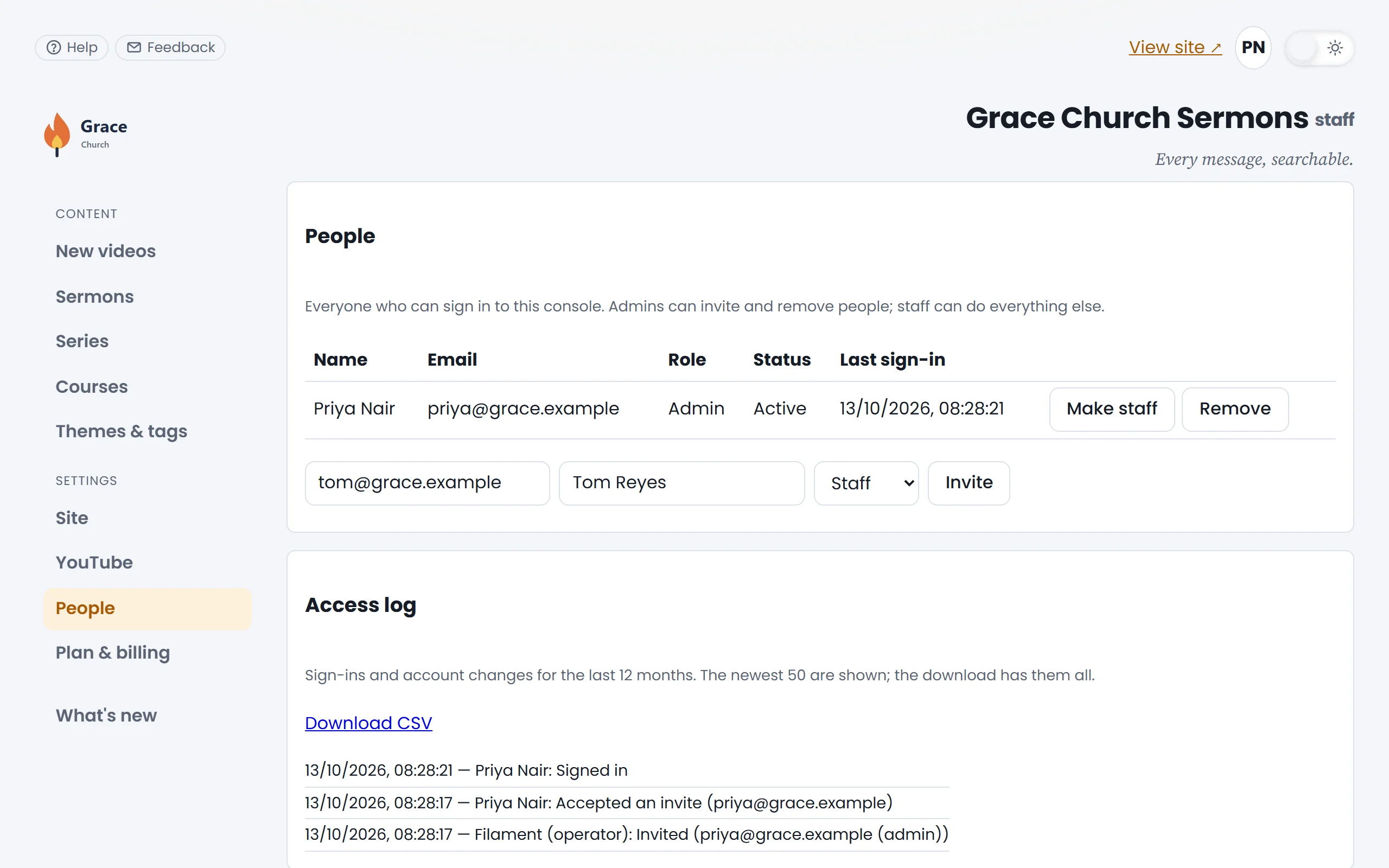
Their address, name and role
Type their email address and name, and choose Staff or Admin. You can change the role later.
Type tom@grace.example
Send the invite
Filament emails them a link to choose their own password. The link works once and lasts seven days.
Invite.
Invited, until they sign in
They show as invited until they choose a password. Resend invite sends a fresh link if the first one is lost.
Your own account
Your name and password
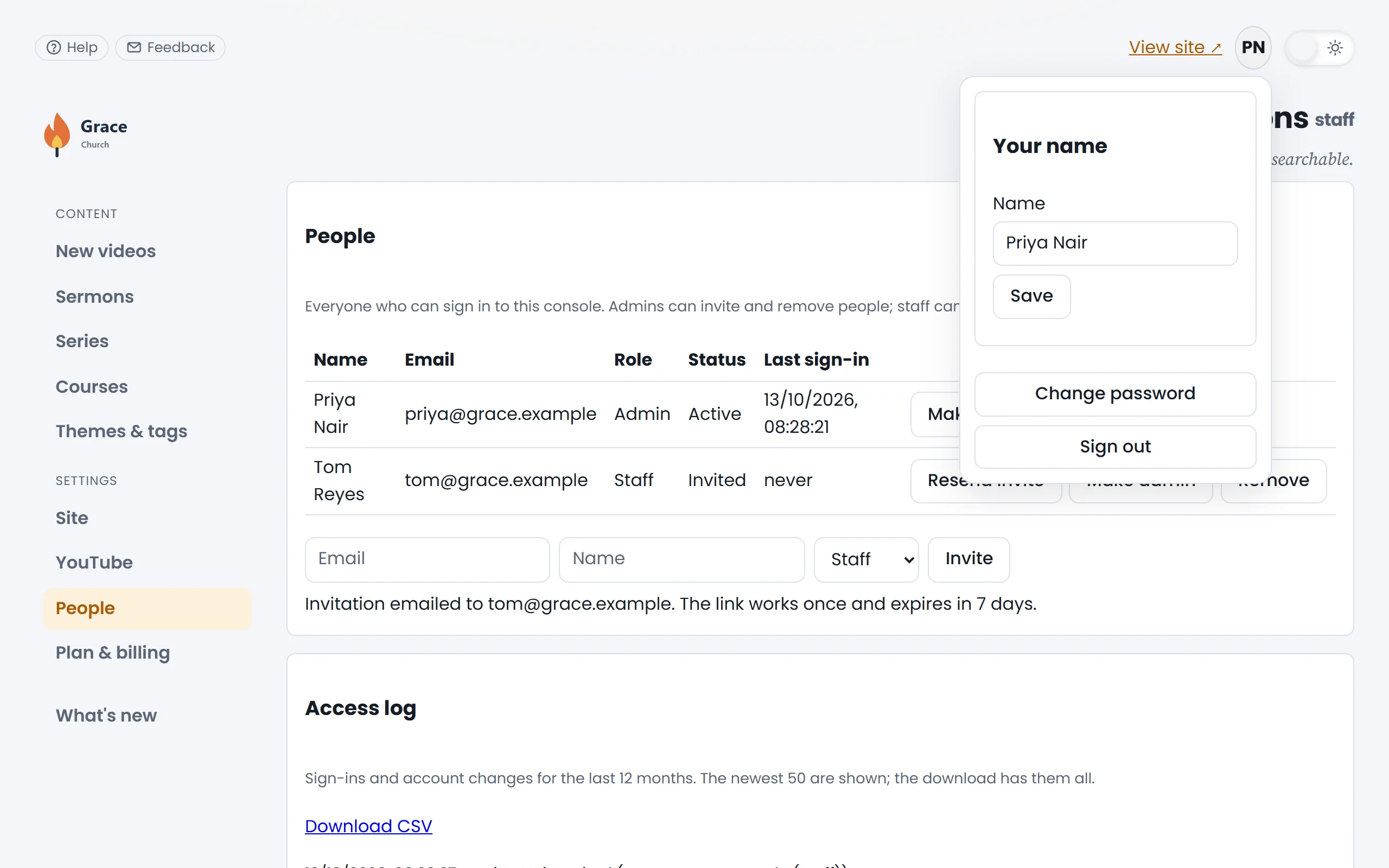
Your initials at the top right open your account.
Open your account.
Change it, or sign out
Change the name others see beside your edits, change your password, or sign out.